Large World Camera with Smoothed Controls
Navigate a massive 10,000x10,000 pixel world using SmoothedKeyControl and interactive sprites, featuring high-resolution support and camera boundaries.
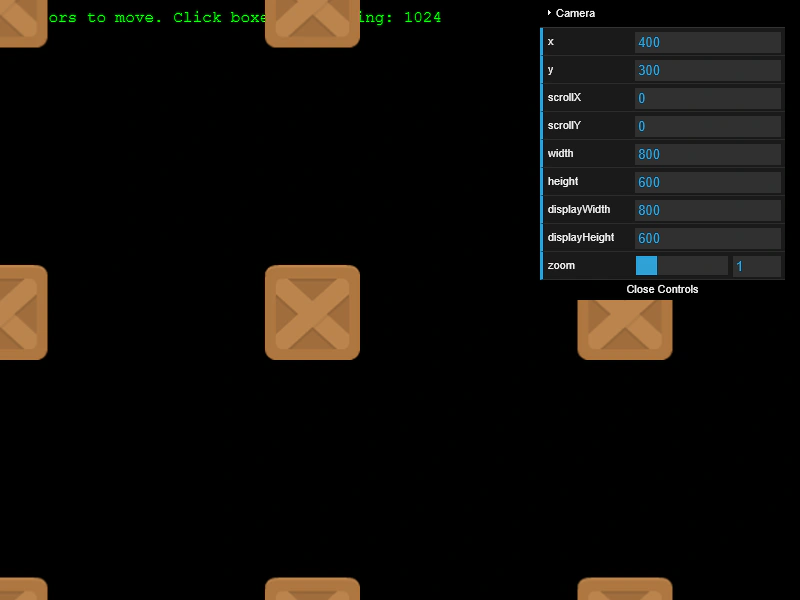
800 × 600
class Example extends Phaser.Scene
{
    controls;

    preload ()
    {
        this.load.setBaseURL('https://cdn.phaserfiles.com/v410');
        this.load.image('block', 'assets/sprites/block.png');
    }

    create ()
    {
        this.cameras.main.setBounds(0, 0, 10000, 10000);

        let total = 1024;

        const text = this.add.text(10, 10, `Cursors to move. Click boxes. Remaining: ${total}`, { font: '16px Courier', fill: '#00ff00' }).setScrollFactor(0);

        let x = 0;
        let y = 0;
        const sx = 10000 / 32;

        for (let i = 0; i < total; i++)
        {
            const image = this.add.image(x, y, 'block').setInteractive();

            image.on('pointerup', function ()
            {

                total--;
                text.setText(`Cursors to move. Click boxes. Remaining: ${total}`);
                this.destroy();

            });

            x += sx;

            if (i > 0 && i % 32 === 0)
            {
                x = 0;
                y += sx;
            }
        }

        const cursors = this.input.keyboard.createCursorKeys();

        const controlConfig = {
            camera: this.cameras.main,
            left: cursors.left,
            right: cursors.right,
            up: cursors.up,
            down: cursors.down,
            acceleration: 0.04,
            drag: 0.0005,
            maxSpeed: 1.0
        };

        this.controls = new Phaser.Cameras.Controls.SmoothedKeyControl(controlConfig);

        const cam = this.cameras.main;

        const gui = new dat.GUI();

        gui.addFolder('Camera');
        gui.add(cam.midPoint, 'x').listen();
        gui.add(cam.midPoint, 'y').listen();
        gui.add(cam, 'scrollX').listen();
        gui.add(cam, 'scrollY').listen();
        gui.add(cam, 'width').listen();
        gui.add(cam, 'height').listen();
        gui.add(cam, 'displayWidth').listen();
        gui.add(cam, 'displayHeight').listen();
        gui.add(cam, 'zoom', 0.1, 4).step(0.1);
    }

    update (time, delta)
    {
        this.controls.update(delta);
    }
}

const config = {
    scale: { mode: Phaser.Scale.FIT },
    type: Phaser.AUTO,
    parent: 'game-container',
    physics: {
        default: 'arcade'
    },
    width: 800,
    height: 600,
    resolution: window.devicePixelRatio,
    scene: Example
};

const game = new Phaser.Game(config);
More in Camera7 examples
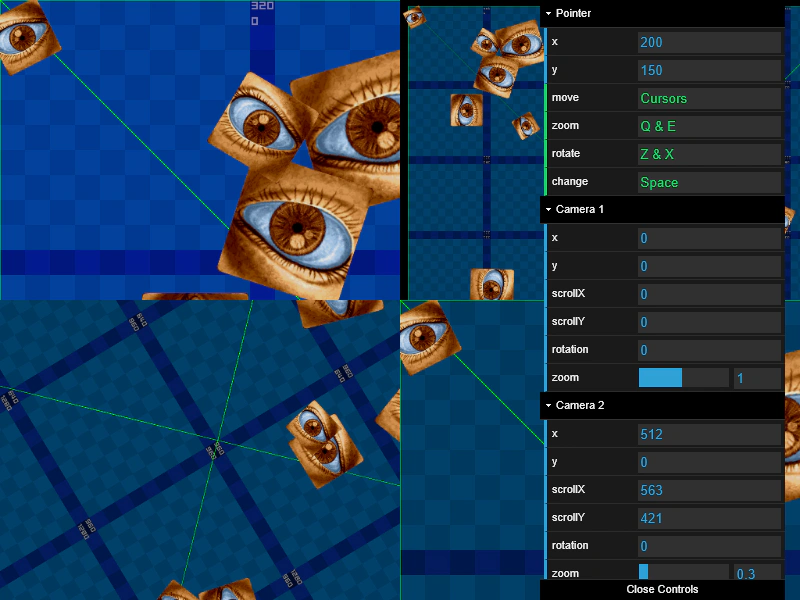 Multi-Camera Sprite InputDemonstrates how interactive sprites correctly handle pointer events across four independent cameras, each with unique viewports, scroll positions, zoom levels, and rotations.
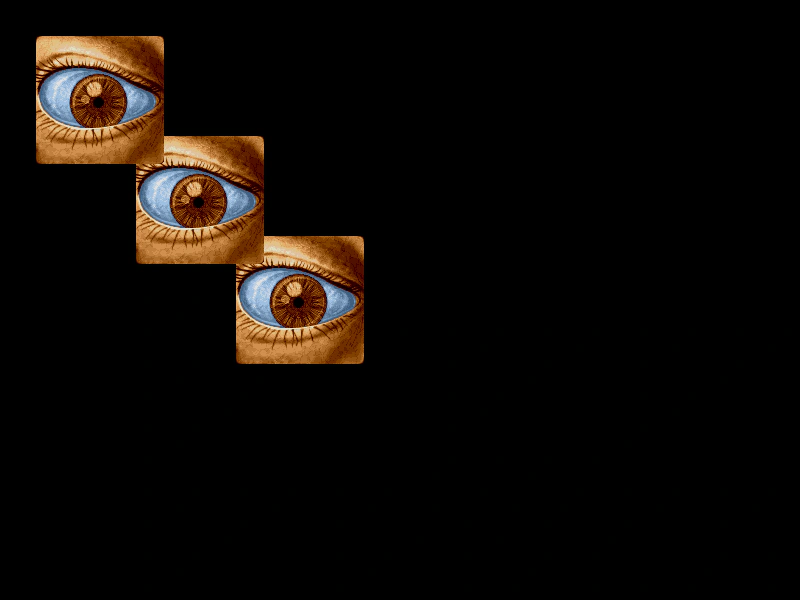 Stacked Camera InputDemonstrates how pointer input interacts with multiple layered cameras, showing how to detect which specific camera triggered an object interaction.
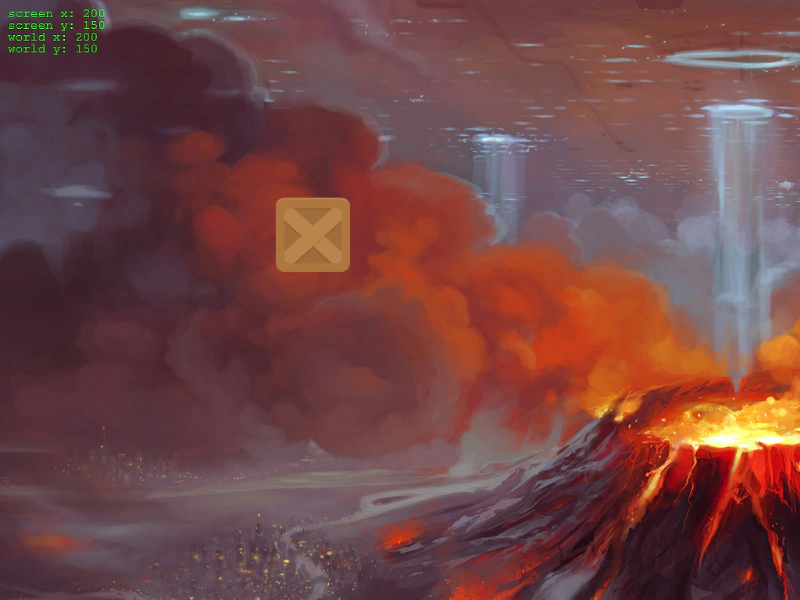 World CoordinatesLearn how to track the mouse pointer's position relative to the game world versus the screen viewport while a camera is scrolling.
 Camera IgnoreDemonstrates how to use the camera ignore method to hide specific Game Objects from being rendered while keeping them active in the scene.