Camera Ignore
Demonstrates how to use the camera ignore method to hide specific Game Objects from being rendered while keeping them active in the scene.
800 × 600
class Example extends Phaser.Scene
{
    preload ()
    {
        this.load.setBaseURL('https://cdn.phaserfiles.com/v410');
        this.load.image('logo', 'assets/sprites/phaser3-logo.png');
    }

    create ()
    {
        const image1 = this.add.image(400, 100, 'logo').setInteractive();
        const image2 = this.add.image(400, 300, 'logo').setInteractive();
        const image3 = this.add.image(400, 500, 'logo').setInteractive();

        const text = this.add.text(10, 10, '', { font: '16px Courier', fill: '#00ff00' });

        image1.on('pointerover', () =>
        {
            text.setText('Over Image 1');
        });

        image2.on('pointerover', () =>
        {
            text.setText('Over Image 2');
        });

        image3.on('pointerover', () =>
        {
            text.setText('Over Image 3');
        });

        //  Ignore image 2
        this.cameras.main.ignore(image2);
    }
}

const config = {
    scale: { mode: Phaser.Scale.FIT },
    type: Phaser.AUTO,
    parent: 'game-container',
    width: 800,
    height: 600,
    scene: Example
};

const game = new Phaser.Game(config);
More in Camera7 examples
 Camera Ignore ContainerDemonstrates how to use the camera ignore method to prevent a specific Container and its children from being rendered by a camera.
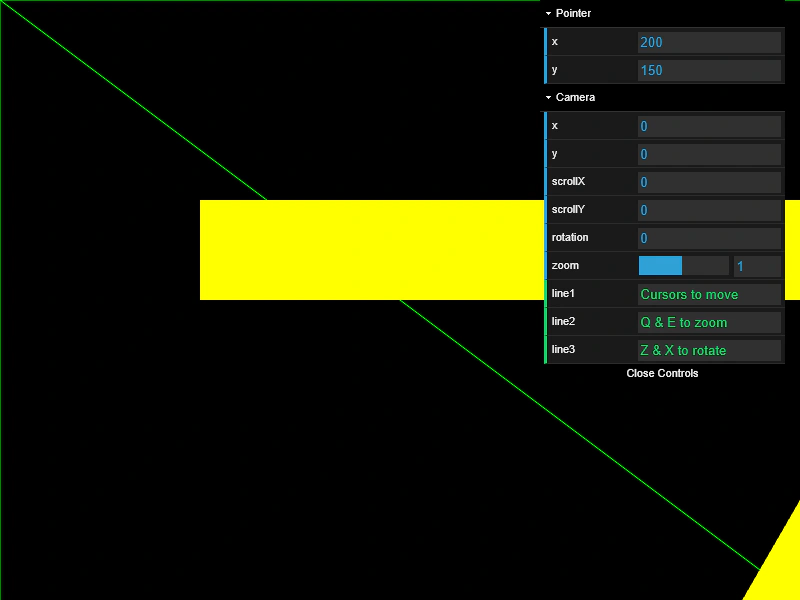 Graphics Hit Testing with CameraDemonstrates how to use getWorldPoint to map screen coordinates into world space for accurate hit testing against geometric shapes, even when the camera is zoomed or rotated.
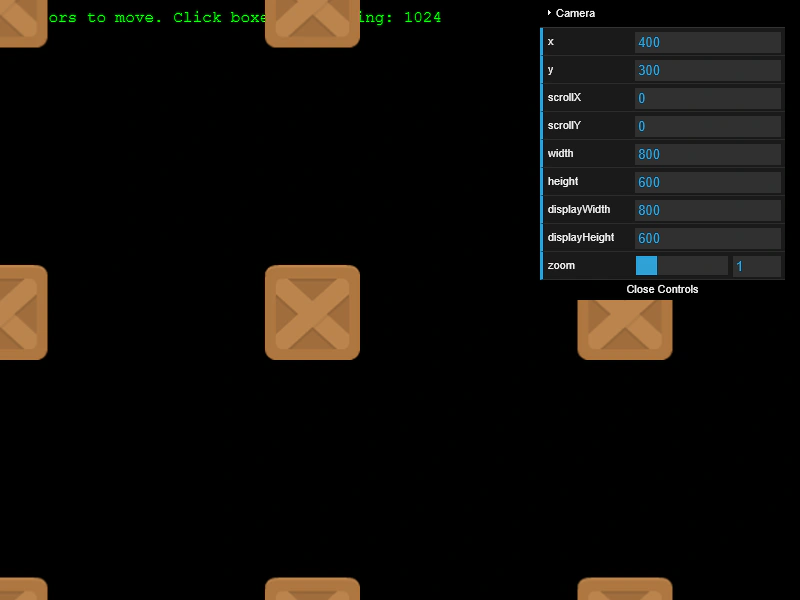 Large World Camera with Smoothed ControlsNavigate a massive 10,000x10,000 pixel world using SmoothedKeyControl and interactive sprites, featuring high-resolution support and camera boundaries.
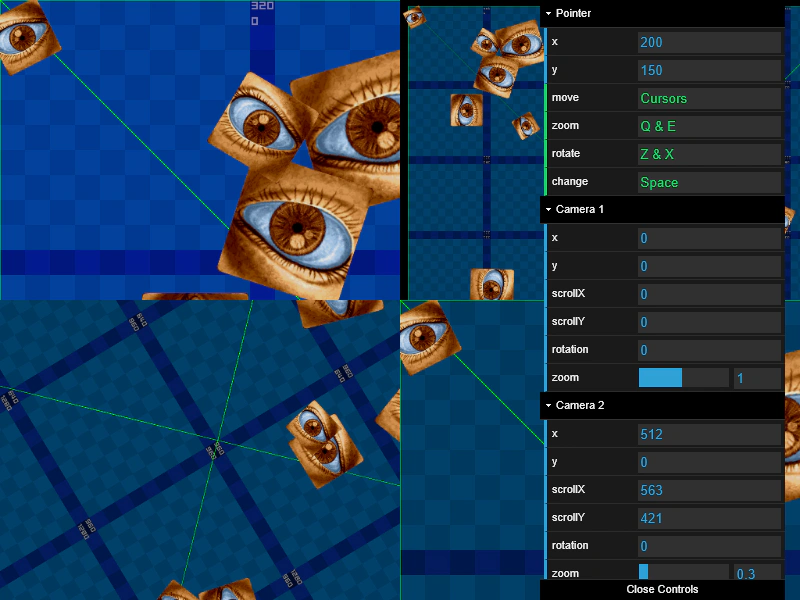 Multi-Camera Sprite InputDemonstrates how interactive sprites correctly handle pointer events across four independent cameras, each with unique viewports, scroll positions, zoom levels, and rotations.