Gradient Ripple Reflection
Demonstrates how to use a procedurally generated gradient shader as a displacement map to create a dynamic water ripple effect on a reflected scene.
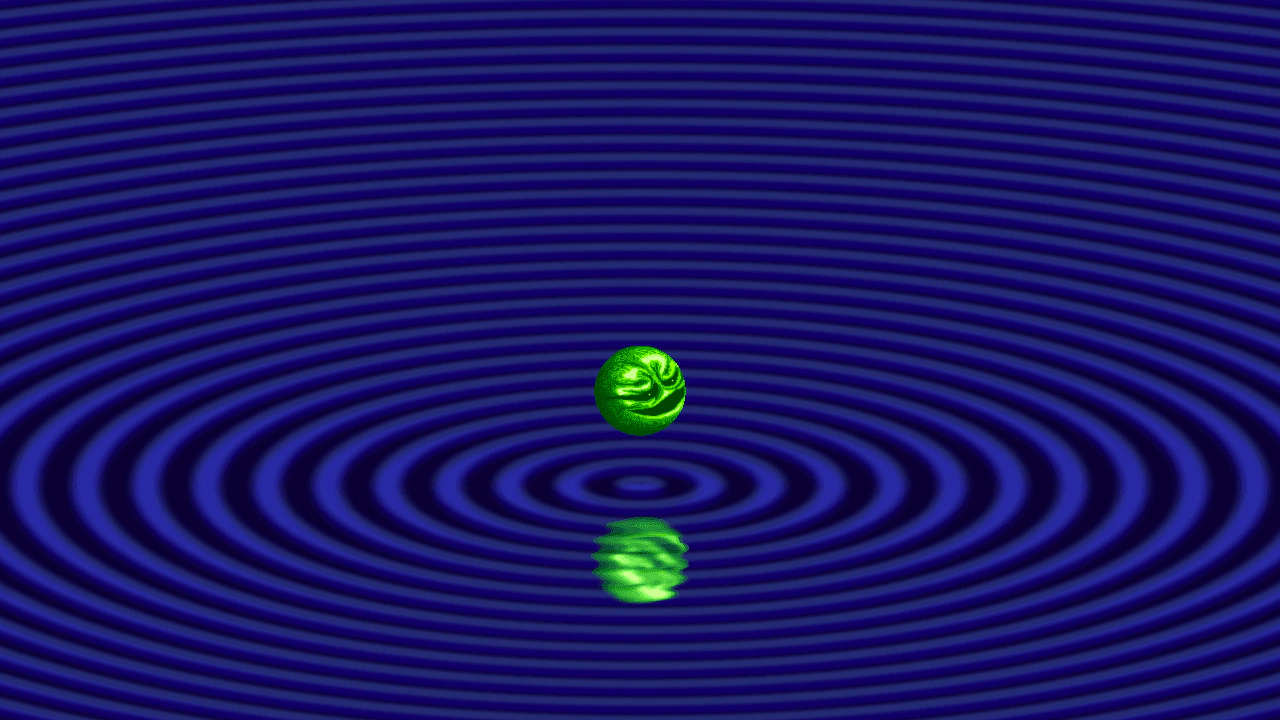
1280 × 720
class Example extends Phaser.Scene
{
    preload ()
    {
        this.load.setBaseURL('https://cdn.phaserfiles.com/v410');
        this.load.image('spooky', 'assets/skies/spooky.png');
        this.load.image('wizball', 'assets/sprites/wizball.png');

        this.load.glsl('gradient-color', 'assets/shaders/gradients/gradient-color.glsl');
        this.load.glsl('gradient-process', 'assets/shaders/gradients/gradient-process.glsl');
        this.load.glsl('srgb', 'assets/shaders/gradients/srgb-color.glsl');
        this.load.glsl('value-bicircle', 'assets/shaders/gradients/value-bicircle.glsl');
    }

    create ()
    {
        const w = this.scale.gameSize.width;
        const h = this.scale.gameSize.height;

        // Define a space a bit larger than the screen, to absorb displacement.
        const wPlus = w + 100;
        const hPlus = h + 100;

        const getSource = (key) => this.cache.shader.get(key).glsl;
        const gradientShader = this.add.shader({
            name: 'Gradient',
            shaderAdditions: [
                // This addition controls a bi-circle gradient.
                // It must be defined in the shader before the gradient function is called.
                {
                    name: 'BICIRCLE',
                    additions: { fragmentHeader: getSource('value-bicircle') }
                },
                // This addition defines standard gradient functionality.
                {
                    name: 'STANDARD',
                    additions: {
                        fragmentHeader: [
                            getSource('srgb'),
                            getSource('gradient-color')
                        ].join('\n'),
                        fragmentProcess: getSource('gradient-process')
                    }
                }
            ],
            setupUniforms: (setUniform) => {
                setUniform('center', [0.5, 0.33]);
                setUniform('radius', 1.4);
                setUniform('feather', 1.4);
                setUniform('scale', [1, 0.5]);
                setUniform('color1', [1, 1, 1, 1]); // Interior color.
                setUniform('color2', [0, 0, 0, 0]); // Exterior color.
                setUniform('steps', 0); // Smooth gradient.
                setUniform('repeat', 32);
                setUniform('offset', (-this.game.loop.time / 30000) % (1.4 / 32) + (1.4 / 32)); // Animation.
                // 1.4 / 32 is the width of a single gradient step.
            }
        }, 0, 0, wPlus, hPlus)
        .setRenderToTexture('gradient');

        // Create a dynamic texture for inverting the gradient.
        // Using `redraw` mode, we automatically update the texture every frame.
        // Note that this is the size of `gradientShader`, not the screen.
        const gradientInverse = this.add.renderTexture(
            0, 0,
            wPlus, hPlus
        );
        gradientInverse
            .clear()
            .stamp('gradient', null, wPlus / 2, hPlus / 2, { scaleY: -1 })
            .preserve(true)
            .setRenderMode('redraw')
            .saveTexture('gradient-inverse');

        // Add a scaled-up background to be reflected.
        const spookyTextureFrame = this.textures.get('spooky').get();
        const bg = this.add.image(wPlus / 2, hPlus / 2, 'spooky').setScale(
            wPlus / spookyTextureFrame.width,
            hPlus / spookyTextureFrame.height
        );

        // Add a reflection ball.
        const reflection = this.add.image(wPlus / 2, hPlus * 1 / 8, 'wizball');
        this.reflection = reflection;

        // Create a container for the reflected world.
        const reflectionContainer = this.add.container(0, 0)
            .add([ bg, reflection ])
            .setVisible(false);

        // Render the container to a texture.
        const reflectionTexture = this.add.renderTexture(w / 2, h / 2, wPlus, hPlus)
            .setFlipY(true);

        reflectionTexture.enableFilters();
        reflectionTexture.filters.internal.addBlur(1, 2, 2);
        reflectionTexture.filters.internal.addDisplacement('gradient-inverse');

        reflectionTexture
            .clear()
            .draw(reflectionContainer)
            .preserve(true)
            .setRenderMode('all');


        const rippleBase = this.add.image(w / 2, h / 2, 'gradient')
        .setAlpha(0.125)
        .setTint(0x1800cc)
        .setBlendMode(Phaser.BlendModes.ADD);
        const rippleTop = this.add.image(w / 2, h / 2 - 8, 'gradient')
        .setAlpha(0.125)
        .setTint(0x66aaff)
        .setBlendMode(Phaser.BlendModes.ADD);

        const ball = this.add.image(w / 2, h / 2, 'wizball');
        this.ball = ball;

        // this.cameras.main.filters.internal.addTiltShift();

        this.tweens.add({
            targets: ball,
            y: h / 2 + 32,
            duration: 1000,
            yoyo: true,
            repeat: -1,
            ease: 'Sine.easeInOut',
            delay: 0
        });
    }

    update ()
    {
        // Sync the reflection with the ball.
        const height = this.scale.gameSize.height;
        const ball = this.ball;
        const reflection = this.reflection;
        const surface = height * 0.66;
        const distance = ball.y - surface;
        reflection.y = (height - surface) + distance;
    }
}

const config = {
    scale: { mode: Phaser.Scale.FIT },
    type: Phaser.AUTO,
    width: 1280,
    height: 720,
    backgroundColor: '#0a0033',
    parent: 'game-container',
    scene: Example
};

let game = new Phaser.Game(config);
More in Shader9 examples
 Gradient ShineCreate an animated gradient shine effect by combining modular shader additions with normal map displacement and additive blending.
 Linear Gradient ShaderDemonstrates creating a linear gradient using the Shader Game Object by composing multiple GLSL fragments and configuring uniforms for positions, colors, and step counts.
 Perlin Noise Custom Shader DisplacementDemonstrates how to inject custom GLSL code into a shader using shader additions to generate Perlin noise. The resulting shader is rendered to a texture and applied as a real-time displacement filter to an image.
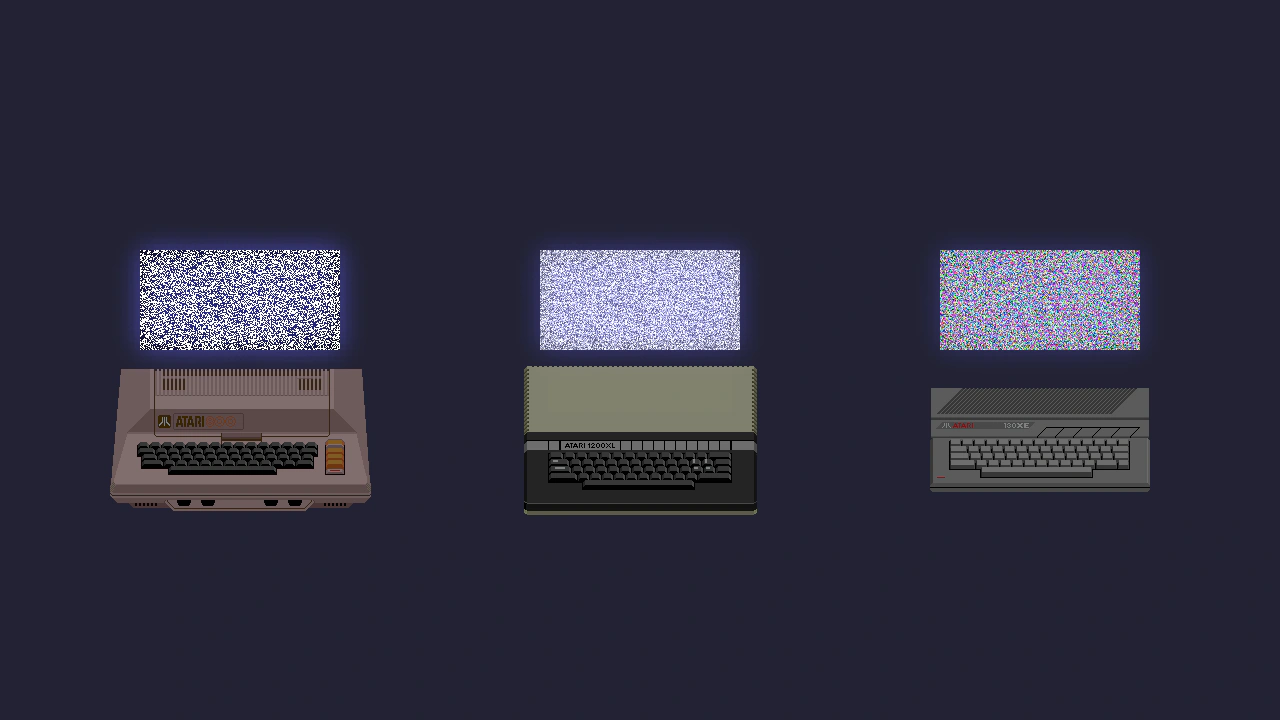 Random Noise Shader AdditionsDemonstrates how to use the shaderAdditions property to inject custom GLSL code into the default fragment shader, creating dynamic noise effects with time-based uniforms.