Gradient Linear Wipe Mask
Demonstrates how to use a shader-generated linear gradient as a dynamic mask to create a smooth transition between two images controlled by the pointer.
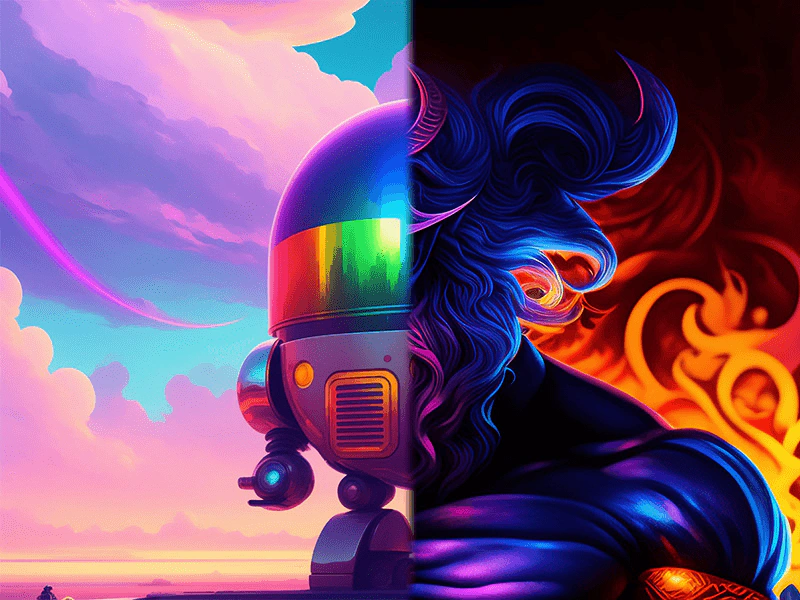
800 × 600
class Example extends Phaser.Scene
{
    constructor ()
    {
        super();
    }

    preload ()
    {
        this.load.setBaseURL('https://cdn.phaserfiles.com/v410');
        this.load.image('pic1', 'assets/pics/robot-ai.jpg');
        this.load.image('pic2', 'assets/pics/baal-ai.jpg');

        this.load.glsl('gradient-color', 'assets/shaders/gradients/gradient-color.glsl');
        this.load.glsl('gradient-process', 'assets/shaders/gradients/gradient-process.glsl');
        this.load.glsl('srgb', 'assets/shaders/gradients/srgb-color.glsl');
        this.load.glsl('value-linear', 'assets/shaders/gradients/value-linear.glsl');
    }

    create ()
    {
        this.add.image(400, 300, 'pic1');

        const sprite = this.add.image(400, 300, 'pic2');

        // Establish a progress value for the shader.
        let progress = 0;
        let width = 0.02;

        const getSource = (key) => this.cache.shader.get(key).glsl;
        const gradientShader = this.add.shader({
            name: 'Gradient',
            shaderAdditions: [
                // This addition controls a linear gradient.
                // It must be defined in the shader before the gradient function is called.
                {
                    name: 'LINEAR',
                    additions: { fragmentHeader: getSource('value-linear') }
                },
                // This addition defines standard gradient functionality.
                {
                    name: 'STANDARD',
                    additions: {
                        fragmentHeader: [
                            getSource('srgb'),
                            getSource('gradient-color')
                        ].join('\n'),
                        fragmentProcess: getSource('gradient-process')
                    }
                }
            ],
            setupUniforms: (setUniform) => {
                // Compute the position of the gradient from the progress value.
                // We allow the gradient to move off-screen to the left and right
                // by the width of the gradient.
                const w = width / 2;
                const amount = Phaser.Math.Linear(-w, w, progress);
                const p = progress + amount;

                setUniform('positionFrom', [p - w, 0]);
                setUniform('positionTo', [p + w, 0]);
                setUniform('color1', [0, 0, 0, 0]);
                setUniform('color2', [1, 1, 1, 1]);
                setUniform('steps', 0);
                setUniform('repeat', 1);
            }
        }, 400, 300, 800, 600)
        .setRenderToTexture('gradient');

        sprite.enableFilters().filters.internal.addMask('gradient');

        this.input.on('pointermove', pointer => {

            progress = pointer.worldX / 800;

        });
    }
}

const config = {
    scale: { mode: Phaser.Scale.FIT },
    type: Phaser.AUTO,
    width: 800,
    height: 600,
    backgroundColor: '#0a0067',
    parent: 'game-container',
    scene: Example
};

let game = new Phaser.Game(config);
More in Shader9 examples
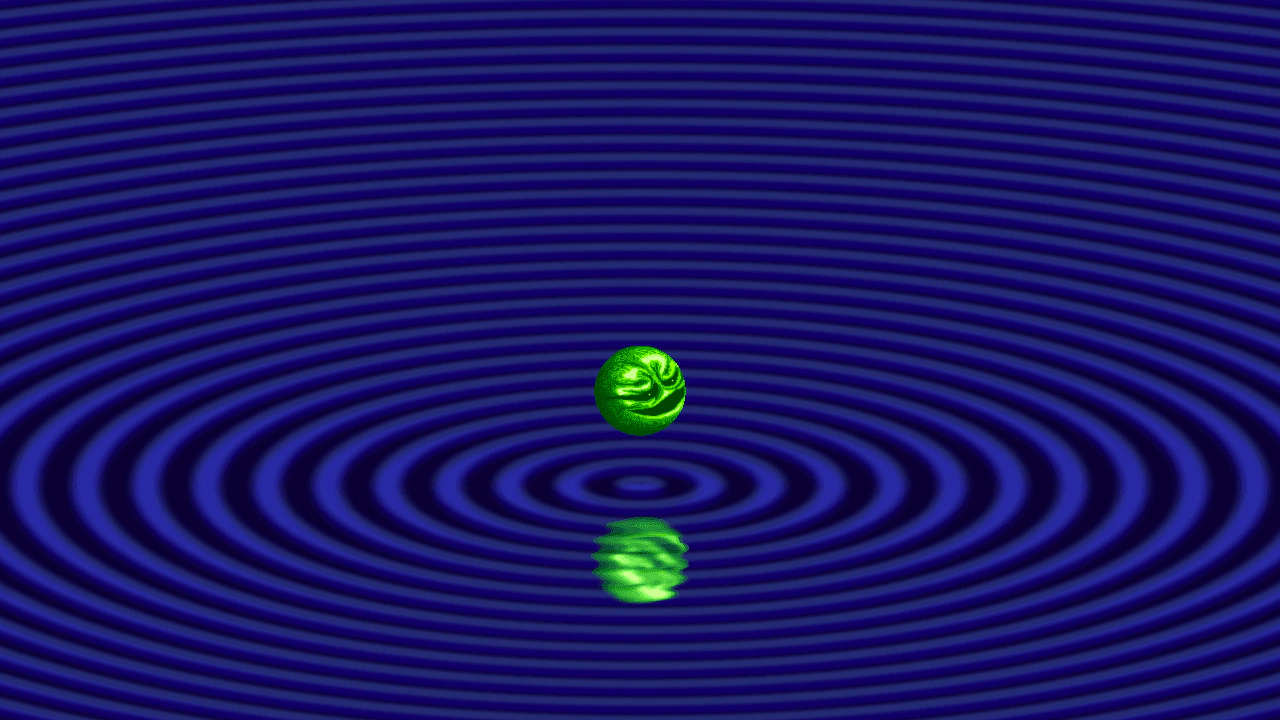 Gradient Ripple ReflectionDemonstrates how to use a procedurally generated gradient shader as a displacement map to create a dynamic water ripple effect on a reflected scene.
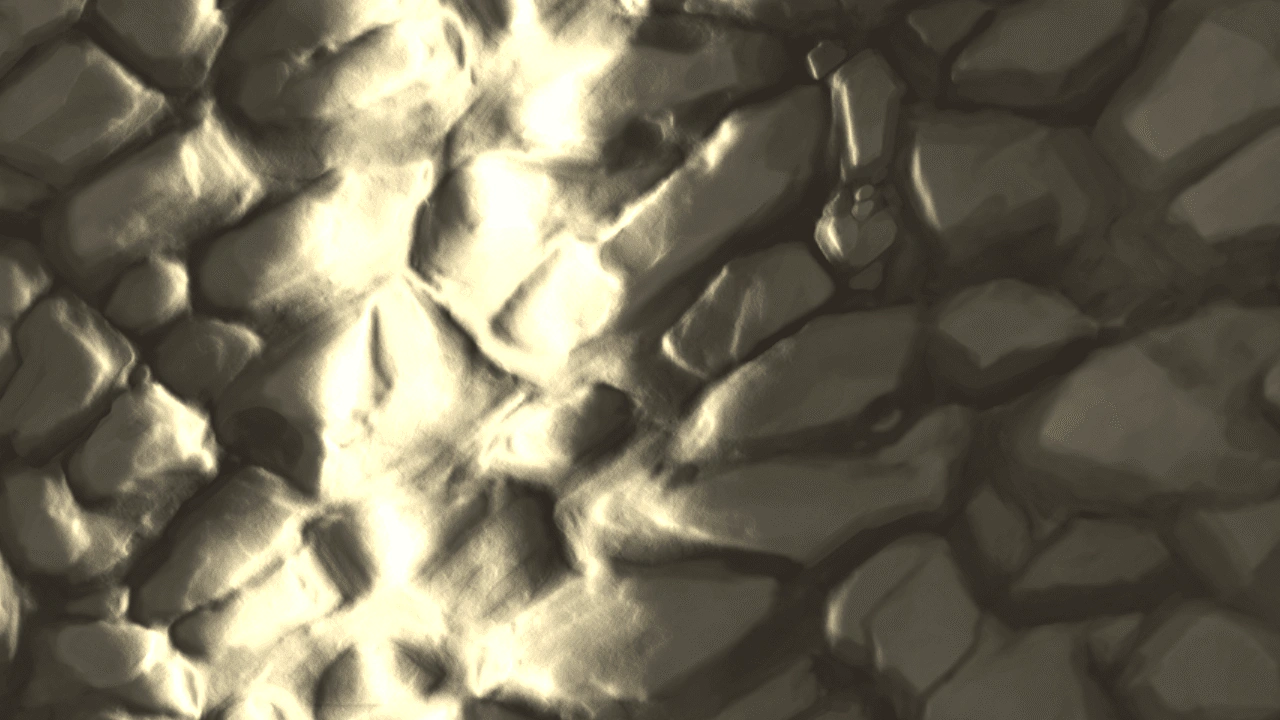 Gradient ShineCreate an animated gradient shine effect by combining modular shader additions with normal map displacement and additive blending.
 Linear Gradient ShaderDemonstrates creating a linear gradient using the Shader Game Object by composing multiple GLSL fragments and configuring uniforms for positions, colors, and step counts.
 Perlin Noise Custom Shader DisplacementDemonstrates how to inject custom GLSL code into a shader using shader additions to generate Perlin noise. The resulting shader is rendered to a texture and applied as a real-time displacement filter to an image.