Multi Line Bitmap Text Alignment
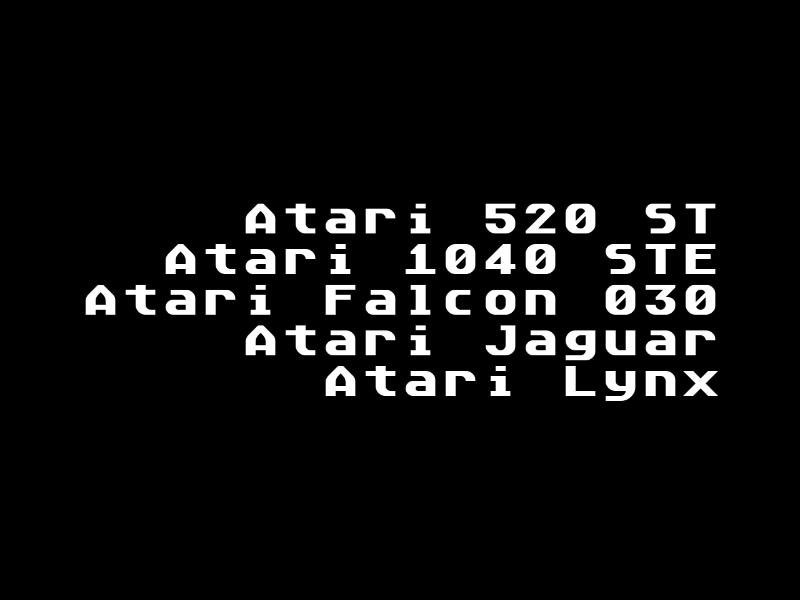
Demonstrates how to align multiple lines of text within a single BitmapText object using right-alignment.
800 × 600
class Example extends Phaser.Scene
{
    constructor ()
    {
        super();
    }

    preload ()
    {
        this.load.setBaseURL('https://cdn.phaserfiles.com/v410');
        this.load.bitmapFont('desyrel', 'assets/fonts/bitmap/desyrel.png', 'assets/fonts/bitmap/desyrel.xml');
        this.load.bitmapFont('atari', 'assets/fonts/bitmap/atari-smooth.png', 'assets/fonts/bitmap/atari-smooth.xml');
    }

    create ()
    {
        const text = this.add.bitmapText(400, 300, 'atari', '', 40).setOrigin(0.5).setRightAlign();

        text.setText([
            'Atari 520 ST',
            'Atari 1040 STE',
            'Atari Falcon 030',
            'Atari Jaguar',
            'Atari Lynx'
        ]);

        // var graphics = this.add.graphics();

        // graphics.fillStyle(0xff0000, 0.5);

        // var bounds = text.getTextBounds();

        // graphics.fillRect(bounds.global.x, bounds.global.y, bounds.global.width, bounds.global.height);

        // graphics.fillRect(0, 0, bounds.lines.lengths[0], 40);
        // graphics.fillRect(0, 41, bounds.lines.lengths[1], 40);
        // graphics.fillRect(0, 82, bounds.lines.lengths[2], 40);
        // graphics.fillRect(0, 123, bounds.lines.lengths[3], 40);
        // graphics.fillRect(0, 164, bounds.lines.lengths[4], 40);
    }

    update ()
    {

    }
}

const config = {
    scale: { mode: Phaser.Scale.FIT },
    type: Phaser.AUTO,
    parent: 'game-container',
    width: 800,
    height: 600,
    scene: Example
};

const game = new Phaser.Game(config);
More in Static24 examples
 Multi-Line Bitmap TextLearn how to display multiple lines of text within a single BitmapText object using newline characters.
 Multiline Bitmap Text BoundsLearn how to use the getTextBounds method to calculate the dimensions of a multiline Bitmap Text object and visualize its global bounding box.
 Scaled BitmapText BoundsDemonstrates how to use getTextBounds to accurately retrieve the global size and position of a BitmapText object while it is being dynamically scaled.
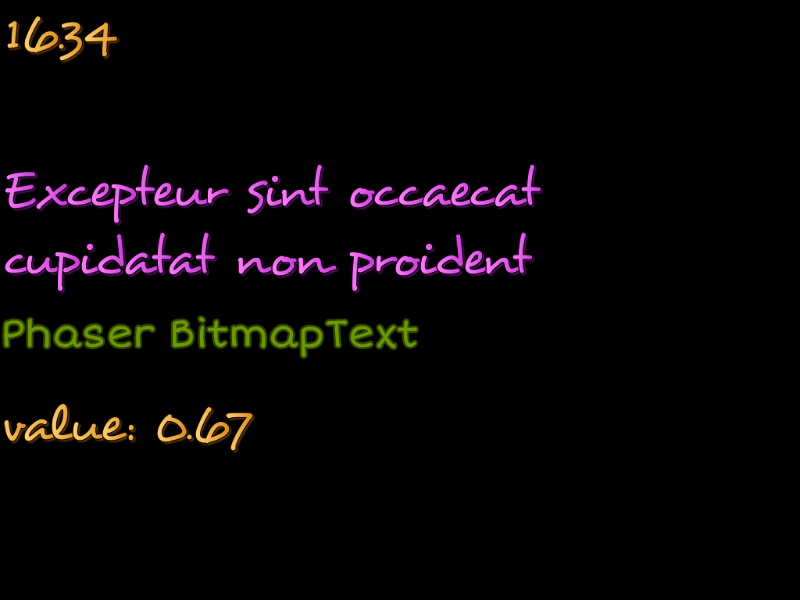 Static and Dynamic Bitmap TextDemonstrates how to load multiple bitmap fonts and display static, multi-line, and dynamically updated bitmap text.