Bitmap Text Scaling
Learn how to manipulate the scale of a Bitmap Text object using independent tweens for the X and Y axes.
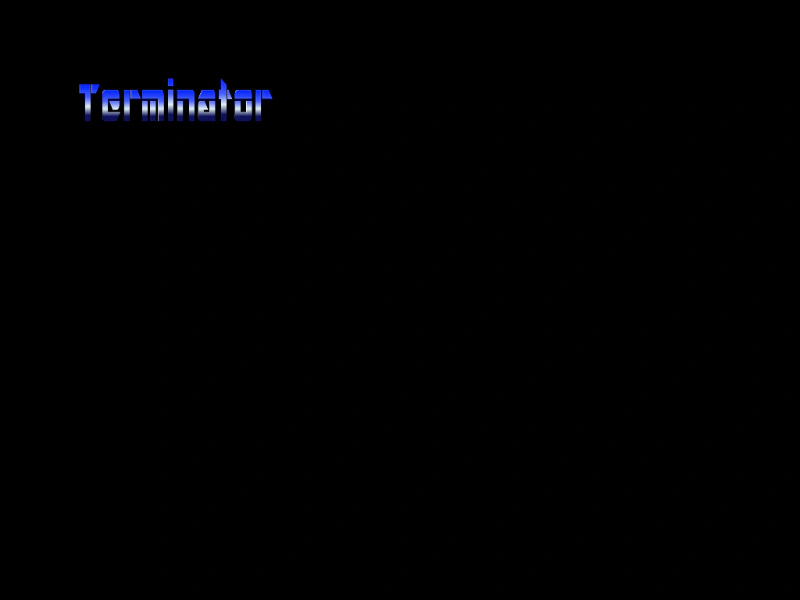
1024 × 768
class Example extends Phaser.Scene
{
    constructor ()
    {
        super();
    }

    preload ()
    {
        this.load.setBaseURL('https://cdn.phaserfiles.com/v410');
        this.load.bitmapFont('ice', 'assets/fonts/bitmap/iceicebaby.png', 'assets/fonts/bitmap/iceicebaby.xml');
    }

    create ()
    {
        const text = this.add.bitmapText(100, 100, 'ice', 'Terminator', 32);

        this.tweens.add({
            targets: text,
            duration: 4000,
            scaleX: 4,
            ease: 'Quad.easeInOut',
            repeat: -1,
            yoyo: true
        });

        this.tweens.add({
            targets: text,
            duration: 3000,
            scaleY: 8,
            ease: 'Cubic.easeInOut',
            repeat: -1,
            yoyo: true
        });
    }
}

const config = {
    scale: { mode: Phaser.Scale.FIT },
    type: Phaser.WEBGL,
    parent: 'game-container',
    scene: Example
};

const game = new Phaser.Game(config);
More in Static24 examples
 BitmapText Blend ModeThis example demonstrates how to apply a blend mode to a BitmapText object and animate its scale over a background image.
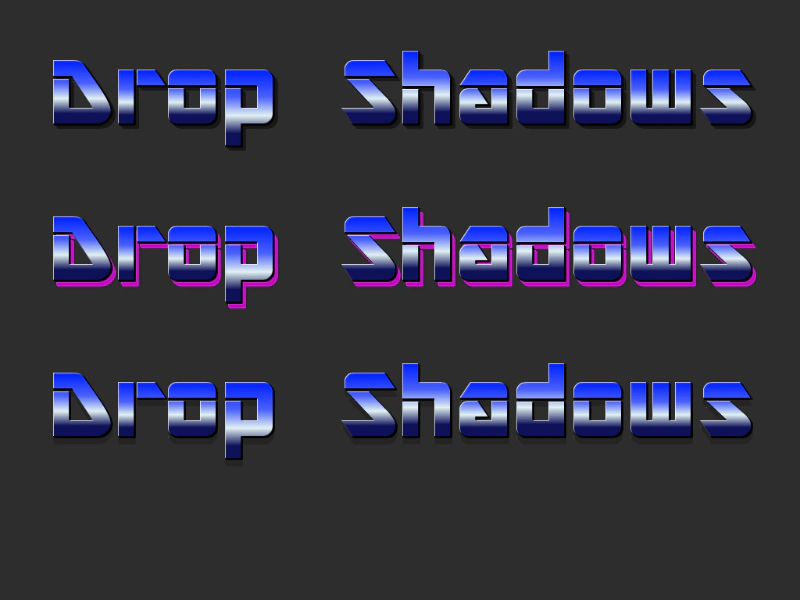 BitmapText Drop ShadowDemonstrates how to apply a drop shadow effect to static BitmapText objects, with control over the shadow's offset, color, and alpha.
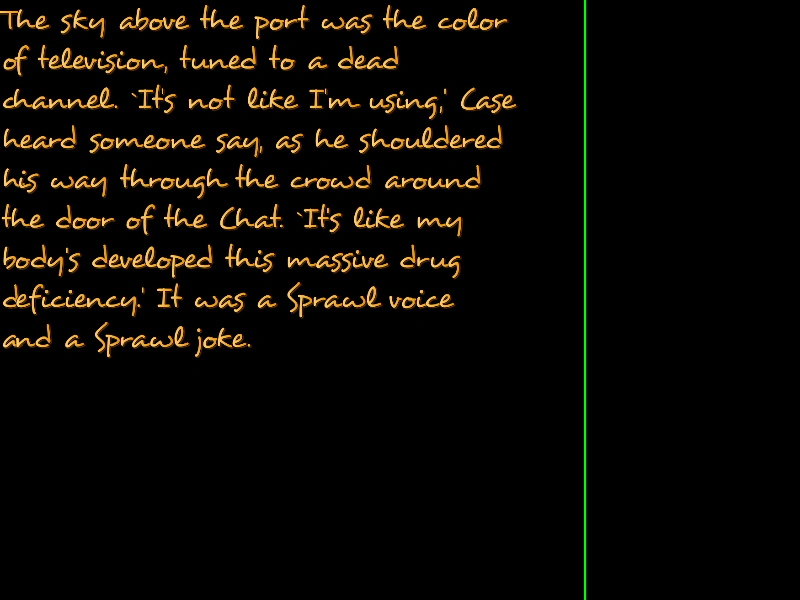 BitmapText Max WidthThis example demonstrates how to use the setMaxWidth method to automatically wrap BitmapText across multiple lines once it reaches a specific width, and shows how the maxWidth property can be dynamically updated using a Tween.
 BitmapText Max Width and Dynamic ContentDemonstrates how BitmapText behaves when content is appended frame-by-frame while a maximum width constraint is active.