Change BitmapText Font
Demonstrates how to swap the font of a single BitmapText object at runtime using the setFont method.
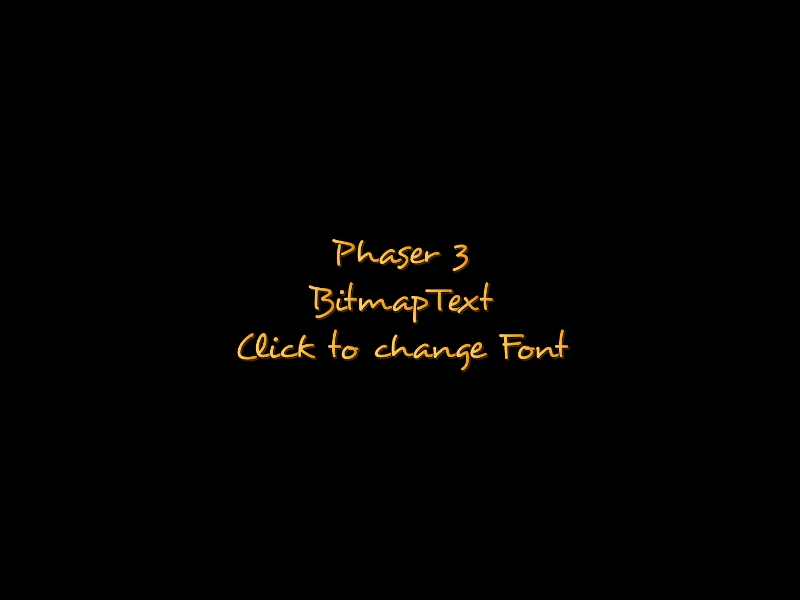
800 × 600
class Example extends Phaser.Scene
{
    constructor ()
    {
        super();
    }

    preload ()
    {
        this.load.setBaseURL('https://cdn.phaserfiles.com/v410');
        this.load.bitmapFont('desyrel', 'assets/fonts/bitmap/desyrel.png', 'assets/fonts/bitmap/desyrel.xml');
        this.load.bitmapFont('atari', 'assets/fonts/bitmap/atari-smooth.png', 'assets/fonts/bitmap/atari-smooth.xml');
        this.load.bitmapFont('ice', 'assets/fonts/bitmap/iceicebaby.png', 'assets/fonts/bitmap/iceicebaby.xml');
        this.load.bitmapFont('gothic', 'assets/fonts/bitmap/gothic.png', 'assets/fonts/bitmap/gothic.xml');
        this.load.bitmapFont('hyper', 'assets/fonts/bitmap/hyperdrive.png', 'assets/fonts/bitmap/hyperdrive.xml');
    }

    create ()
    {
        const text = this.add.bitmapText(400, 300, 'atari', '', 38)
            .setInteractive()
            .setOrigin(0.5)
            .setCenterAlign();

        text.setText([
            'Phaser 3',
            'BitmapText',
            'Click to change Font'
        ]);

        const fonts = [ 'atari', 'desyrel', 'ice', 'gothic', 'hyper' ];
        let currentFont = 0;

        this.input.on(Phaser.Input.Events.POINTER_DOWN, function () {
            currentFont++;
            text.setFont(fonts[currentFont % fonts.length]);
        }, this);
    }
}

const config = {
    scale: { mode: Phaser.Scale.FIT },
    type: Phaser.AUTO,
    parent: 'game-container',
    width: 800,
    height: 600,
    scene: Example
};

const game = new Phaser.Game(config);
More in Static24 examples
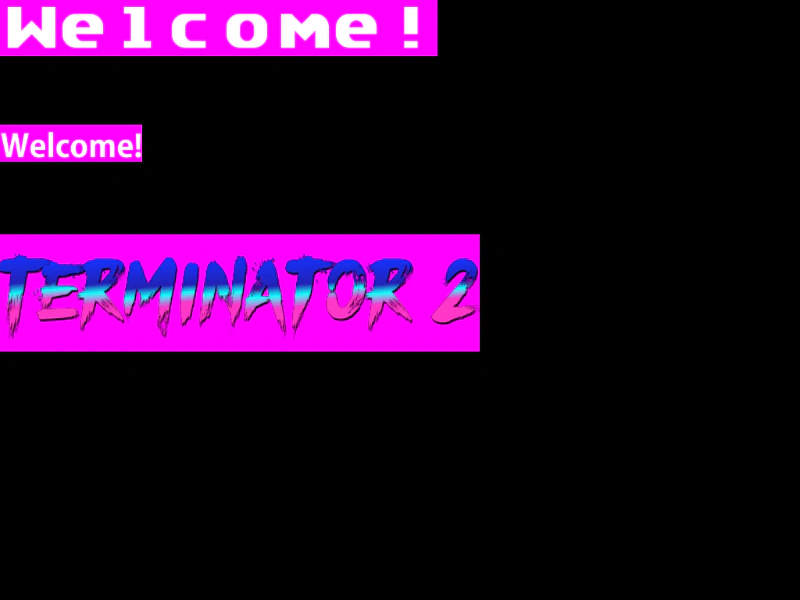 Get Bitmap Text BoundsDemonstrates how to use the getTextBounds method to retrieve the dimensions and global position of BitmapText objects, useful for layout and alignment.
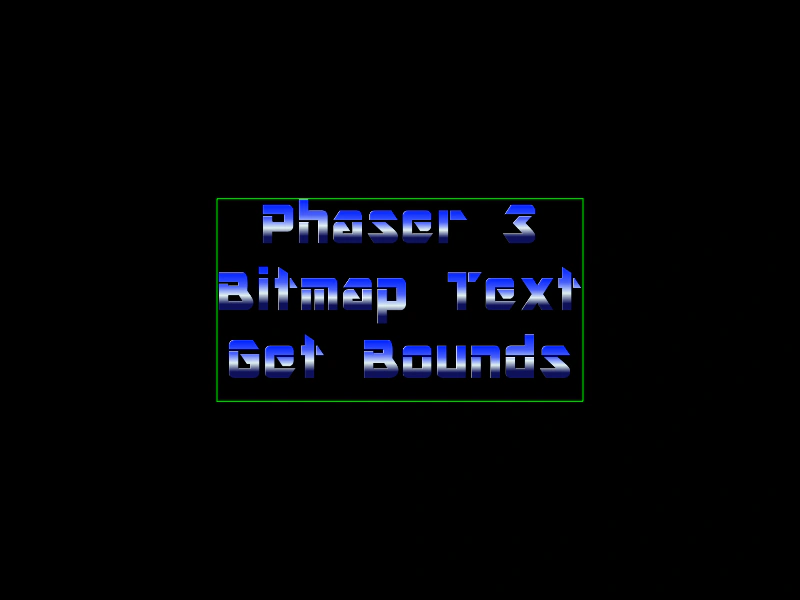 Get BitmapText BoundsDemonstrates how to retrieve the world-space bounding box of a BitmapText object, accounting for scale and origin, and visualize it using a Graphics stroke.
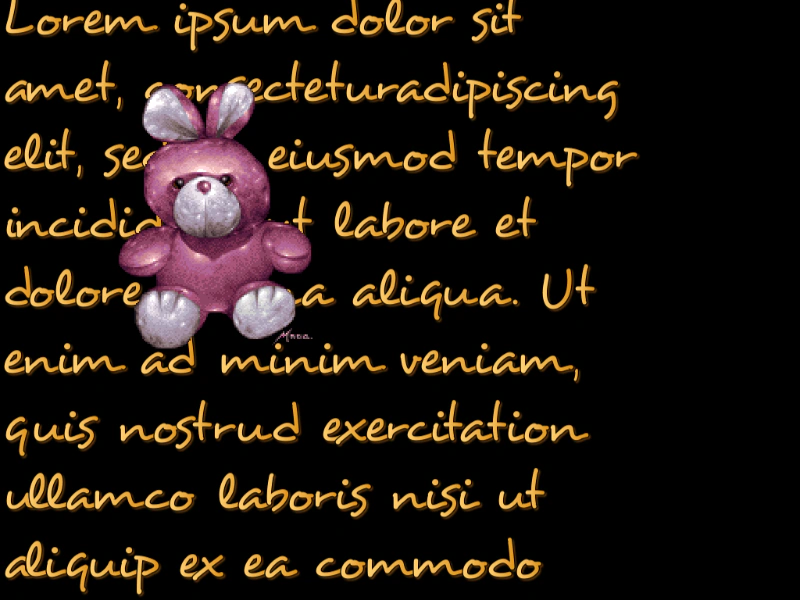 Large Content Bitmap TextDemonstrates rendering a large amount of text from an external file using a single BitmapText object with vertical scrolling.
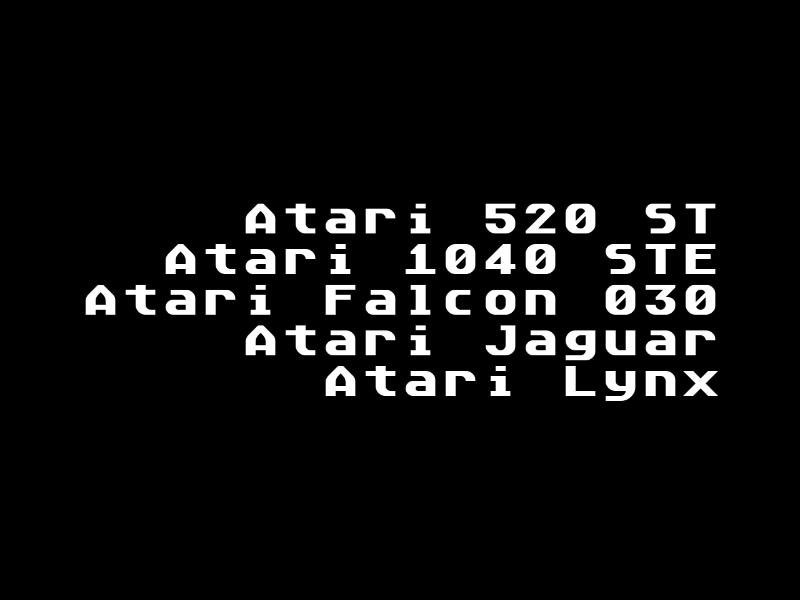 Multi Line Bitmap Text AlignmentDemonstrates how to align multiple lines of text within a single BitmapText object using right-alignment.