Resize with Minimum and Maximum Limits
Demonstrates how to use the Scale Manager to resize the game while enforcing minimum and maximum dimensions via the game configuration.
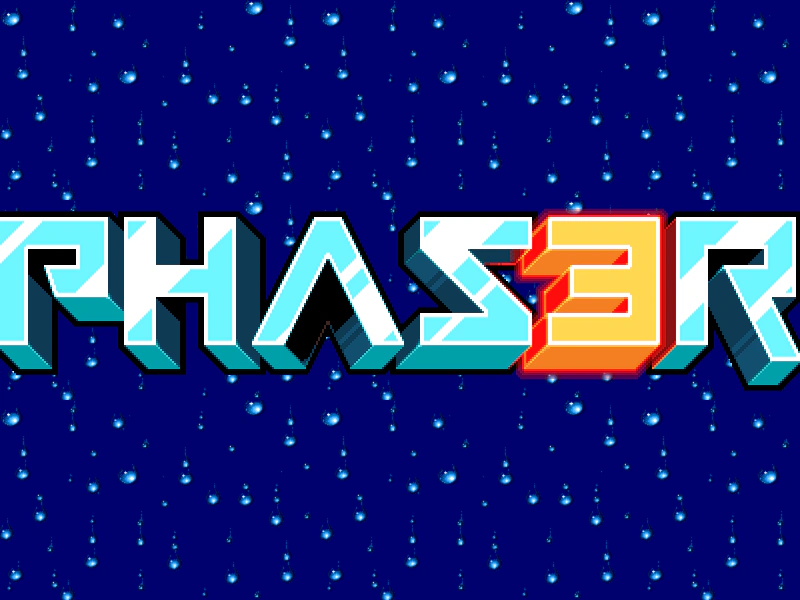
800 × 600
class Example extends Phaser.Scene
{
    preload ()
    {
        this.load.setBaseURL('https://cdn.phaserfiles.com/v410');
        this.load.image('rain', 'assets/pics/thalion-rain.png');
        this.load.image('logo', 'assets/sprites/phaser3-logo-x2.png');
    }

    create ()
    {
        this.bg = this.add.tileSprite(0, 0, this.scale.width, this.scale.height, 'rain').setOrigin(0);
        this.logo = this.add.sprite(this.scale.width / 2, this.scale.height / 2, 'logo');

        this.scale.on('resize', this.resize, this);
    }

    resize (gameSize, baseSize, displaySize, resolution)
    {
        const width = gameSize.width;
        const height = gameSize.height;

        this.cameras.resize(width, height);

        this.bg.setSize(width, height);
        this.logo.setPosition(width / 2, height / 2);
    }
}

const config = {
    type: Phaser.AUTO,
    backgroundColor: '#2dab2d',
    scale: {
        mode: Phaser.Scale.RESIZE,
        parent: 'game-container',
        width: '100%',
        height: '100%',
        min: {
            width: 800,
            height: 600
        },
        max: {
            width: 1600,
            height: 1200
        }
    },
    scene: Example
};

const game = new Phaser.Game(config);
More in Scalemanager24 examples
 Scale Manager Envelop Mode with Min and MaxDemonstrates using the ENVELOP scale mode to fill a parent container while enforcing specific minimum and maximum size constraints on the game canvas.
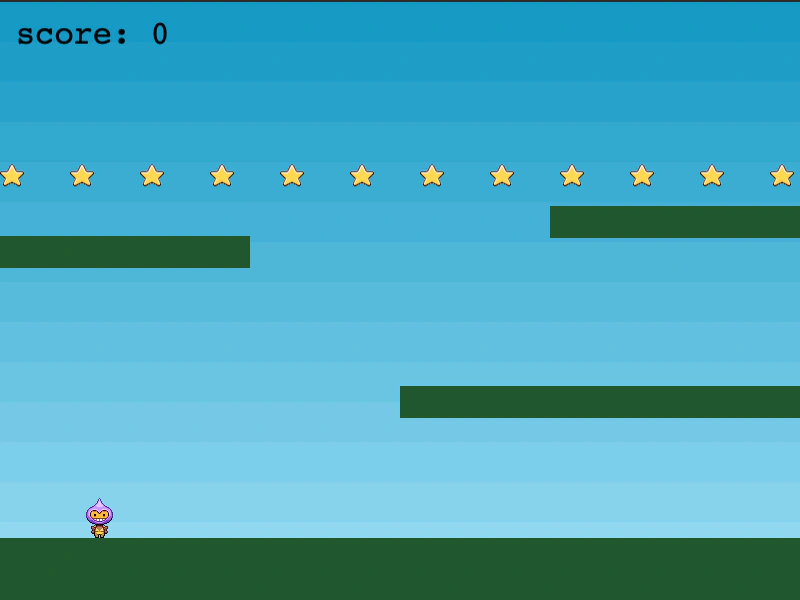 Scale Manager Fit Mode with GameDemonstrates using the Scale Manager FIT mode to resize a platformer game, ensuring it scales to fill the available space while maintaining its aspect ratio and staying centered.
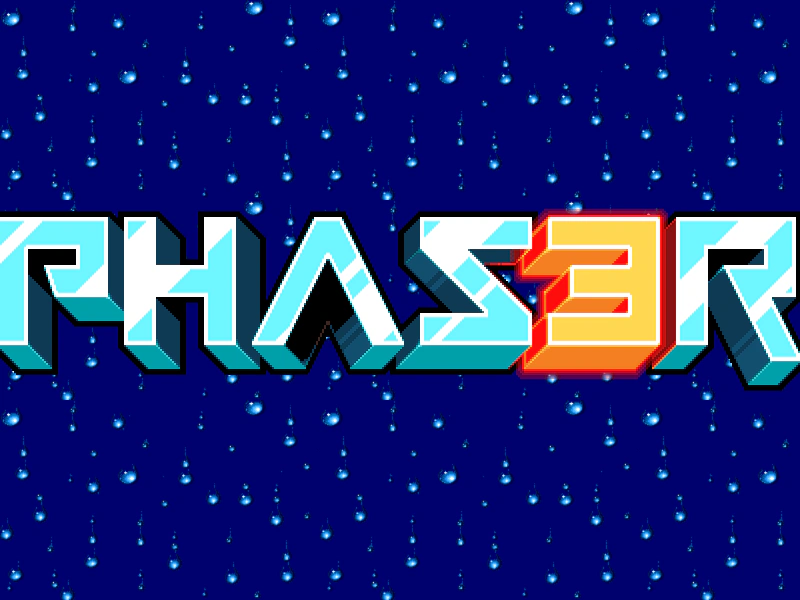 Scale Manager Resize EventDemonstrates how to use the RESIZE scale mode and the resize event to dynamically update camera dimensions and reposition game objects when the browser window is resized.
 Scale Mode: NONEThis example demonstrates how to disable automatic canvas scaling by setting the scale mode to NONE, keeping the game at its fixed internal resolution.