Fit Scale Mode
This example demonstrates how to use the FIT scale mode to automatically resize the game canvas to fit its parent container while strictly maintaining the aspect ratio.
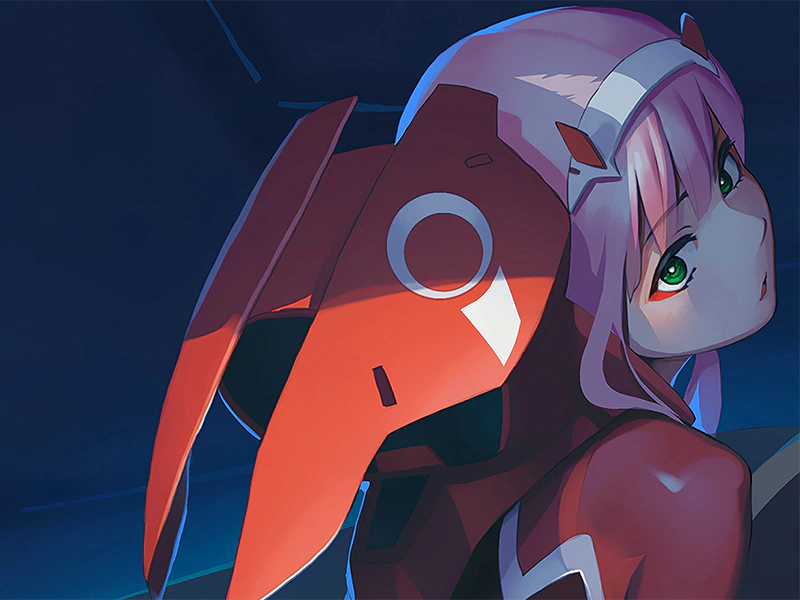
800 × 600
class Example extends Phaser.Scene
{
    preload ()
    {
        this.load.setBaseURL('https://cdn.phaserfiles.com/v410');
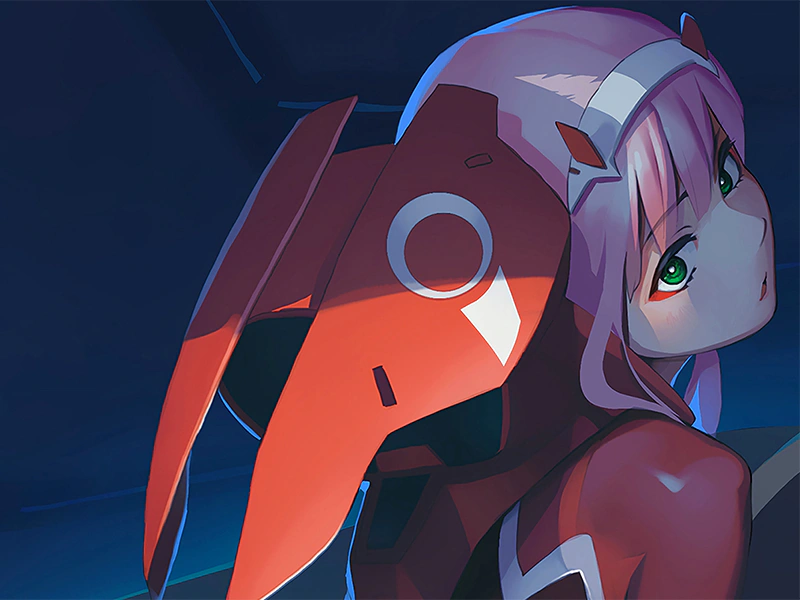
        this.load.image('pic', 'assets/pics/zero-two.png');
    }

    create ()
    {
        this.add.image(0, 0, 'pic').setOrigin(0);
    }
}

const config = {
    type: Phaser.AUTO,
    backgroundColor: '#2dab2d',
    scale: {
        mode: Phaser.Scale.FIT,
        parent: 'game-container',
        width: 800,
        height: 600
    },
    scene: Example
};

const game = new Phaser.Game(config);
More in Scalemanager24 examples
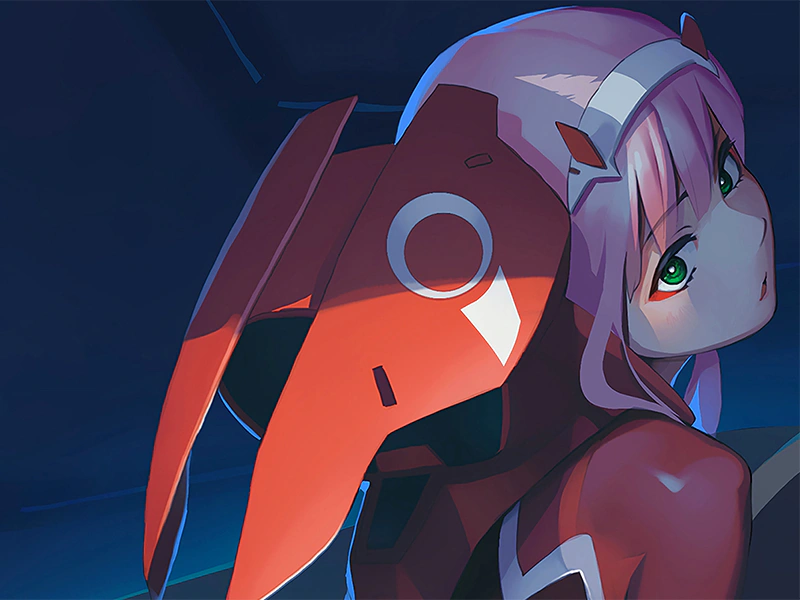 Fit Scale Mode with Min and MaxDemonstrates how to use the FIT scale mode while enforcing minimum and maximum width and height constraints on the game canvas.
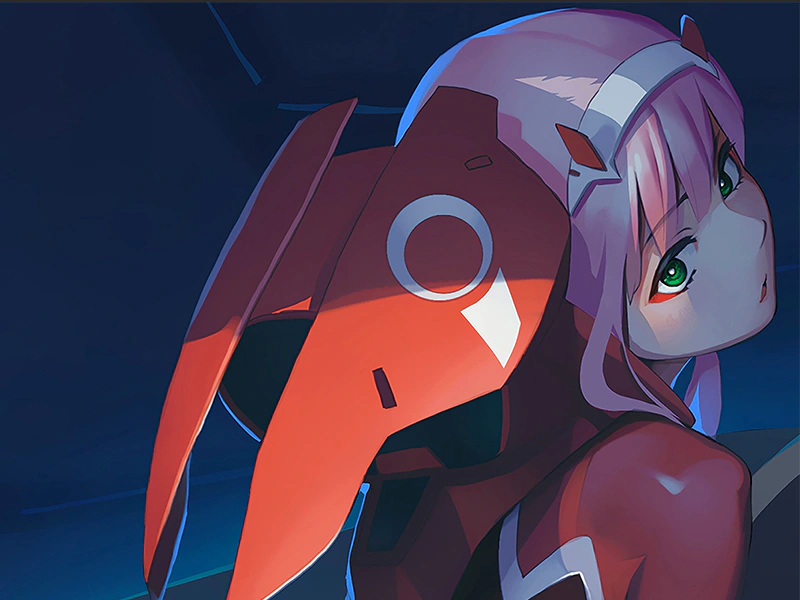 Fit with Auto CenterScales the game to fit the parent container while maintaining its aspect ratio and centering the canvas both horizontally and vertically.
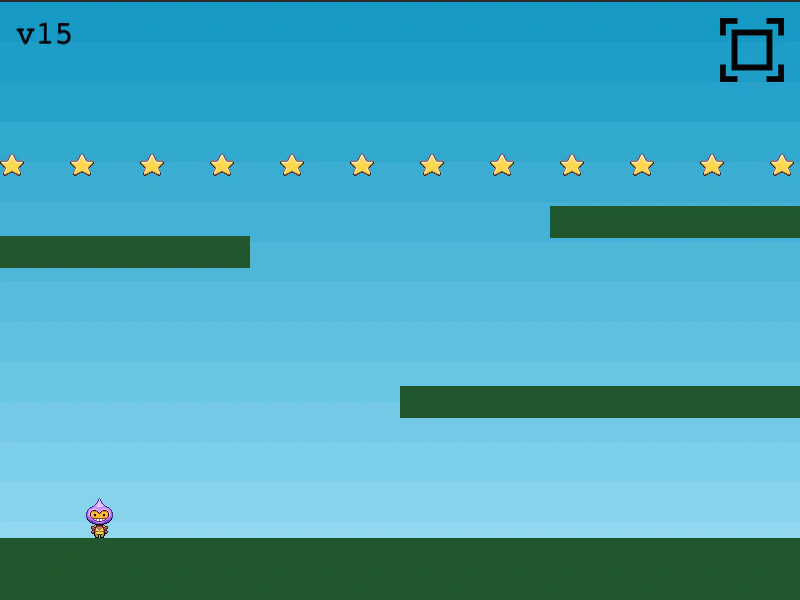 Fullscreen Mode ToggleDemonstrates how to switch the game to fullscreen and back using either an interactive UI button or a keyboard shortcut (F key) via the Scale Manager.
 Height Controls Width Scale ModeThis example demonstrates the HEIGHT_CONTROLS_WIDTH scale mode, which automatically adjusts the game width based on the height of the parent container while maintaining the aspect ratio.