Path with Line Segments
Construct a multi-segment path using lineTo and animate an object moving along the path using a tween and getPoint.
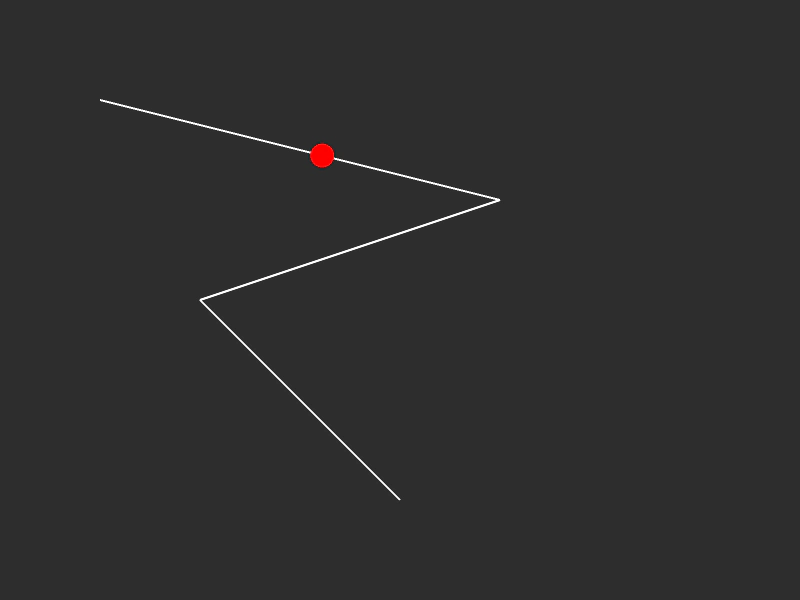
800 × 600
class Example extends Phaser.Scene
{
    graphics;
    path;
    follower;

    create ()
    {
        this.graphics = this.add.graphics();

        this.follower = { t: 0, vec: new Phaser.Math.Vector2() };

        //  Path starts at 100x100
        this.path = new Phaser.Curves.Path(100, 100);

        this.path.lineTo(500, 200);
        this.path.lineTo(200, 300);
        this.path.lineTo(400, 500);

        this.tweens.add({
            targets: this.follower,
            t: 1,
            ease: 'Sine.easeInOut',
            duration: 4000,
            yoyo: true,
            repeat: -1
        });
    }

    update ()
    {
        this.graphics.clear();

        this.graphics.lineStyle(2, 0xffffff, 1);

        this.path.draw(this.graphics);

        this.path.getPoint(this.follower.t, this.follower.vec);

        this.graphics.fillStyle(0xff0000, 1);
        this.graphics.fillCircle(this.follower.vec.x, this.follower.vec.y, 12);
    }
}

const config = {
    scale: { mode: Phaser.Scale.FIT },
    type: Phaser.AUTO,
    width: 800,
    height: 600,
    backgroundColor: '#2d2d2d',
    parent: 'game-container',
    scene: Example
};

const game = new Phaser.Game(config);
More in Paths13 examples
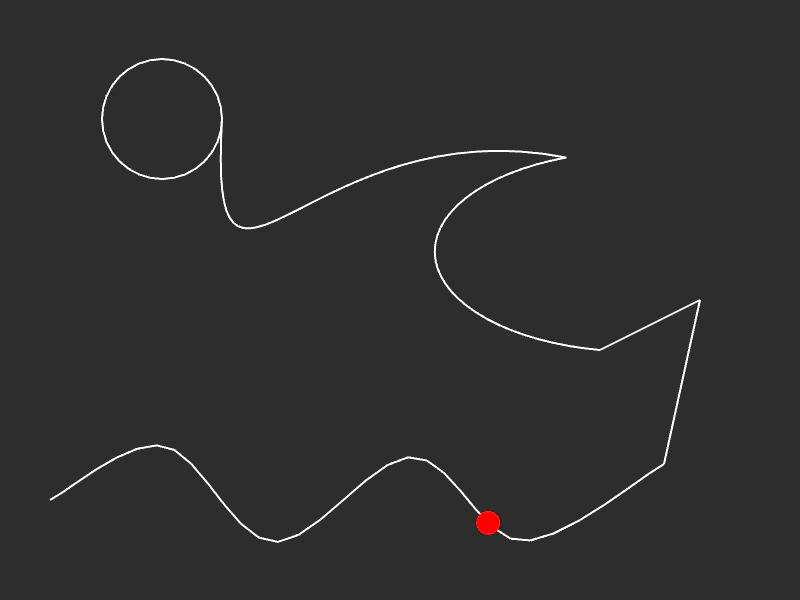 Path with Multiple Segment TypesDemonstrates how to construct a complex path by combining splines, lines, ellipses, and cubic Bezier curves, while moving a follower along its length.
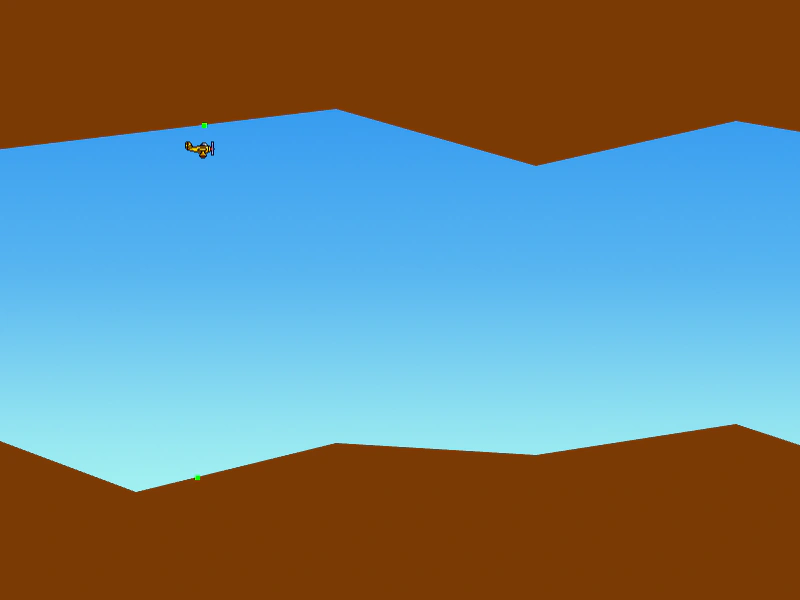 Procedural Scrolling Landscape PathCreate an infinitely scrolling landscape using dynamic Paths and Graphics. This example demonstrates extending paths with random segments and using fillPoints to render filled terrain shapes.
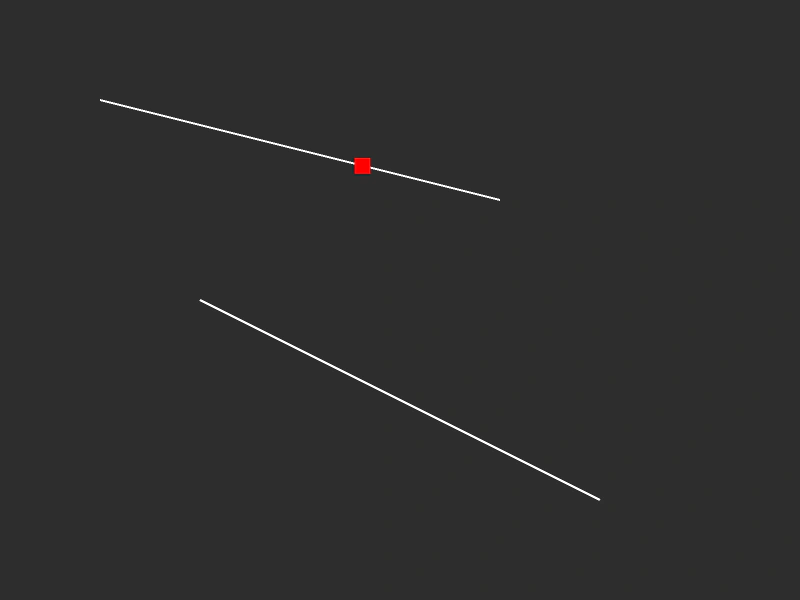 Simple Path and FollowerDemonstrates creating a path from multiple line segments and using a tween to move an object along the entire path length, even if the curves are not connected.
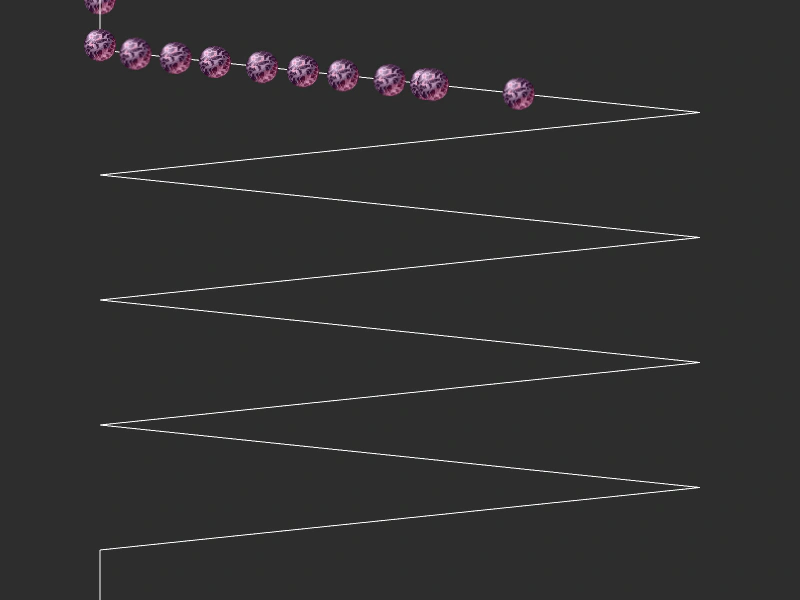 Zig Zag PathCreate a custom zig-zag path using line segments and move multiple sprites along it by interpolating points based on tweened values.