Procedural Scrolling Landscape Path
Create an infinitely scrolling landscape using dynamic Paths and Graphics. This example demonstrates extending paths with random segments and using fillPoints to render filled terrain shapes.
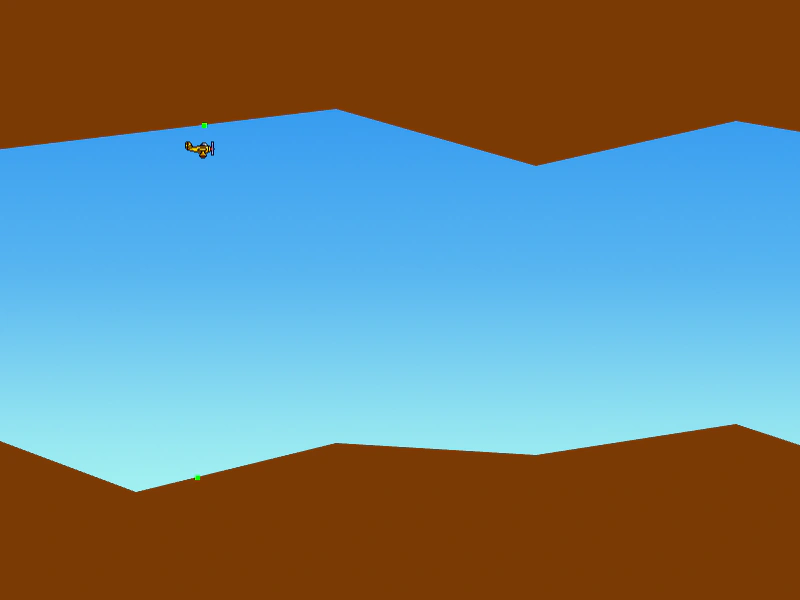
800 × 600
class Example extends Phaser.Scene
{
    constructor ()
    {
        super();
    }

    preload ()
    {
        this.load.setBaseURL('https://cdn.phaserfiles.com/v410');
        this.load.image('plane', 'assets/sprites/plane.png');
        this.load.image('sky', 'assets/skies/bigsky.png');
    }

    create ()
    {
        this.add.image(400, 300, 'sky').setScrollFactor(0);

        this.graphics = this.add.graphics();

        this.topPath = new Phaser.Curves.Path(0, Phaser.Math.Between(200, 100));
        this.bottomPath = new Phaser.Curves.Path(0, Phaser.Math.Between(400, 500));

        this.plane = this.add.image(100, 300, 'plane');

        this.input.on('pointermove', pointer => {

            this.plane.x = pointer.worldX;
            this.plane.y = pointer.worldY;

        });

        //  Create a random land which is 1000px long (800 for our screen size + 200 buffer)

        let ty = Phaser.Math.Between(200, 100);
        let by = Phaser.Math.Between(400, 500);

        for (let x = 200; x <= 1000; x += 200)
        {
            this.topPath.lineTo(x, ty);
            this.bottomPath.lineTo(x, by);

            ty = Phaser.Math.Between(200, 100);
            by = Phaser.Math.Between(400, 500);
        }

        this.offset = 0;
    }

    update ()
    {
        //  Scroll the camera at a fixed speed
        const speed = 4;

        this.cameras.main.scrollX += speed;
        this.plane.x += speed;
        this.offset += speed;

        //  Every 200 pixels we'll generate a new chunk of land
        if (this.offset >= 200)
        {
            //  We need to generate a new section of the land as we've run out
            let ty = Phaser.Math.Between(200, 100);
            let by = Phaser.Math.Between(400, 500);

            const topEnd = this.topPath.getEndPoint();
            const bottomEnd = this.bottomPath.getEndPoint();

            this.topPath.lineTo(topEnd.x + 200, ty);
            this.bottomPath.lineTo(bottomEnd.x + 200, by);

            this.offset = 0;
        }

        //  Get the position of the plane on the path
        const x = this.plane.x / (1000 + this.cameras.main.scrollX - this.offset);

        //  These vec2s contain the x/y of the plane on the path
        //  By checking the plane.y value against the top.y and bottom.y we know if it's hit the wall or not
        const top = this.topPath.getPoint(x);
        const bottom = this.bottomPath.getPoint(x);

        //  Draw it
        this.graphics.clear();

        //  This will give a debug draw style with just lines:

        // this.graphics.lineStyle(1, 0x000000, 1);
        // this.topPath.draw(this.graphics);
        // this.bottomPath.draw(this.graphics);

        //  And this will give a filled Graphics landscape:
        this.drawLand(this.topPath, 0);
        this.drawLand(this.bottomPath, 600);

        //  Draw the markers to show where on the path we are
        this.graphics.fillStyle(0x00ff00);
        this.graphics.fillRect(top.x - 2, top.y - 2, 5, 5);
        this.graphics.fillRect(bottom.x - 2, bottom.y - 2, 5, 5);
    }

    drawLand (path, offsetY)
    {
        const points = [ { x: 0, y: offsetY }];

        let lastX;

        for (let i = 0; i < path.curves.length; i++)
        {
            const curve = path.curves[i];

            points.push(curve.p0, curve.p1);

            lastX = curve.p1.x;
        }

        points.push({ x: lastX, y: offsetY });

        this.graphics.fillStyle(0x7b3a05);
        this.graphics.fillPoints(points, true, true);
    }
}

const config = {
    scale: { mode: Phaser.Scale.FIT },
    type: Phaser.AUTO,
    width: 800,
    height: 600,
    backgroundColor: '#efefef',
    parent: 'game-container',
    scene: Example
};

const game = new Phaser.Game(config);
More in Paths13 examples
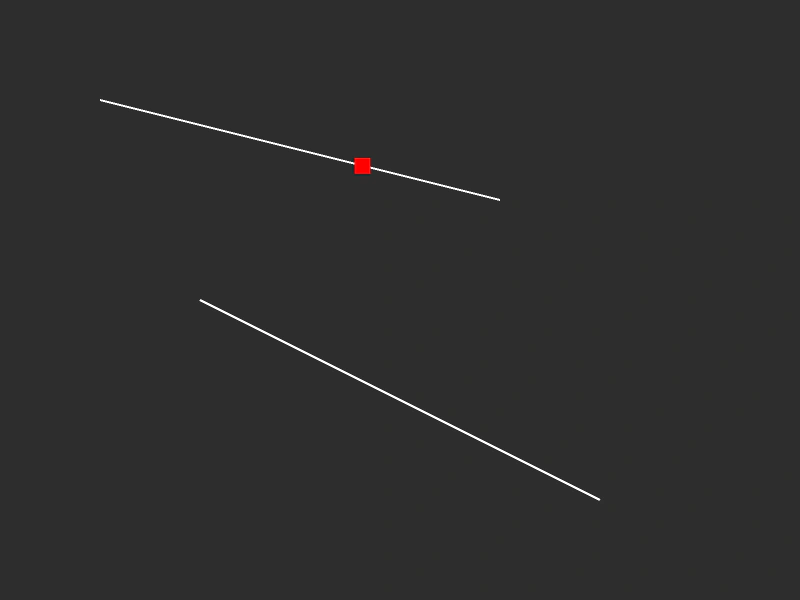 Simple Path and FollowerDemonstrates creating a path from multiple line segments and using a tween to move an object along the entire path length, even if the curves are not connected.
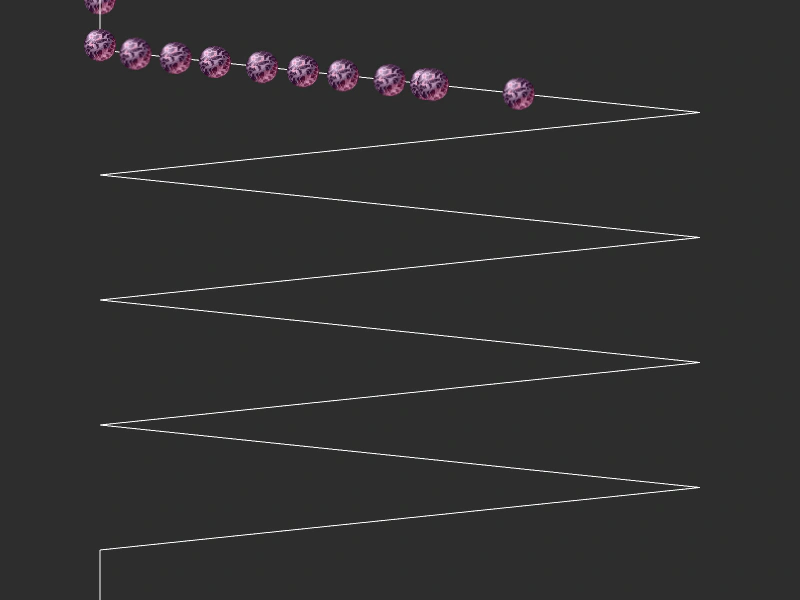 Zig Zag PathCreate a custom zig-zag path using line segments and move multiple sprites along it by interpolating points based on tweened values.
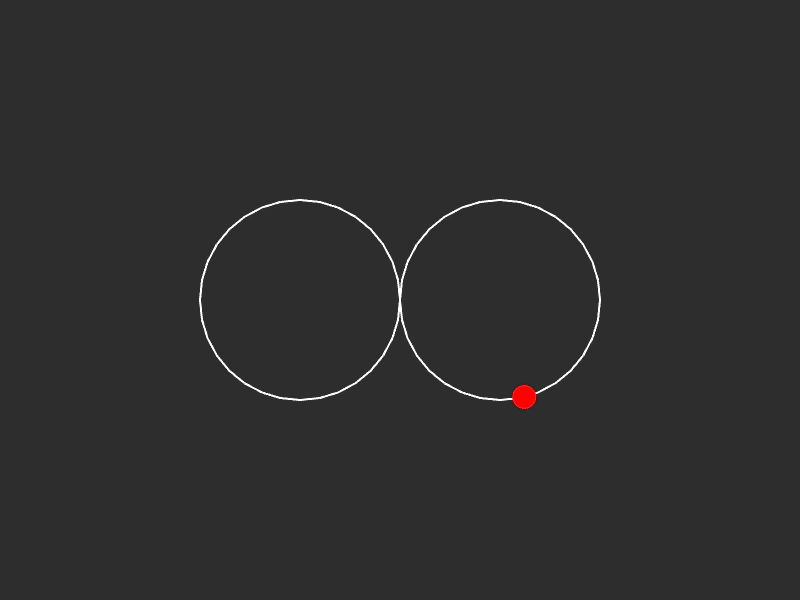 Circle Loop PathDemonstrates creating a complex path by combining multiple circular curves and moving an object along the resulting path using a tween.
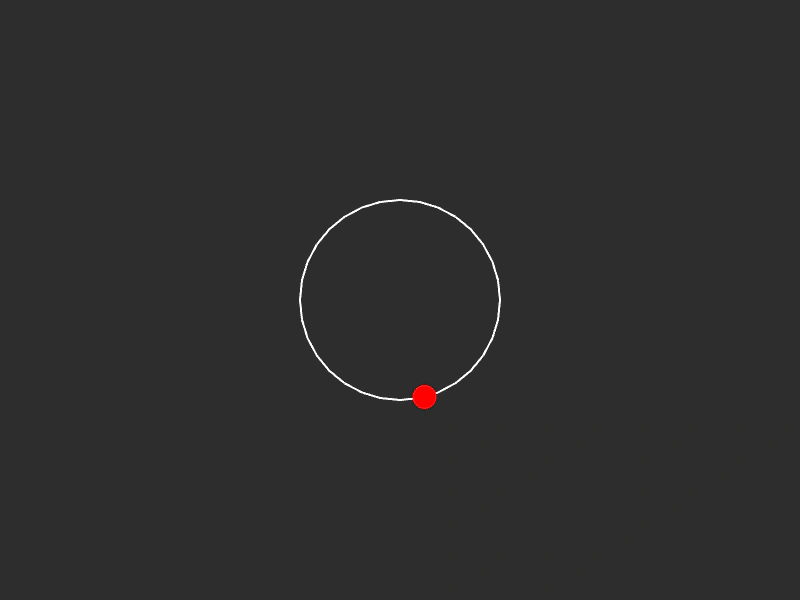 Circle PathDemonstrates creating a circular path using an Ellipse curve and moving a graphic along it by tweening a progress value.