Move To
Demonstrates how to use the moveTo method to reposition the path starting point for a new segment without creating a connecting line.
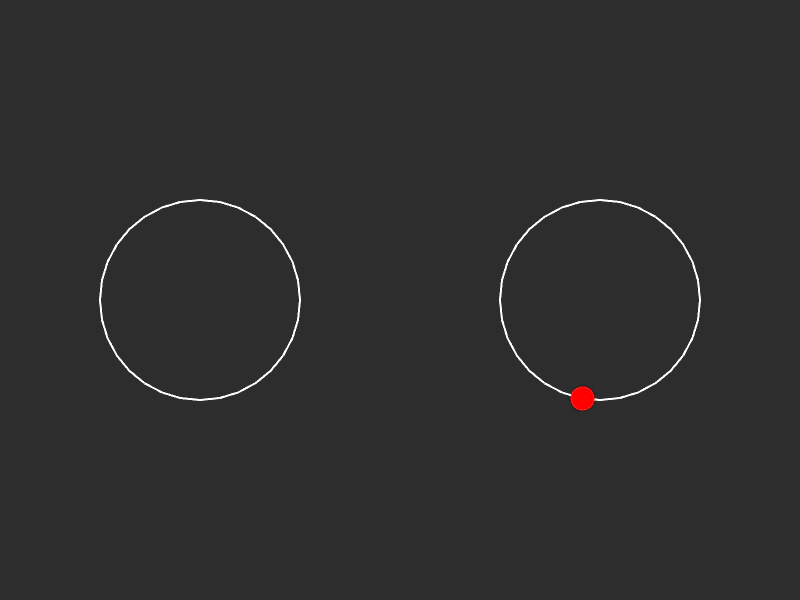
800 × 600
class Example extends Phaser.Scene
{
    graphics;
    path;
    follower;

    create ()
    {
        this.graphics = this.add.graphics();

        this.follower = { t: 0, vec: new Phaser.Math.Vector2() };

        this.path = new Phaser.Curves.Path(300, 300);

        this.path.circleTo(100);

        //  We can move the path to 500x300 without creating any extra duration
        this.path.moveTo(500, 300);

        //  Rotate this circle so it completes the loop
        this.path.circleTo(100, true, 180);

        this.tweens.add({
            targets: this.follower,
            t: 1,
            ease: 'Linear',
            duration: 2000,
            repeat: -1
        });
    }

    update ()
    {
        this.graphics.clear();
        this.graphics.lineStyle(2, 0xffffff, 1);

        this.path.draw(this.graphics);

        this.path.getPoint(this.follower.t, this.follower.vec);

        this.graphics.fillStyle(0xff0000, 1);
        this.graphics.fillCircle(this.follower.vec.x, this.follower.vec.y, 12);
    }
}

const config = {
    scale: { mode: Phaser.Scale.FIT },
    type: Phaser.AUTO,
    width: 800,
    height: 600,
    backgroundColor: '#2d2d2d',
    parent: 'game-container',
    scene: Example
};

const game = new Phaser.Game(config);
More in Paths13 examples
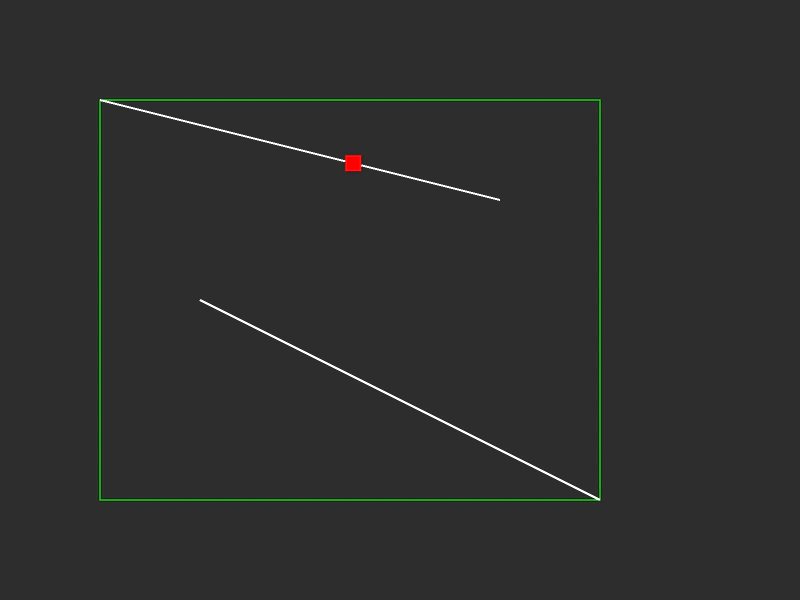 Path BoundsLearn how to calculate and visualize the bounding box of a complex path containing multiple curve segments.
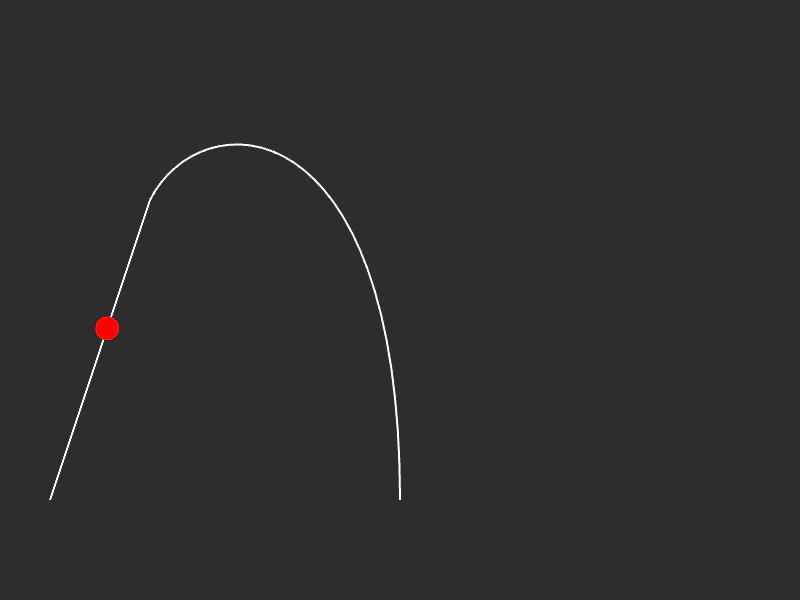 Path Line and Bezier CurveDemonstrates how to construct a complex path by combining straight lines and cubic Bezier curves, and how to animate an object along the resulting path using a Tween.
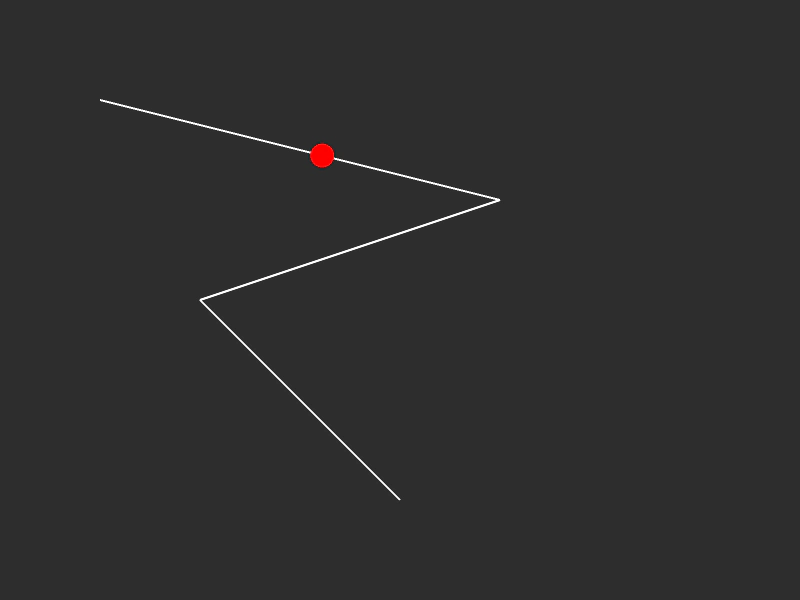 Path with Line SegmentsConstruct a multi-segment path using lineTo and animate an object moving along the path using a tween and getPoint.
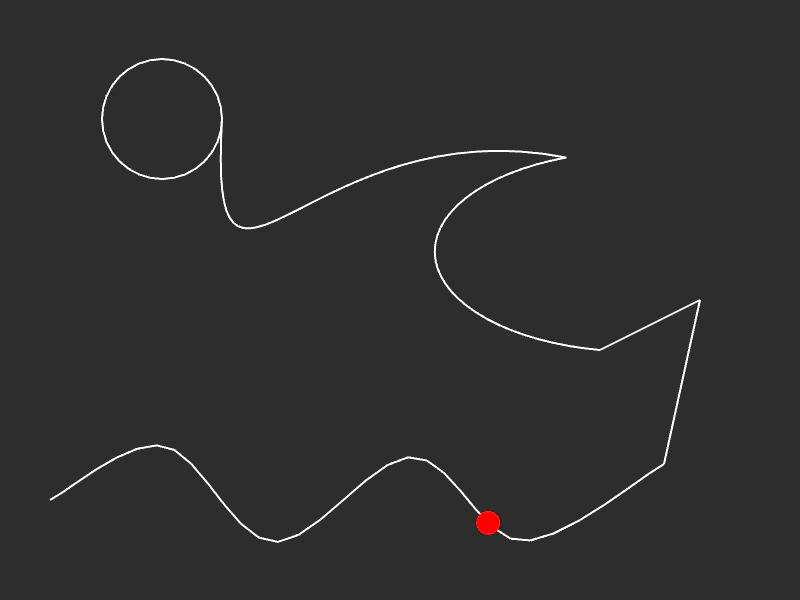 Path with Multiple Segment TypesDemonstrates how to construct a complex path by combining splines, lines, ellipses, and cubic Bezier curves, while moving a follower along its length.