Loading Images with Normal Maps
Learn how to load an image with an associated normal map and use dynamic lighting to create depth and shadow effects that react to a moving light source.
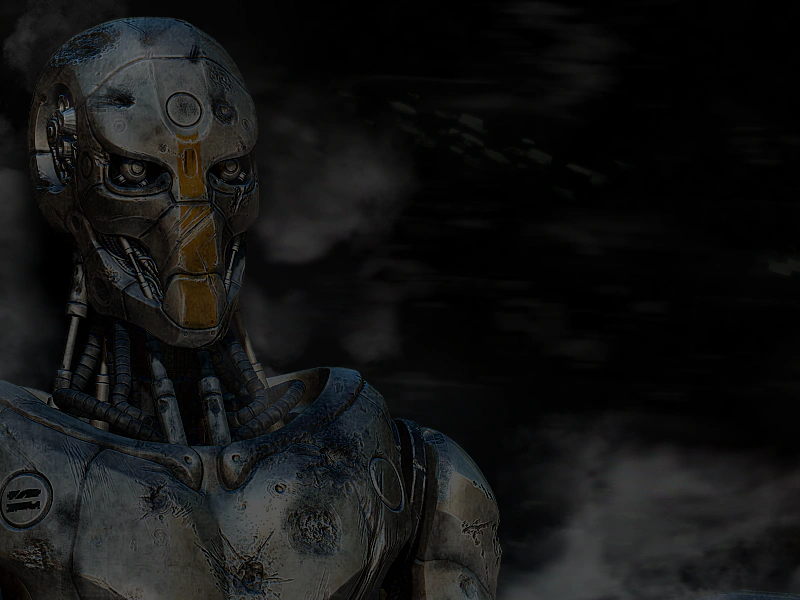
800 × 600
class Example extends Phaser.Scene
{
    preload ()
    {
        this.load.setBaseURL('https://cdn.phaserfiles.com/v410');
        this.load.image({
            key: 'robot',
            url: 'assets/pics/equality-by-ragnarok.png',
            normalMap: 'assets/normal-maps/equality-by-ragnarok_n.png'
        });
    }

    create ()
    {
        this.add.image(-300, 0, 'robot').setOrigin(0).setLighting(true);

        const light = this.lights.addLight(0, 0, 200);

        this.lights.enable().setAmbientColor(0x555555);

        this.input.on('pointermove', pointer =>
        {

            light.x = pointer.x;
            light.y = pointer.y;

        });
    }
}

const config = {
    scale: { mode: Phaser.Scale.FIT },
    type: Phaser.WEBGL,
    width: 800,
    height: 600,
    parent: 'game-container',
    scene: Example
};

const game = new Phaser.Game(config);
More in Image7 examples
 Load ImageLearn how to load external image files into the Phaser loader and display them as Image Game Objects in a scene.
 Load Image From ObjectDemonstrates how to load an image by passing a single configuration object containing the key and URL to the loader instead of using separate arguments.
 Load Image on ClickDemonstrates how to load assets at runtime in response to a user event by manually starting the Loader outside of the preload phase.
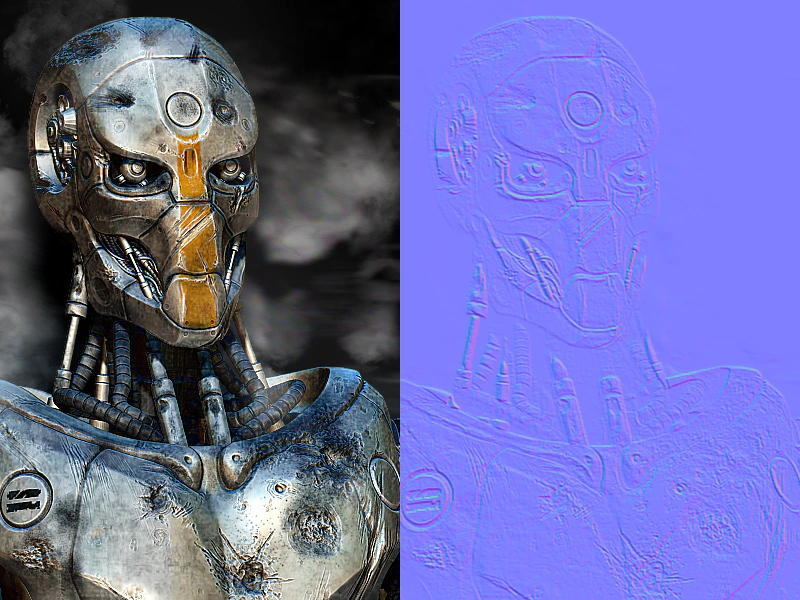 Load Normal MapDemonstrates how to load an image along with its associated normal map by passing an array of file paths to the loader.