Set Polygon Points Dynamically
Demonstrates how to update a Polygon's shape over time by using the setTo method with a growing array of coordinates.

800 × 600
class Example extends Phaser.Scene
{
    graphics;
    angle = 0;
    radius = 100;
    points;
    polygon;

    create ()
    {
        this.graphics = this.add.graphics({ lineStyle: { width: 2, color: 0xaa6622 } });

        this.polygon = new Phaser.Geom.Polygon();

        this.points = [];
    }

    update ()
    {
        if (this.angle <= Math.PI * 2)
        {
            this.angle += Math.PI / 30;
            const leafSize = 150 * Math.sin((this.angle * 2) % Math.PI);

            this.points.push(400 + Math.cos(this.angle) * (this.radius + leafSize));
            this.points.push(300 + Math.sin(this.angle) * (this.radius + leafSize));

            this.polygon.setTo(this.points);

            this.graphics.clear();

            this.graphics.strokePoints(this.polygon.points);
        }
    }
}

const config = {
    scale: { mode: Phaser.Scale.FIT },
    width: 800,
    height: 600,
    type: Phaser.AUTO,
    parent: 'game-container',
    scene: Example
};

const game = new Phaser.Game(config);
More in Polygon11 examples
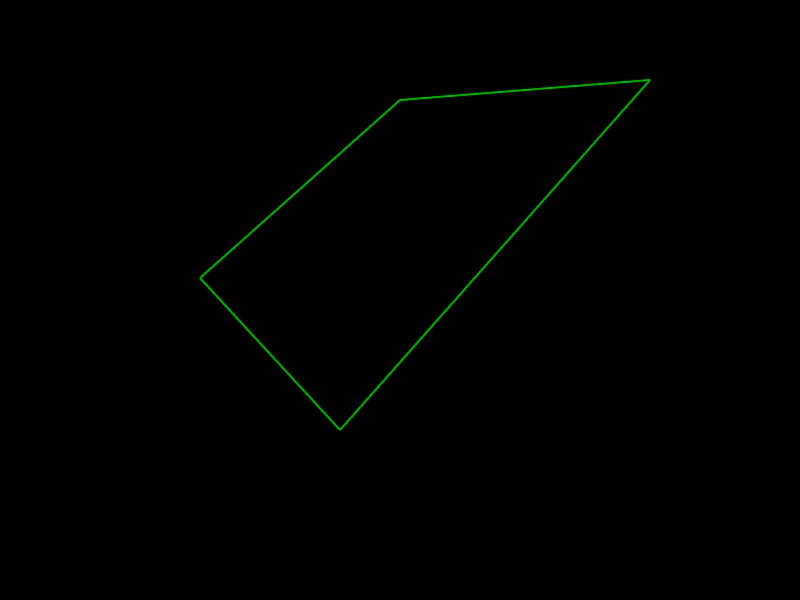 Basic PolygonHow to create a Polygon geometry object from an array of coordinates and render it using Graphics.
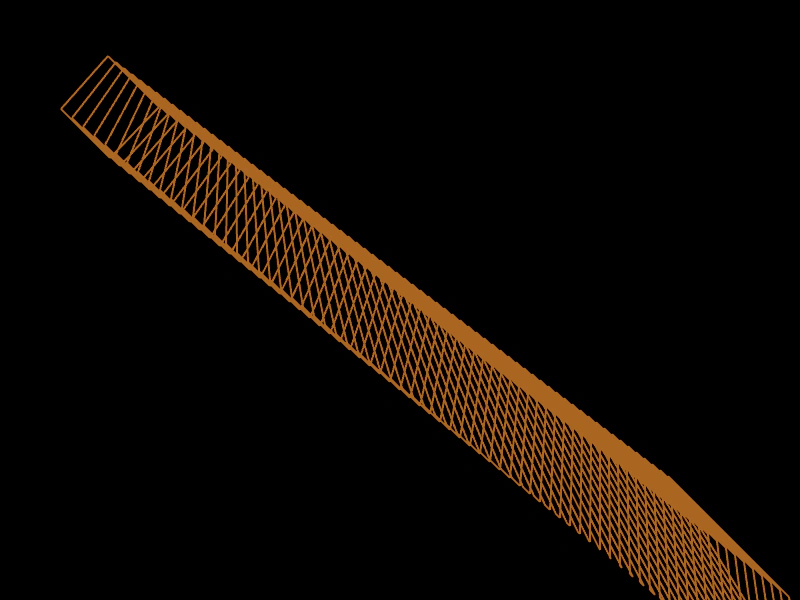 Clone a PolygonDemonstrates how to create independent copies of a Polygon object using the Clone method, allowing multiple instances to be updated and rendered separately.
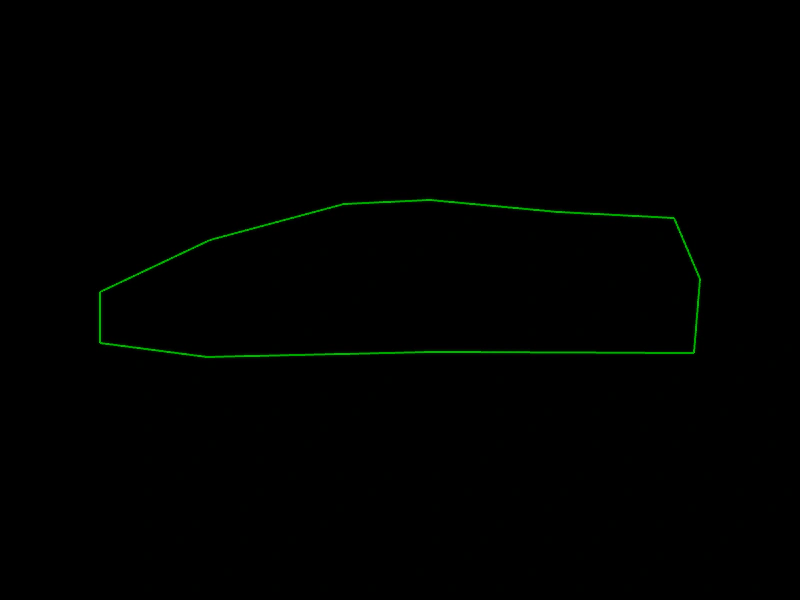 Complex PolygonHow to define a complex shape using the Phaser Polygon geometry object and render it manually with a Graphics object.
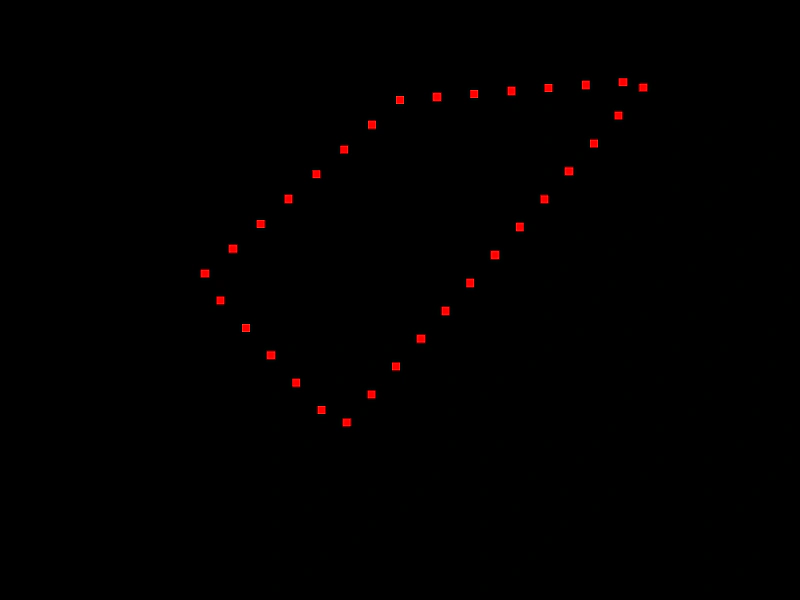 Get Polygon PointsSample a specific number of coordinates along the edges of a Polygon geometry object.