Polygon Area
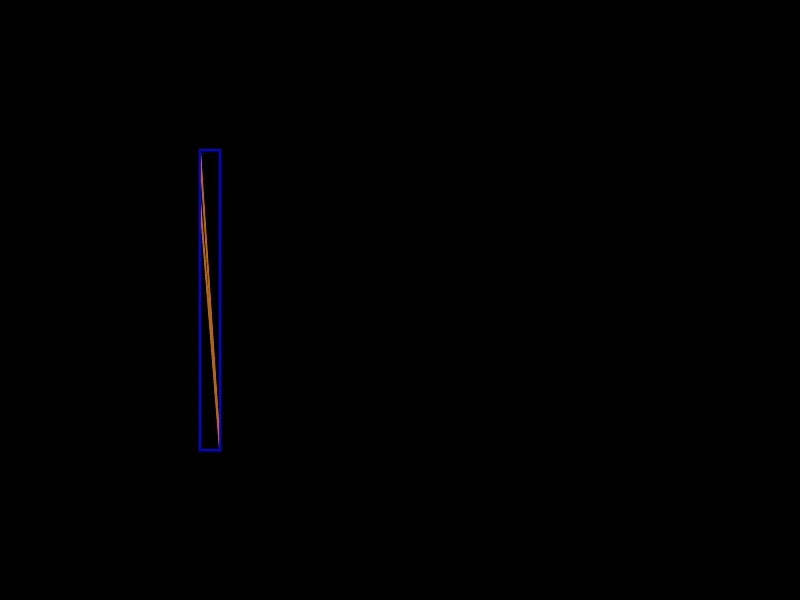
Demonstrates how to calculate the area of a polygon dynamically. You can add new points with a click and move the final point with the pointer to see the area update in real-time.
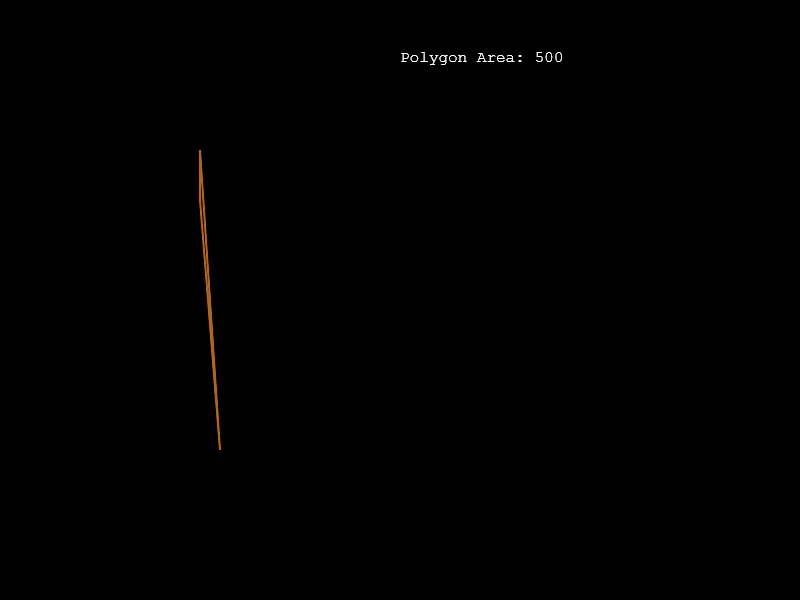
800 × 600
class Example extends Phaser.Scene
{
    create ()
    {
        const graphics = this.add.graphics({ lineStyle: { width: 2, color: 0xaa6622 } });

        const points = [
            new Phaser.Math.Vector2(220, 450),
            new Phaser.Math.Vector2(200, 200),
            new Phaser.Math.Vector2(400, 300)
        ];

        const polygon = new Phaser.Geom.Polygon(points);

        const text = this.add.text(400, 50, '');

        this.input.on('pointermove', pointer =>
        {

            points[points.length - 1].copy(pointer);

            polygon.setTo(points);

            redraw();
        });

        this.input.on('pointerdown', pointer =>
        {

            points.push(points[points.length - 1].clone());

        });

        redraw();

        function redraw ()
        {
            graphics.clear();

            graphics.strokePoints(polygon.points, true);

            text.setText(`Polygon Area: ${polygon.area}`);
        }
    }
}

const config = {
    scale: { mode: Phaser.Scale.FIT },
    width: 800,
    height: 600,
    type: Phaser.AUTO,
    parent: 'game-container',
    scene: Example
};

const game = new Phaser.Game(config);
More in Polygon11 examples
 Polygon ContainsDemonstrates how to check if a specific point is located within the boundaries of a Polygon geometry object.
 Polygon Contains PointCheck if a specific point, such as the mouse cursor, is located within the bounds of a Polygon geometry object.
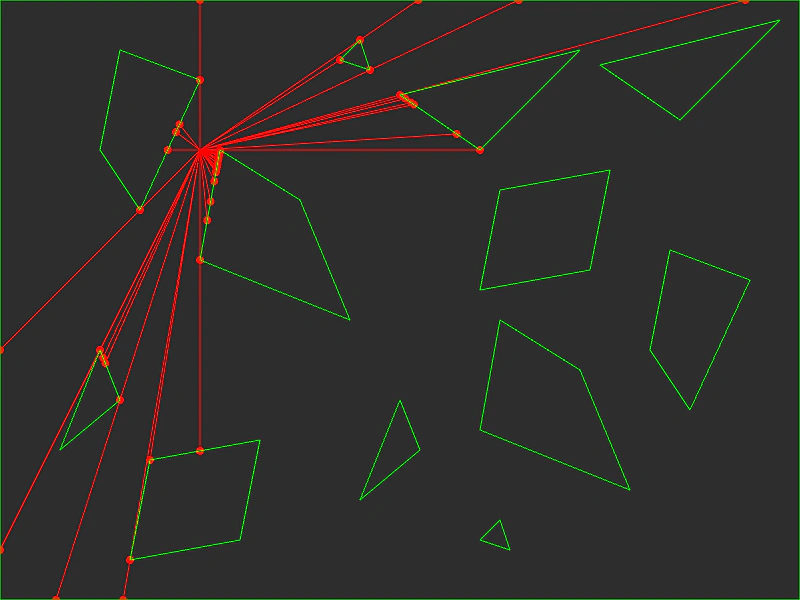 Polygon Edge RaysDemonstrates casting rays from a point to the vertices of multiple polygons using the GetRaysFromPointToPolygon intersection utility.
 Polygon Get AABBCalculate and visualize the Axis-Aligned Bounding Box (AABB) of a polygon as its points are modified dynamically.