Set Ellipse Position
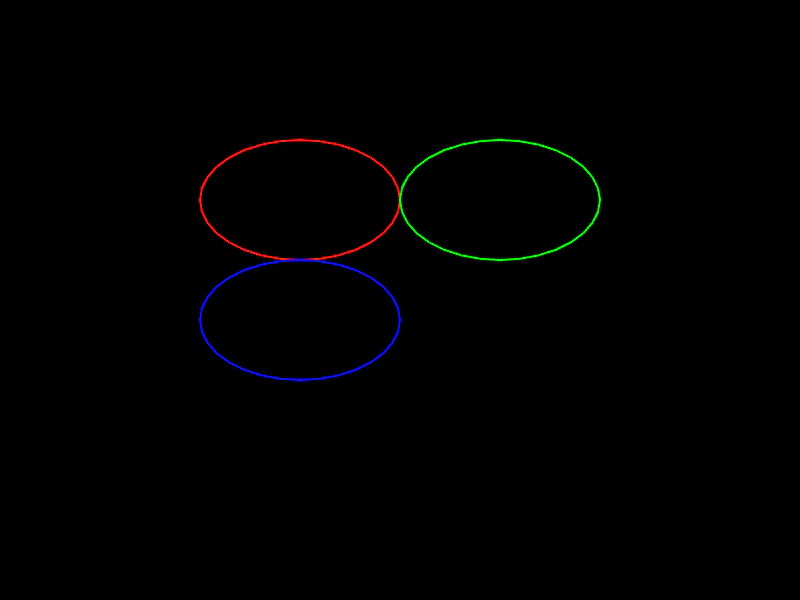
Demonstrates how to position a geometric Ellipse using setPosition, direct coordinate modification, and boundary properties such as top, bottom, left, and right.
800 × 600
class Example extends Phaser.Scene
{
    create ()
    {
        const ellipse = new Phaser.Geom.Ellipse(0, 0, 200, 120);

        ellipse.setPosition(300, 200);

        const graphics = this.add.graphics({ lineStyle: { width: 2, color: 0xff0000 } });
        graphics.strokeEllipseShape(ellipse);

        // move right by width
        ellipse.x += ellipse.width;

        graphics.lineStyle(2, 0x00ff00);
        graphics.strokeEllipseShape(ellipse);

        // place top-right corner to bottom-left of its previous position
        ellipse.right = ellipse.left;
        ellipse.top = ellipse.bottom;

        graphics.lineStyle(2, 0x0000ff);
        graphics.strokeEllipseShape(ellipse);
    }
}

const config = {
    scale: { mode: Phaser.Scale.FIT },
    width: 800,
    height: 600,
    type: Phaser.AUTO,
    parent: 'game-container',
    scene: Example
};

const game = new Phaser.Game(config);
More in Ellipse26 examples
 Set Ellipse SizeDemonstrates how to update the width and height of a geometric ellipse using the setSize method.
 Adjust Ellipse SizeDemonstrates how to dynamically update the width and height of a geometric ellipse based on pointer movement and redraw it using a Graphics object.
 Create EllipseCreate a geometric ellipse object and draw its outline to the screen using a Graphics object.
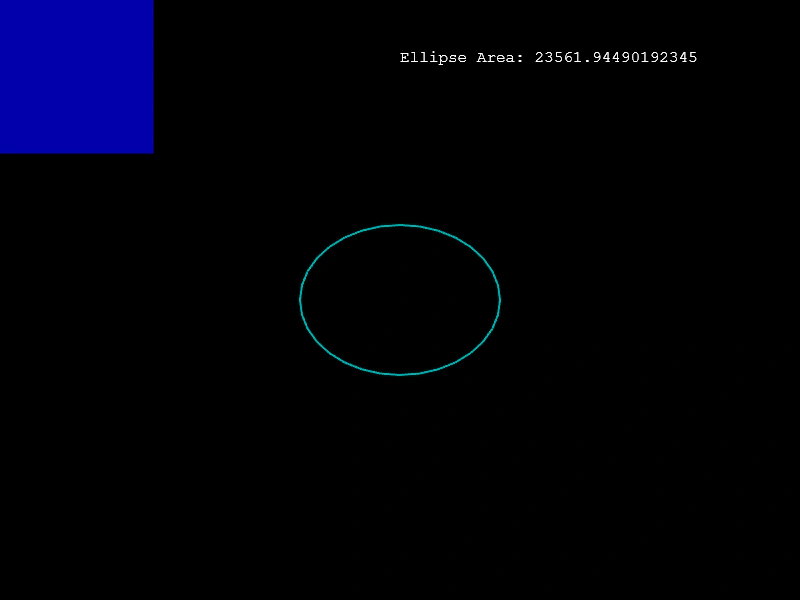 Ellipse AreaCalculate the area of an ellipse and visualize it using a square of equivalent size as the ellipse dimensions change.