Ellipse Properties
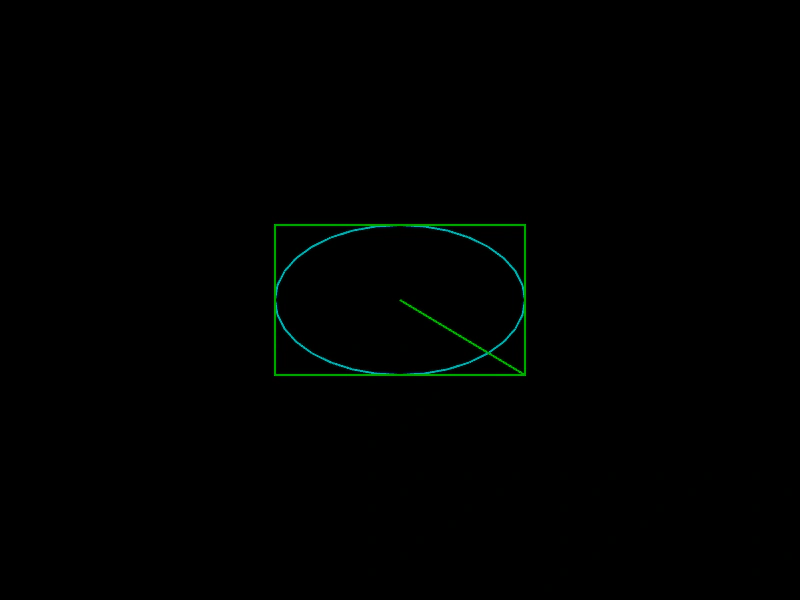
Learn how to access geometric properties of an Ellipse, including its position, dimensions, and bounding box coordinates like left, right, top, and bottom.
800 × 600
class Example extends Phaser.Scene
{
    create ()
    {
        const ellipse = new Phaser.Geom.Ellipse(400, 300, 250, 150);

        const graphics = this.add.graphics({ lineStyle: { width: 2, color: 0x00aaaa } });
        graphics.strokeEllipseShape(ellipse);

        graphics.lineStyle(2, 0x00aa00);
        graphics.lineBetween(ellipse.x, ellipse.y, ellipse.right, ellipse.bottom);

        graphics.strokeRect(ellipse.left, ellipse.top, ellipse.width, ellipse.height);
    }
}

const config = {
    scale: { mode: Phaser.Scale.FIT },
    width: 800,
    height: 600,
    type: Phaser.AUTO,
    parent: 'game-container',
    scene: Example
};

const game = new Phaser.Game(config);
More in Ellipse26 examples
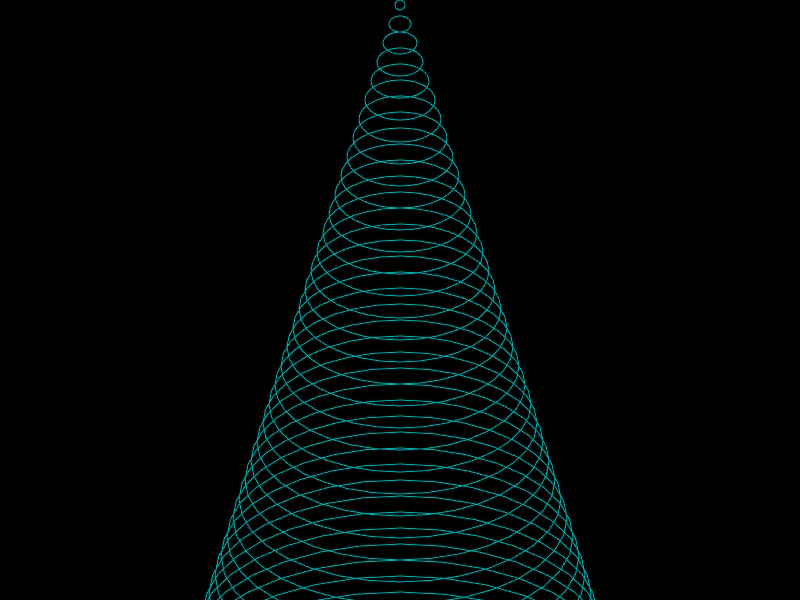 Ellipse Set ToDemonstrates how to use the setTo method to update the position and dimensions of an Ellipse geometry object.
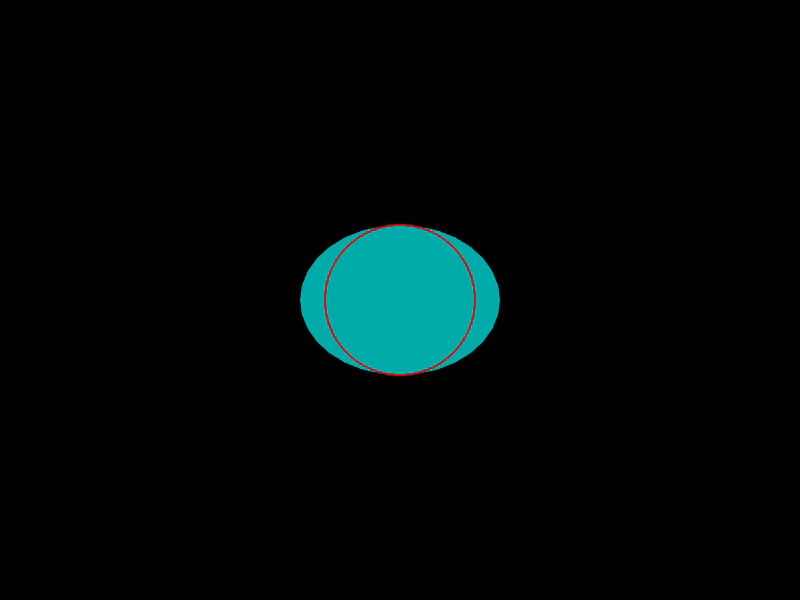 Get Minor RadiusDemonstrates how to calculate and retrieve the minor radius of an Ellipse geometry object, which represents half of its shortest diameter.
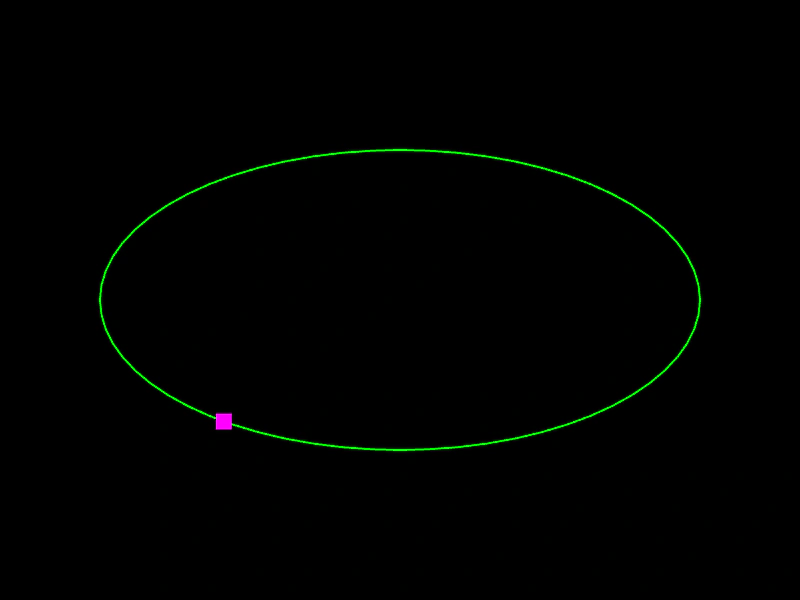 Get Point on EllipseCalculate a position along the perimeter of an ellipse using a normalized value between 0 and 1.
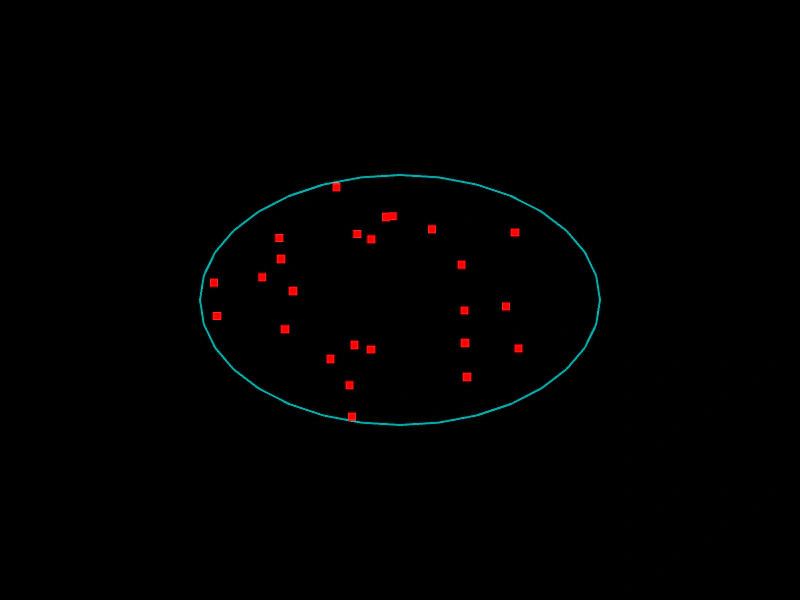 Get Random Point on EllipseDemonstrates how to generate and update random coordinates within the area of a geometric ellipse.