Linear Ease
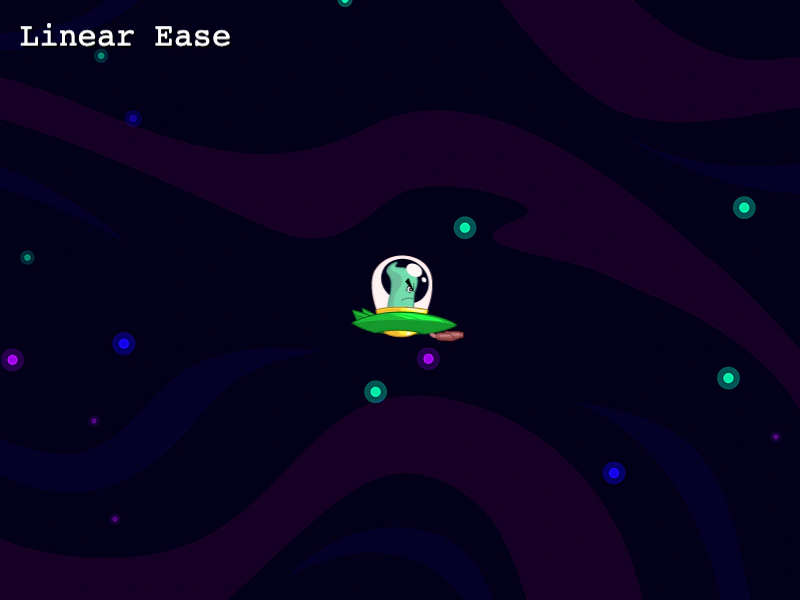
This example demonstrates how to use the linear easing function to move an object at a constant speed throughout a tween.
800 × 600
class Example extends Phaser.Scene
{
    constructor ()
    {
        super();
    }

    preload ()
    {
        this.load.setBaseURL('https://cdn.phaserfiles.com/v410');
        this.load.image('bg', 'assets/tweens/space.png');
        this.load.image('ufo', 'assets/tweens/ufo2.png');
    }

    create ()
    {
        this.add.image(400, 300, 'bg');
        this.add.text(20, 20, 'Linear Ease').setFontSize(32).setShadow(2, 2);

        const ufo = this.add.image(100, 300, 'ufo');

        this.tweens.add({
            targets: ufo,
            x: 700,
            duration: 2000,
            repeat: -1,
            hold: 500,
            repeatDelay: 500,
            ease: 'linear'
        });
    }
}

const config = {
    scale: { mode: Phaser.Scale.FIT },
    type: Phaser.AUTO,
    width: 800,
    height: 600,
    backgroundColor: '#2d2d2d',
    parent: 'game-container',
    scene: Example
};

const game = new Phaser.Game(config);
More in Eases22 examples
 Quad Ease FunctionsA comparison of the visual differences between Quadratic (Quad) easing types: In, Out, and InOut.
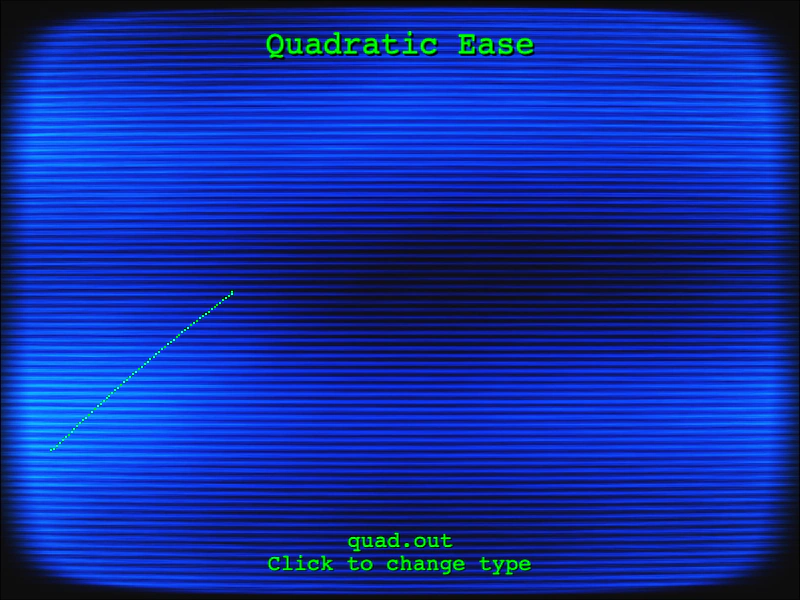 Quadratic Easing VisualizationVisualizes the curves of Quadratic In, Out, and InOut easing functions by plotting their movement across the screen using a tween and Graphics object.
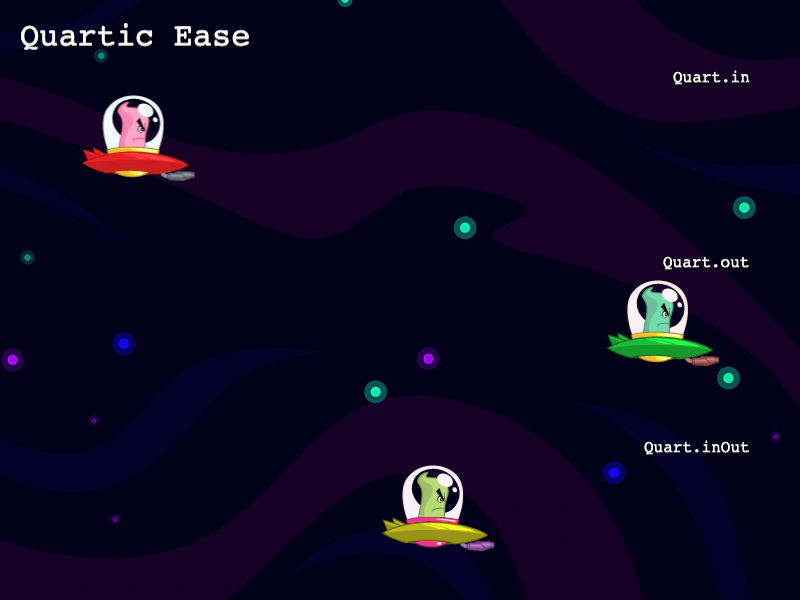 Quartic EaseCompare the differences between Quartic In, Quartic Out, and Quartic InOut easing functions applied to sprite movement.
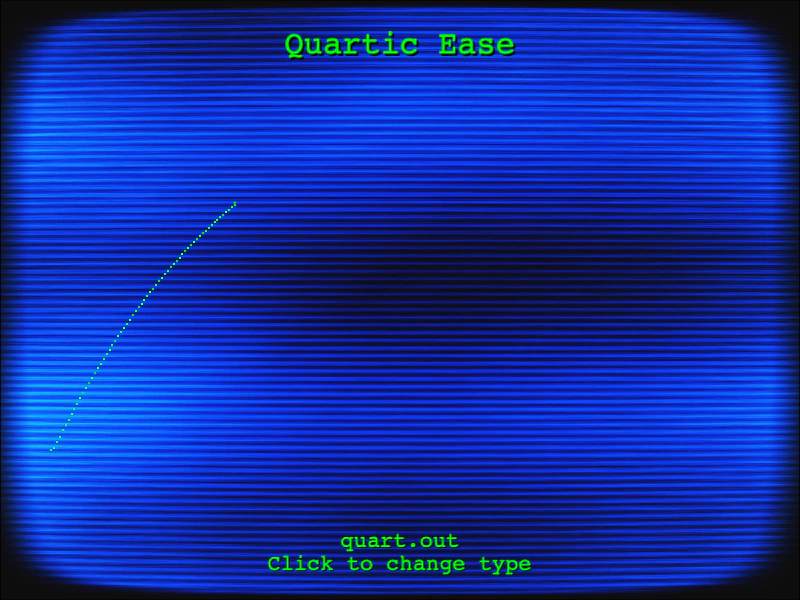 Quartic Ease GraphVisualizes the Quartic easing functions (In, Out, and InOut) by drawing their curves in real-time using a tweened object and Graphics.