Ease Mixer
Demonstrates how to apply different easing functions to individual properties within a single tween to create complex motion paths by mixing ease types for the X and Y axes.
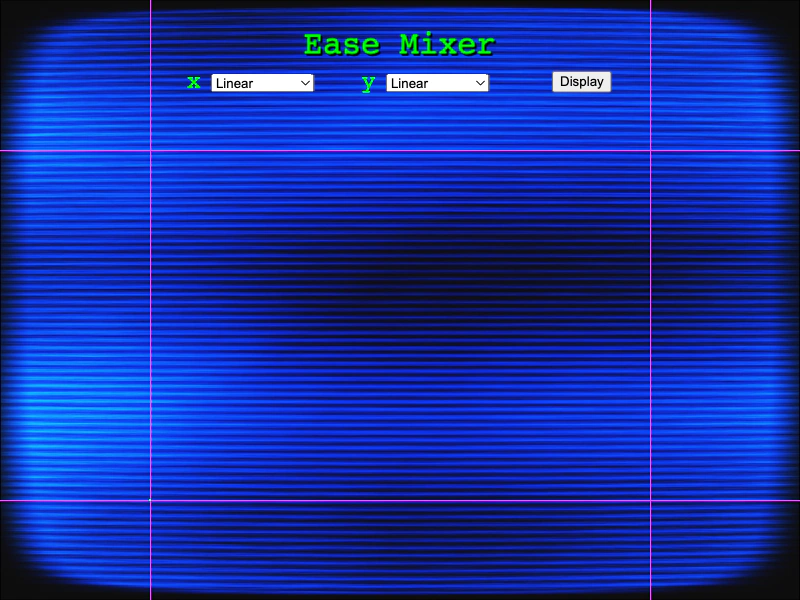
800 × 600
class Example extends Phaser.Scene
{
    constructor ()
    {
        super();
    }

    preload ()
    {
        this.load.setBaseURL('https://cdn.phaserfiles.com/v410');
        this.load.image('bg', 'assets/tweens/background-crt.jpg');
    }

    create ()
    {
        this.add.image(400, 300, 'bg').setScale(0.78);

        this.add.text(400, 28, 'Ease Mixer').setColor('#00ff00').setFontSize(32).setShadow(2, 2).setOrigin(0.5, 0);

        const list1 = this.createSelectList('x', 250, 80);
        const list2 = this.createSelectList('y', 425, 80);
        const button = this.createButton(580, 80);

        button.addListener('click');

        let easeX = 'Linear';
        let easeY = 'Linear';

        list1.addEventListener('change', event => {

            easeX = event.target.selectedOptions[0].value;
            graphEase();

        });

        list2.addEventListener('change', event => {

            easeY = event.target.selectedOptions[0].value;
            graphEase();

        });

        button.on('click', () => {

            graphEase();

        });

        let tween;

        //  Draw the x/y bounds
        this.add.rectangle(150, 0, 1, 600, 0xe84dff).setOrigin(0, 0);
        this.add.rectangle(650, 0, 1, 600, 0xe84dff).setOrigin(0, 0);
        this.add.rectangle(0, 150, 800, 1, 0xe84dff).setOrigin(0, 0);
        this.add.rectangle(0, 500, 800, 1, 0xe84dff).setOrigin(0, 0);

        const graph = this.add.graphics();
        const rect = this.add.rectangle(150, 500, 2, 2, 0x00ff00);
        const rt = this.add.renderTexture(400, 300, 800, 600);

        const graphEase = () => {

            if (tween)
            {
                tween.stop();
            }

            rt.clear();

            rect.setPosition(150, 500);

            graph.clear();
            graph.lineStyle(3, 0x00ff00);
            graph.beginPath();
            graph.moveTo(rect.x, rect.y);

            tween = this.tweens.add({
                targets: rect,
                x: { value: 650, ease: easeX },
                y: { value: 150, ease: easeY },
                duration: 2000,
                onUpdate: (tween, target, key) => {
                    if (key === 'x')
                    {
                        rt.draw(rect);
                        graph.lineTo(rect.x, rect.y);
                    }
                },
                onComplete: () => {
                    graph.lineTo(rect.x, rect.y);
                    graph.stroke();
                }
            });
        }
    }

    createSelectList (id, x, y)
    {
        const eases = [
            'Linear',
            'Quad.in',
            'Cubic.in',
            'Quart.in',
            'Quint.in',
            'Sine.in',
            'Expo.in',
            'Circ.in',
            'Back.in',
            'Bounce.in',
            'Quad.out',
            'Cubic.out',
            'Quart.out',
            'Quint.out',
            'Sine.out',
            'Expo.out',
            'Circ.out',
            'Back.out',
            'Bounce.out',
            'Quad.inOut',
            'Cubic.inOut',
            'Quart.inOut',
            'Quint.inOut',
            'Sine.inOut',
            'Expo.inOut',
            'Circ.inOut',
            'Back.inOut',
            'Bounce.inOut'
        ];

        const div = document.createElement('div');

        const list = document.createElement('select');

        list.id = id;

        eases.forEach(ease => {

            const option = document.createElement('option');

            option.value = ease;
            option.innerText = ease;

            list.appendChild(option);

        });

        const label = document.createElement('label');

        label.for = id;
        label.innerText = id;
        label.style = 'color: #00ff00; font: 24px Courier; padding-right: 10px';

        div.appendChild(label);
        div.appendChild(list);

        this.add.dom(x, y, div);

        return list;
    }

    createButton (x, y)
    {
        const button = document.createElement('button');

        button.innerText = 'Display';

        return this.add.dom(x, y, button);
    }
}

const config = {
    scale: { mode: Phaser.Scale.FIT },
    type: Phaser.AUTO,
    width: 800,
    height: 600,
    backgroundColor: '#000000',
    parent: 'game-container',
    dom: {
        createContainer: true
    },
    scene: Example
};

const game = new Phaser.Game(config);
More in Eases22 examples
 Ease ParametersDemonstrates how to pass custom arguments to easing functions using the easeParams property, such as adjusting the overshoot amount for the Back ease.
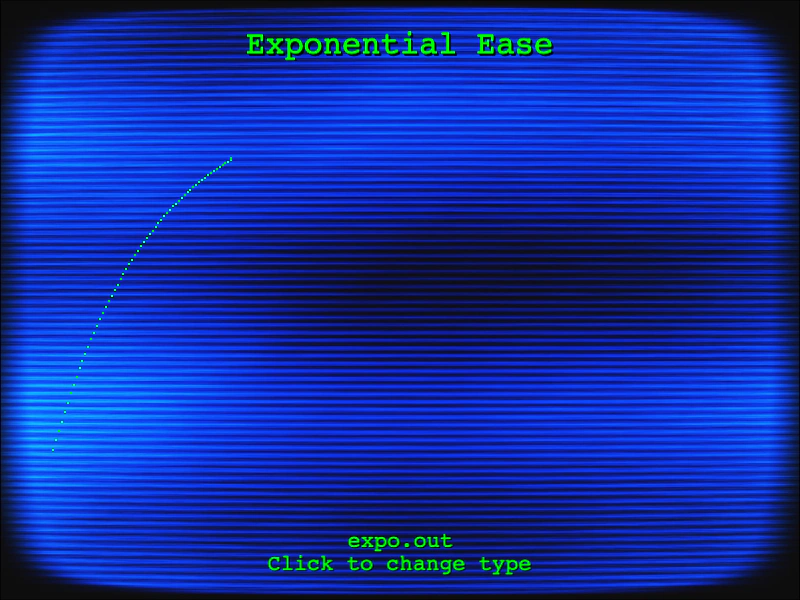 Exponential Ease VisualizerVisualizes exponential easing functions (In, Out, and InOut) by plotting their movement curves in real-time using a tween and Graphics object.
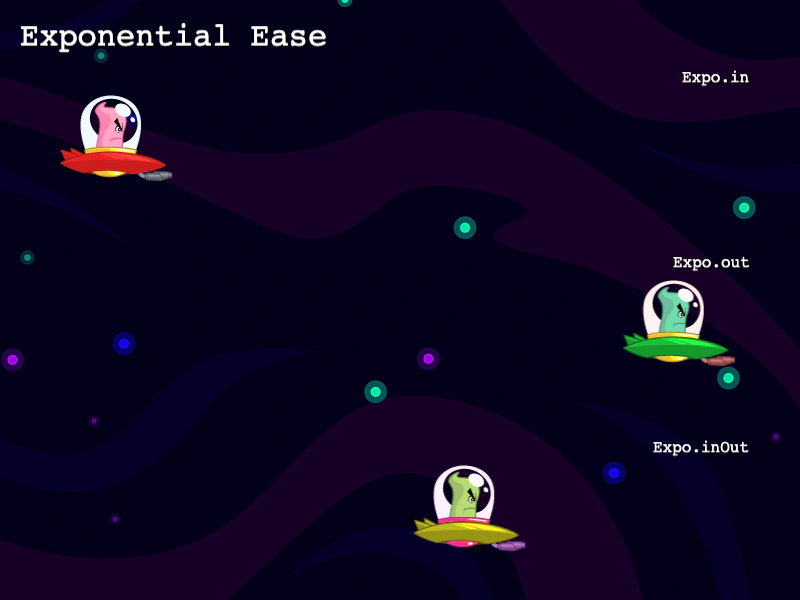 Exponential EasingDemonstrates the behavior of Exponential In, Out, and InOut easing functions applied to tween animations.
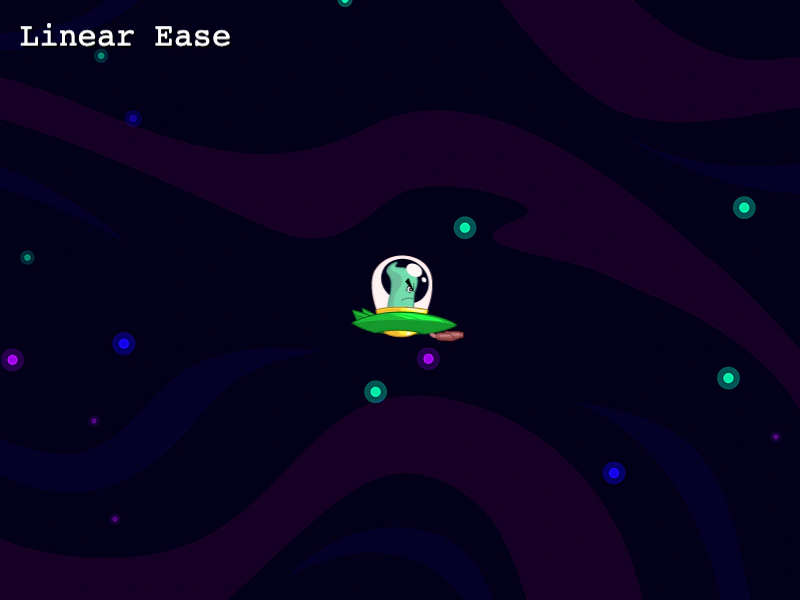 Linear EaseThis example demonstrates how to use the linear easing function to move an object at a constant speed throughout a tween.