Matter Physics Tilemap Collision
Demonstrates how to convert a Tilemap layer into Matter.js physics bodies, supporting both default rectangular bounds and custom collision shapes defined in Tiled.
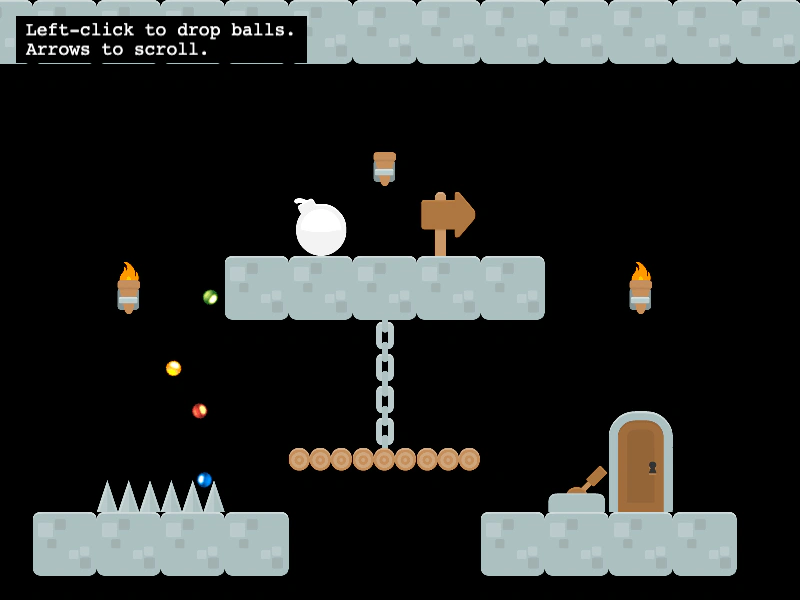
800 × 600
class Example extends Phaser.Scene
{
    controls;

    preload ()
    {
        this.load.setBaseURL('https://cdn.phaserfiles.com/v410');
        this.load.spritesheet('balls', 'assets/sprites/balls.png', { frameWidth: 17, frameHeight: 17 });
        this.load.tilemapTiledJSON('map', 'assets/tilemaps/maps/tileset-collision-shapes.json');
        this.load.image('kenny_platformer_64x64', 'assets/tilemaps/tiles/kenny_platformer_64x64.png');
    }

    create ()
    {
        const map = this.make.tilemap({ key: 'map' });
        const tileset = map.addTilesetImage('kenny_platformer_64x64');
        const layer = map.createLayer(0, tileset, 0, 0);

        // Set colliding tiles before converting the layer to Matter bodies!
        map.setCollisionByExclusion([ -1, 0 ]);

        // Convert the layer. Any colliding tiles will be given a Matter body.
        // If a tile has collision shapes from Tiled, these will be loaded. If
        // not, a default rectangle body will be used.
        // The body will be accessible via tile.physics.matterBody.
        this.matter.world.convertTilemapLayer(layer);

        this.matter.world.setBounds(map.widthInPixels, map.heightInPixels);

        // Drop bouncy, Matter balls on pointer down
        this.input.on('pointerdown', function ()
        {
            const worldPoint = this.input.activePointer.positionToCamera(this.cameras.main);
            for (let i = 0; i < 4; i++)
            {
                const x = worldPoint.x + Phaser.Math.RND.integerInRange(-5, 5);
                const y = worldPoint.y + Phaser.Math.RND.integerInRange(-5, 5);
                const frame = Phaser.Math.RND.integerInRange(0, 5);
                this.matter.add.image(x, y, 'balls', frame, { restitution: 1 });
            }
        }, this);

        this.cameras.main.setBounds(0, 0, map.widthInPixels, map.heightInPixels);
        this.cameras.main.setScroll(95, 0);

        const cursors = this.input.keyboard.createCursorKeys();
        const controlConfig = {
            camera: this.cameras.main,
            left: cursors.left,
            right: cursors.right,
            up: cursors.up,
            down: cursors.down,
            speed: 0.5
        };
        this.controls = new Phaser.Cameras.Controls.FixedKeyControl(controlConfig);

        const help = this.add.text(16, 16, 'Left-click to drop balls.\nArrows to scroll.', {
            fontSize: '18px',
            padding: { x: 10, y: 5 },
            backgroundColor: '#000000',
            fill: '#ffffff'
        });
        help.setScrollFactor(0);
    }

    update (time, delta)
    {
        this.controls.update(delta);
    }
}

const config = {
    scale: { mode: Phaser.Scale.FIT },
    type: Phaser.AUTO,
    width: 800,
    height: 600,
    backgroundColor: '#000000',
    parent: 'game-container',
    physics: {
        default: 'matter',
        matter: {
            gravity: { y: 1 },
            enableSleep: true
        }
    },
    scene: Example
};

const game = new Phaser.Game(config);
More in Collision12 examples
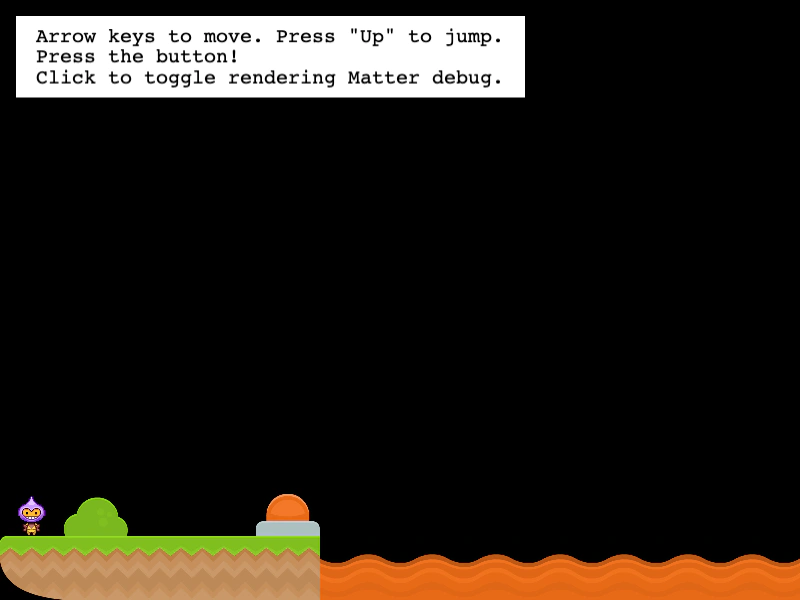 Matter Platformer with Dynamic Tile ModificationDemonstrates how to modify a Matter-enabled Tilemap at runtime, including updating existing tile collision shapes and adding new physics-enabled tiles to build a bridge.
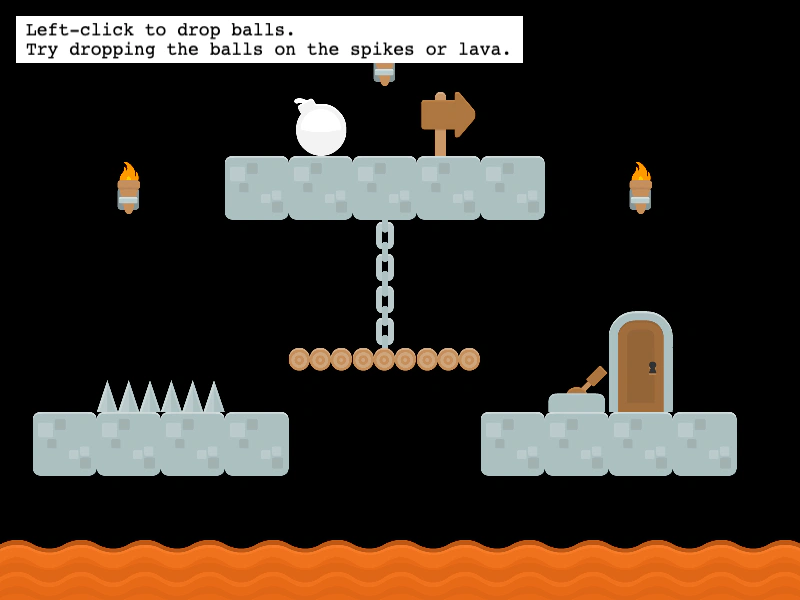 Matter Tilemap Collision DetectionDemonstrates how to convert a Tilemap layer into Matter.js physics bodies and detect collisions between sprites and specific tiles using body labels and custom Tiled properties.
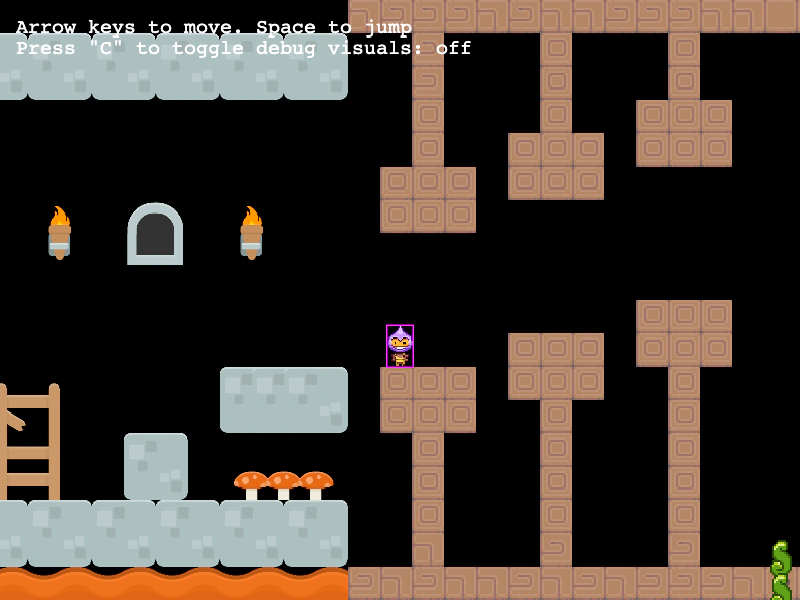 Multiple Tile Sizes and CollisionsDemonstrates how to handle physics collisions across multiple tilemap layers using different tile dimensions (32x32, 64x64, and 32x64) within a single map.
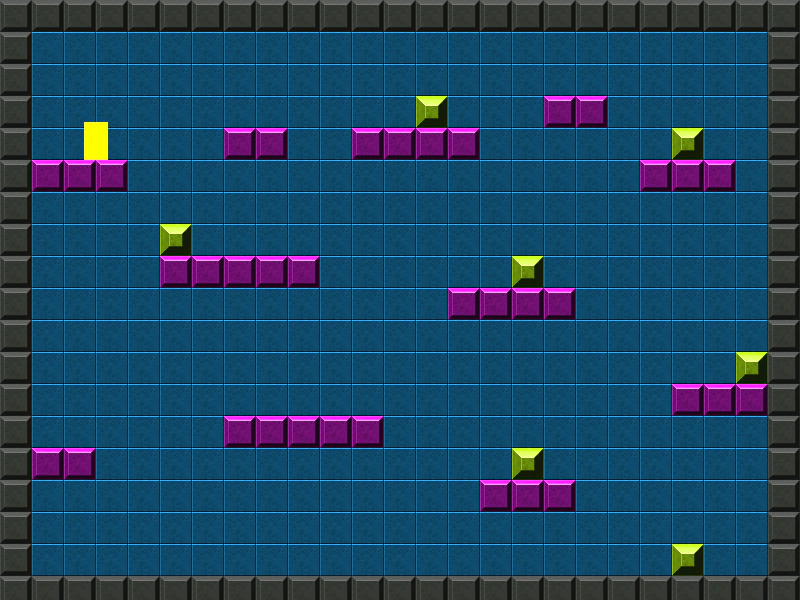 Simple Tilemap Collision and InteractionDemonstrates how to set tile-based collisions, use Arcade Physics with a tilemap layer, and filter specific tiles to create interactive pickups that can be removed from the map.