Install Global Plugin At Runtime
Demonstrates how to dynamically register and instantiate custom global plugins using the Plugin Manager after the game has started.
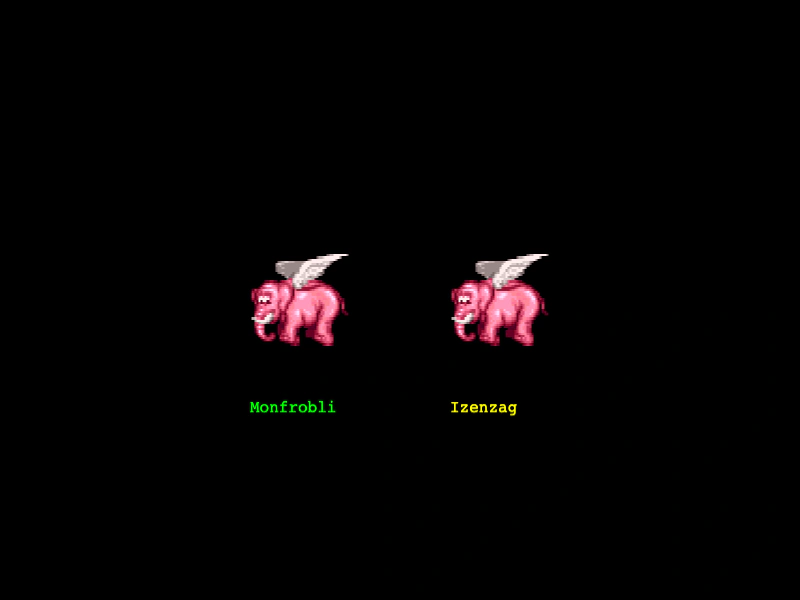
800 × 600
class RandomNamePlugin extends Phaser.Plugins.BasePlugin {

    constructor (pluginManager)
    {
        super(pluginManager);

        this.syllables1 = [ 'fro', 'tir', 'nag', 'bli', 'mon', 'zip' ];
        this.syllables2 = [ 'fay', 'shi', 'zag', 'blarg', 'rash', 'izen' ];

        this.current = this.syllables1;
    }

    changeSet ()
    {
        this.current = this.syllables2;
    }

    getName ()
    {
        let name = '';

        for (let i = 0; i < Phaser.Math.Between(2, 4); i++)
        {
            name = name.concat(Phaser.Utils.Array.GetRandom(this.current));
        }

        return Phaser.Utils.String.UppercaseFirst(name);
    }

}

const config = {
    scale: { mode: Phaser.Scale.FIT },
    type: Phaser.AUTO,
    parent: 'game-container',
    width: 800,
    height: 600,
    scene: {
        preload: preload,
        create: create
    }
};

let game = new Phaser.Game(config);

function preload ()
{
        this.load.setBaseURL('https://cdn.phaserfiles.com/v410');
    this.load.image('elephant', 'assets/sprites/elephant.png');
}

function create ()
{
    //  Install two instances of the 'RandomNamePlugin' running in the Plugin Manager.
    //  We will reference them with the keys 'myPluginRef1' and 'myPluginRef2'
    //  `install` will return the plugins because we are calling this in `create` and the Game
    //  has booted by now. `install` returns undefined if the game is not yet booted.

    let plugin1 = this.plugins.install('myPluginRef1', RandomNamePlugin, true);
    let plugin2 = this.plugins.install('myPluginRef2', RandomNamePlugin, true);

    //  Make the 2nd instance of our plugin use the alternative set of syllables
    plugin2.changeSet();

    let name1 = plugin1.getName();
    let name2 = plugin2.getName();

    this.add.image(300, 300, 'elephant');
    this.add.image(500, 300, 'elephant');

    this.add.text(250, 400, name1, { font: '16px Courier', fill: '#00ff00' });
    this.add.text(450, 400, name2, { font: '16px Courier', fill: '#ffff00' });
}
More in Plugins17 examples
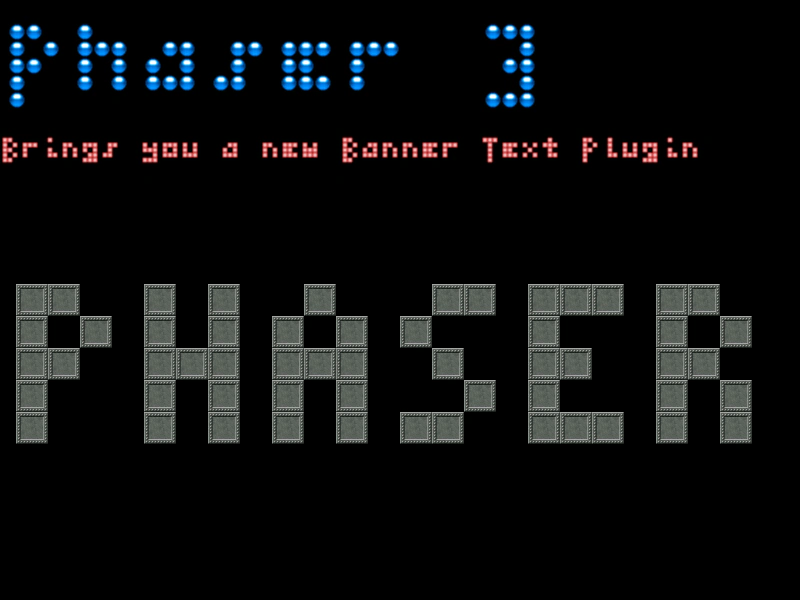 Loading a Scene PluginDemonstrates how to load an external Scene-level plugin during the preload phase and access its functionality via a custom property on the Scene.
 Loading a Scene PluginDemonstrates how to dynamically load a Scene Plugin and use its injected property to create and animate specialized content within a Scene.
 Loading External PluginsThis example demonstrates how to load an external JavaScript plugin file during the preload phase and access its custom methods within a Scene.
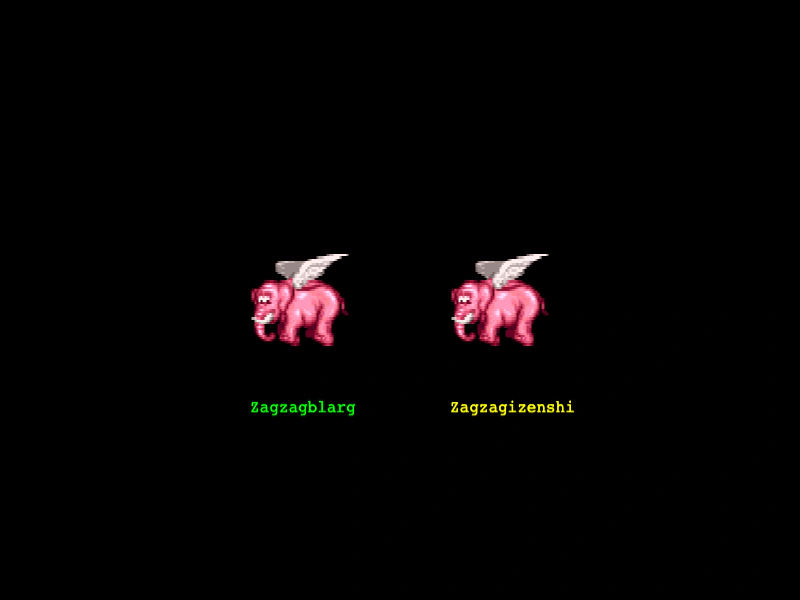 Multiple Global Plugin InstancesDemonstrates how to start and manage multiple independent instances of the same global plugin class using the Plugin Manager, allowing for separate configurations and states.