Resize Zone
This example demonstrates how to dynamically resize an input Zone and its hit area at runtime using a tween.
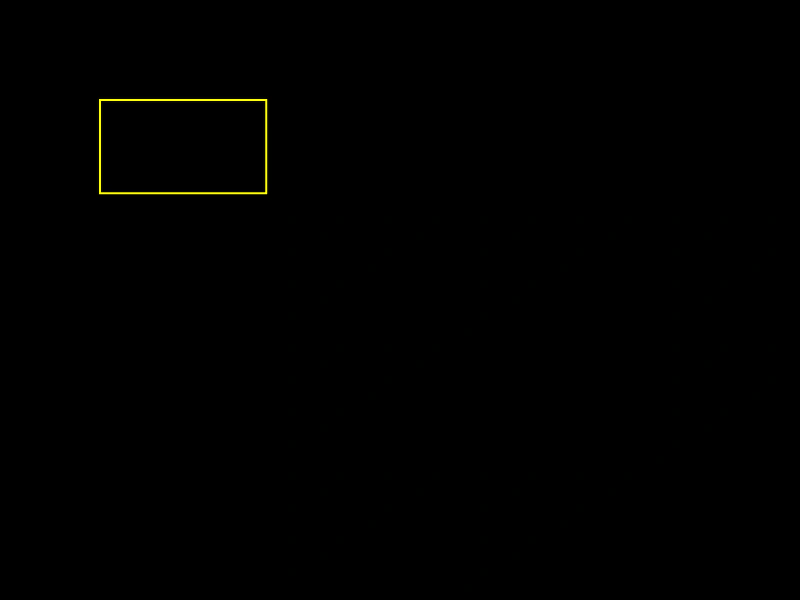
800 × 600
class Example extends Phaser.Scene
{
    create ()
    {
        const zone = this.add.zone(100, 100, 32, 32).setDropZone();

        //  Just a visual display of the drop zone
        const graphics = this.add.graphics();

        let color = 0xffff00;

        graphics.lineStyle(2, color);
        graphics.strokeRect(zone.x + zone.input.hitArea.x, zone.y + zone.input.hitArea.y, zone.input.hitArea.width, zone.input.hitArea.height);

        this.input.setPollAlways();

        // this.input.on('dragenter', function (pointer, gameObject, dropZone) {
        this.input.on('gameobjectover', (pointer, gameObject, dropZone) =>
        {

            color = 0x00ffff;

        });

        // this.input.on('dragleave', function (pointer, gameObject, dropZone) {
        this.input.on('gameobjectout', (pointer, gameObject, dropZone) =>
        {

            color = 0xffff00;

        });

        this.tweens.add({
            targets: zone,
            width: 400,
            height: 200,
            duration: 3000,
            ease: 'Sine.easeInOut',
            yoyo: true,
            repeat: -1,
            onUpdate: function ()
            {
                zone.setSize(zone.width, zone.height, true);
                graphics.clear();
                graphics.lineStyle(2, color);
                graphics.strokeRect(zone.x + zone.input.hitArea.x, zone.y + zone.input.hitArea.y, zone.input.hitArea.width, zone.input.hitArea.height);
            }

        });
    }
}

const config = {
    scale: { mode: Phaser.Scale.FIT },
    type: Phaser.WEBGL,
    parent: 'game-container',
    width: 800,
    height: 600,
    scene: Example
};

const game = new Phaser.Game(config);
More in Zones5 examples
 Sprite Drop ZoneDemonstrates how to turn any Game Object into a drop zone for drag-and-drop interactions, including handling drag enter, leave, and drop events.
 Basic Input ZoneDemonstrates how to use invisible Zone game objects to define interactive hit areas over specific regions of a static image.
 Circular Drop ZoneDemonstrates how to create a drop zone with a circular hit area and handle drag events like enter, leave, and drop to provide visual feedback and snap items into position.
 Drop ZoneLearn how to create a drop zone for draggable Game Objects. This example covers detecting when a dragged object enters or leaves a zone, snapping objects into place upon a successful drop, and returning them to their original position if the drop fails.