Circular Drop Zone
Demonstrates how to create a drop zone with a circular hit area and handle drag events like enter, leave, and drop to provide visual feedback and snap items into position.
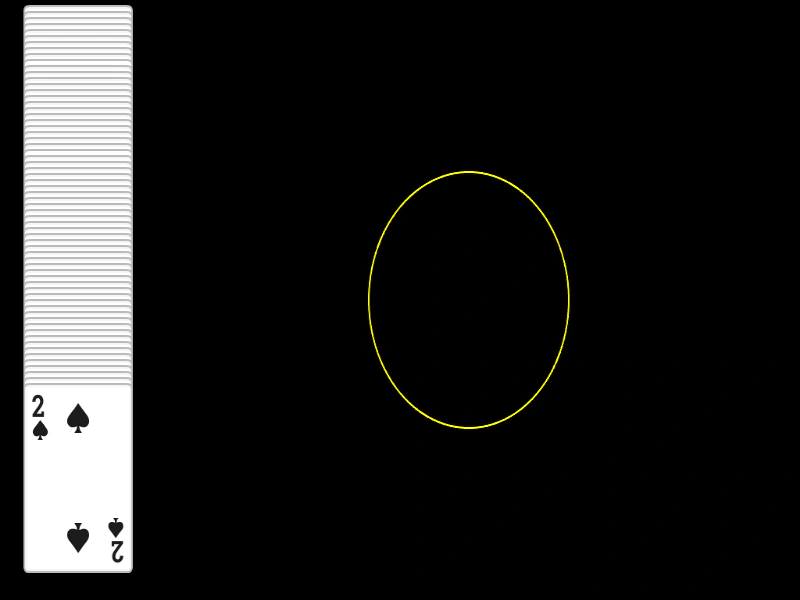
1024 × 600
class Example extends Phaser.Scene
{
    preload ()
    {
        this.load.setBaseURL('https://cdn.phaserfiles.com/v410');
        this.load.atlas('cards', 'assets/atlas/cards.png', 'assets/atlas/cards.json');
    }

    create ()
    {
        //  Create a stack of random cards

        const frames = this.textures.get('cards').getFrameNames();

        const x = 100;
        let y = 100;

        for (let i = 0; i < 64; i++)
        {
            const image = this.add.image(x, y, 'cards', Phaser.Math.RND.pick(frames)).setInteractive();

            this.input.setDraggable(image);

            y += 6;
        }

        //  A drop zone positioned at 600x300 with a circular drop zone 128px in radius
        const zone = this.add.zone(600, 300).setCircleDropZone(128);

        //  Just a visual display of the drop zone
        const graphics = this.add.graphics();

        graphics.lineStyle(2, 0xffff00);

        graphics.strokeCircle(zone.x, zone.y, zone.input.hitArea.radius);

        this.input.on('dragstart', function (pointer, gameObject)
        {

            this.children.bringToTop(gameObject);

        }, this);

        this.input.on('drag', (pointer, gameObject, dragX, dragY) =>
        {

            gameObject.x = dragX;
            gameObject.y = dragY;

        });

        this.input.on('dragenter', (pointer, gameObject, dropZone) =>
        {

            graphics.clear();
            graphics.lineStyle(2, 0x00ffff);
            graphics.strokeCircle(zone.x, zone.y, zone.input.hitArea.radius);

        });

        this.input.on('dragleave', (pointer, gameObject, dropZone) =>
        {

            graphics.clear();
            graphics.lineStyle(2, 0xffff00);
            graphics.strokeCircle(zone.x, zone.y, zone.input.hitArea.radius);

        });

        this.input.on('drop', (pointer, gameObject, dropZone) =>
        {

            gameObject.x = dropZone.x;
            gameObject.y = dropZone.y;

            gameObject.input.enabled = false;

        });

        this.input.on('dragend', (pointer, gameObject, dropped) =>
        {

            if (!dropped)
            {
                gameObject.x = gameObject.input.dragStartX;
                gameObject.y = gameObject.input.dragStartY;
            }

        });
    }
}

const config = {
    scale: { mode: Phaser.Scale.FIT },
    type: Phaser.WEBGL,
    parent: 'game-container',
    width: 1024,
    height: 600,
    scene: Example
};

const game = new Phaser.Game(config);
More in Zones5 examples
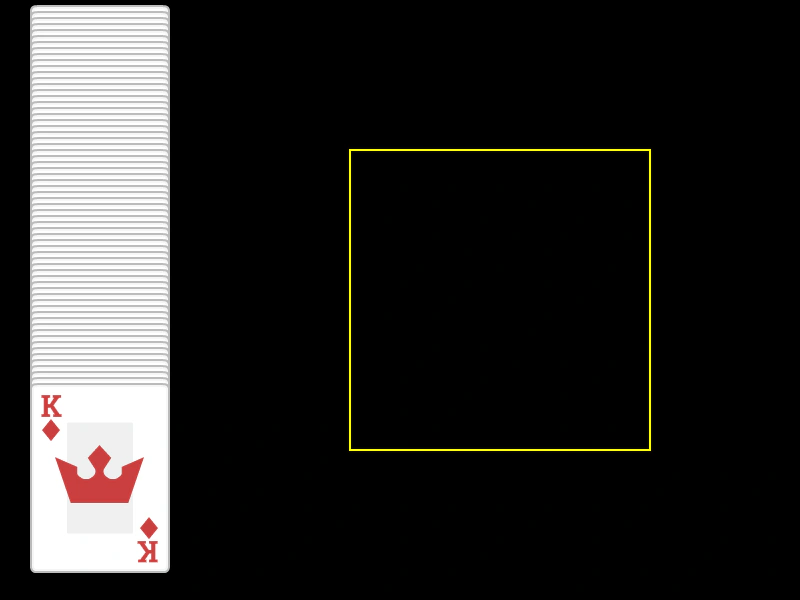 Drop ZoneLearn how to create a drop zone for draggable Game Objects. This example covers detecting when a dragged object enters or leaves a zone, snapping objects into place upon a successful drop, and returning them to their original position if the drop fails.
 Resize ZoneThis example demonstrates how to dynamically resize an input Zone and its hit area at runtime using a tween.
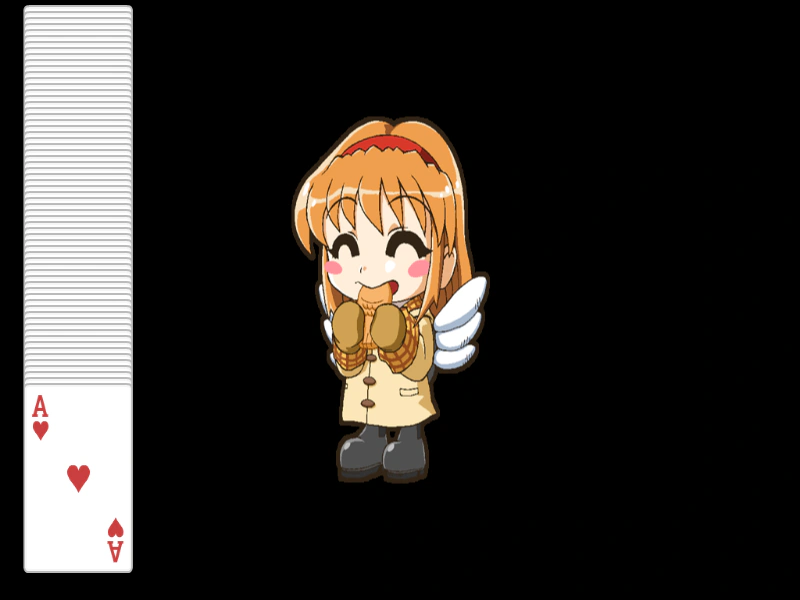 Sprite Drop ZoneDemonstrates how to turn any Game Object into a drop zone for drag-and-drop interactions, including handling drag enter, leave, and drop events.
 Basic Input ZoneDemonstrates how to use invisible Zone game objects to define interactive hit areas over specific regions of a static image.