Tile Sprite Scrolling
Demonstrates how to create and animate scrolling textures using Tile Sprites, including the use of rotation, scaling, and tile position offsets.
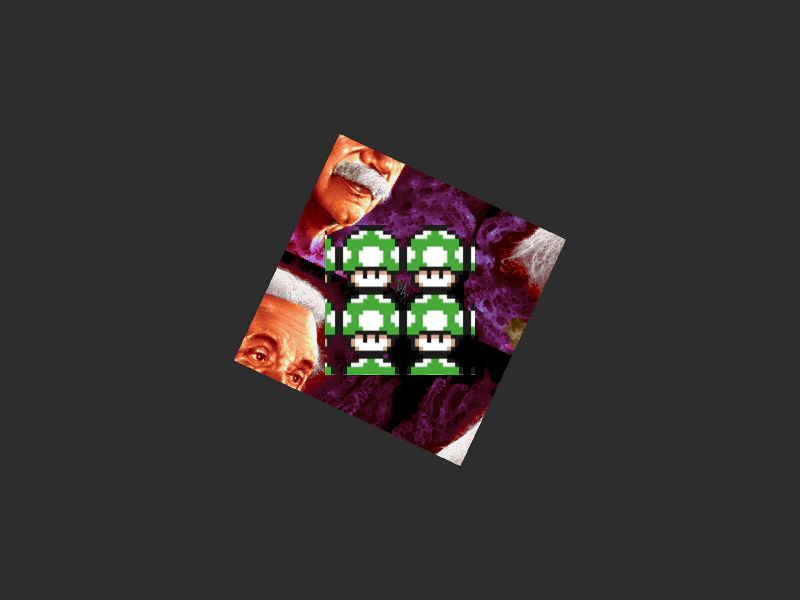
800 × 600
class Example extends Phaser.Scene
{
    iter = 0;
    image1;
    image0;

    preload ()
    {
        this.load.setBaseURL('https://cdn.phaserfiles.com/v410');
        this.load.image('image0', 'assets/pics/ra-einstein.png');
        this.load.image('image1', 'assets/sprites/mushroom2.png');
    }

    create ()
    {
        this.image0 = this.add.tileSprite(400, 300, 500, 500, 'image0');

        this.image0.setAngle(25);
        this.image0.setScale(0.5);

        this.image1 = this.add.tileSprite(400, 300, 150, 150, 'image1');
    }

    update ()
    {
        this.image0.tilePositionX = Math.cos(this.iter) * 400;
        this.image0.tilePositionY = Math.sin(this.iter) * 400;
        this.image1.tilePositionX = Math.cos(-this.iter) * 400;
        this.image1.tilePositionY = Math.sin(-this.iter) * 400;
        this.iter += 0.01;
    }
}

const config = {
    scale: { mode: Phaser.Scale.FIT },
    type: Phaser.WEBGL,
    width: 800,
    height: 600,
    backgroundColor: '#2d2d2d',
    parent: 'game-container',
    scene: Example
};

const game = new Phaser.Game(config);
More in Tile Sprite12 examples
 TileSprite Canvas RenderingDemonstrates how to use and animate TileSprites in Canvas mode, including updating tile positions to create scrolling effects alongside other game objects.
 TileSprite from Texture AtlasDemonstrates how to create multiple TileSprites using individual frames from a Texture Atlas and animate their tile positions.
 TileSprite Pixel Art ScalingDemonstrates dynamic tile scaling and rotation of a TileSprite using pixel art textures, while maintaining crisp rendering with the pixelArt configuration enabled.
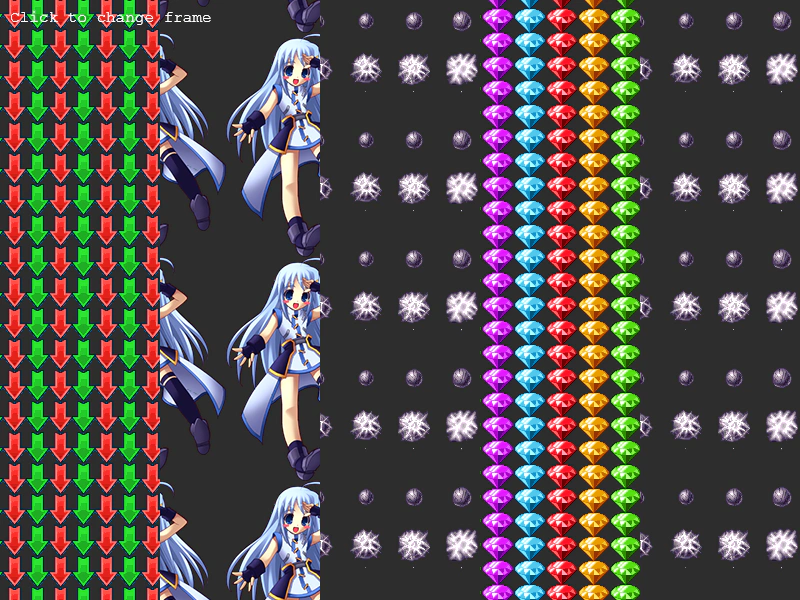 Change TileSprite FrameDemonstrates how to dynamically update the texture frame of a TileSprite using the setFrame method with frames from a texture atlas.