TileSprite from Texture Atlas
Demonstrates how to create multiple TileSprites using individual frames from a Texture Atlas and animate their tile positions.
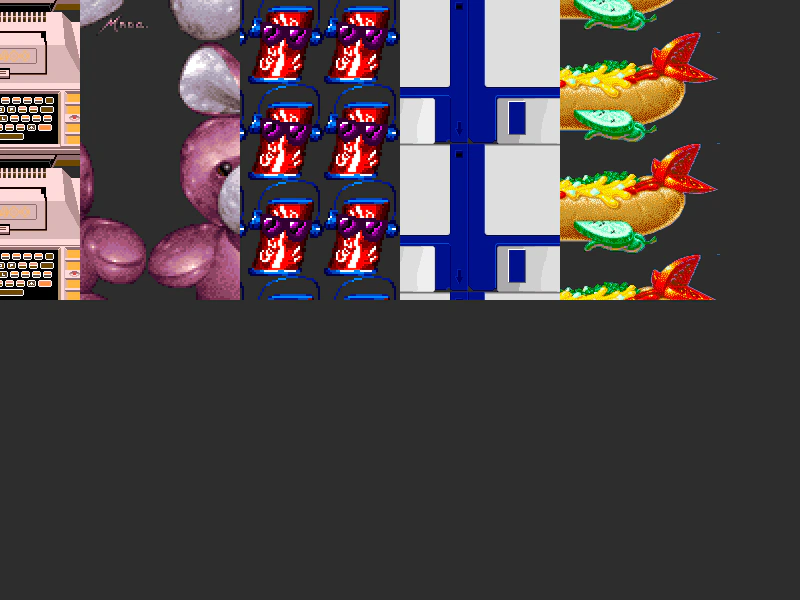
800 × 600
class Example extends Phaser.Scene
{
    iter = 0;
    images = [];

    preload ()
    {
        this.load.setBaseURL('https://cdn.phaserfiles.com/v410');
        this.load.atlas('atlas', 'assets/atlas/megaset-2.png', 'assets/atlas/megaset-2.json');
    }

    create ()
    {
        const frames = [ 'atari400', 'bunny', 'cokecan', 'copy-that-floppy', 'hotdog' ];
        for (let i = 0; i < frames.length; ++i)
        {
            this.images[i] = this.add.tileSprite(i * 160, 0, 160, 600, 'atlas', frames[i]);
            this.images[i].originX = 0;
            this.images[i].originY = 0;
        }
    }

    update ()
    {
        let x = 1;
        for (let i = 0; i < this.images.length; ++i)
        {
            this.images[i].tilePositionX += x;
            x *= -1;
        }
        this.iter += 0.01;
    }
}

const config = {
    scale: { mode: Phaser.Scale.FIT },
    type: Phaser.WEBGL,
    width: 800,
    height: 600,
    backgroundColor: '#2d2d2d',
    parent: 'game-container',
    scene: Example
};

const game = new Phaser.Game(config);
More in Tile Sprite12 examples
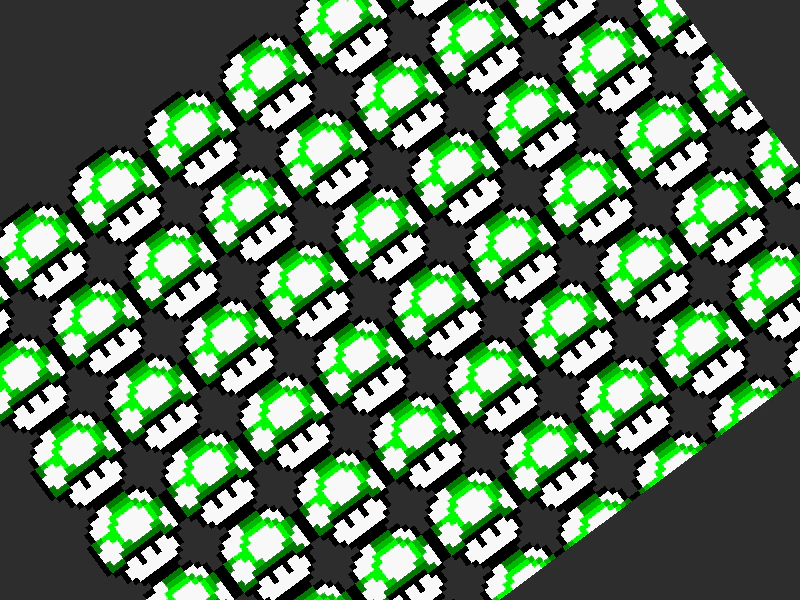 TileSprite Pixel Art ScalingDemonstrates dynamic tile scaling and rotation of a TileSprite using pixel art textures, while maintaining crisp rendering with the pixelArt configuration enabled.
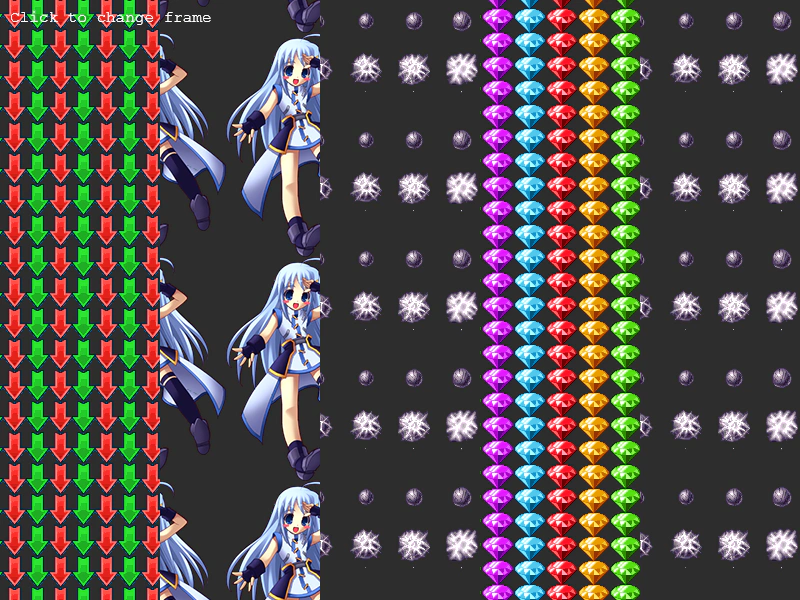 Change TileSprite FrameDemonstrates how to dynamically update the texture frame of a TileSprite using the setFrame method with frames from a texture atlas.
 Change TileSprite FrameDemonstrates how to dynamically update the texture frame of a TileSprite at runtime using frames from a texture atlas.
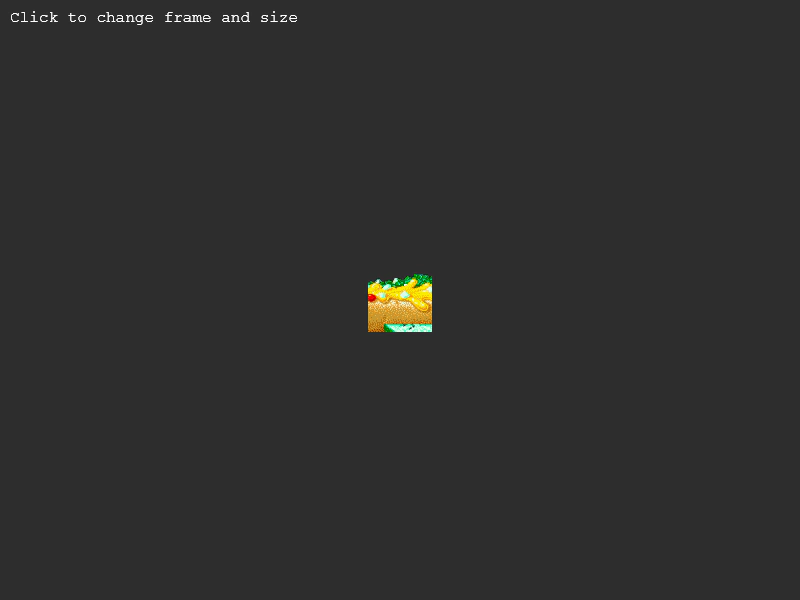 Change TileSprite Frame and SizeDemonstrates how to dynamically update a TileSprite's dimensions and change its texture frame from an atlas while it is scrolling.