Stamp With Lighting
Demonstrates using the Stamp Game Object with the 2D lighting system and normal maps. It shows how a Stamp can receive dynamic lighting from multiple light sources as they move across the screen.
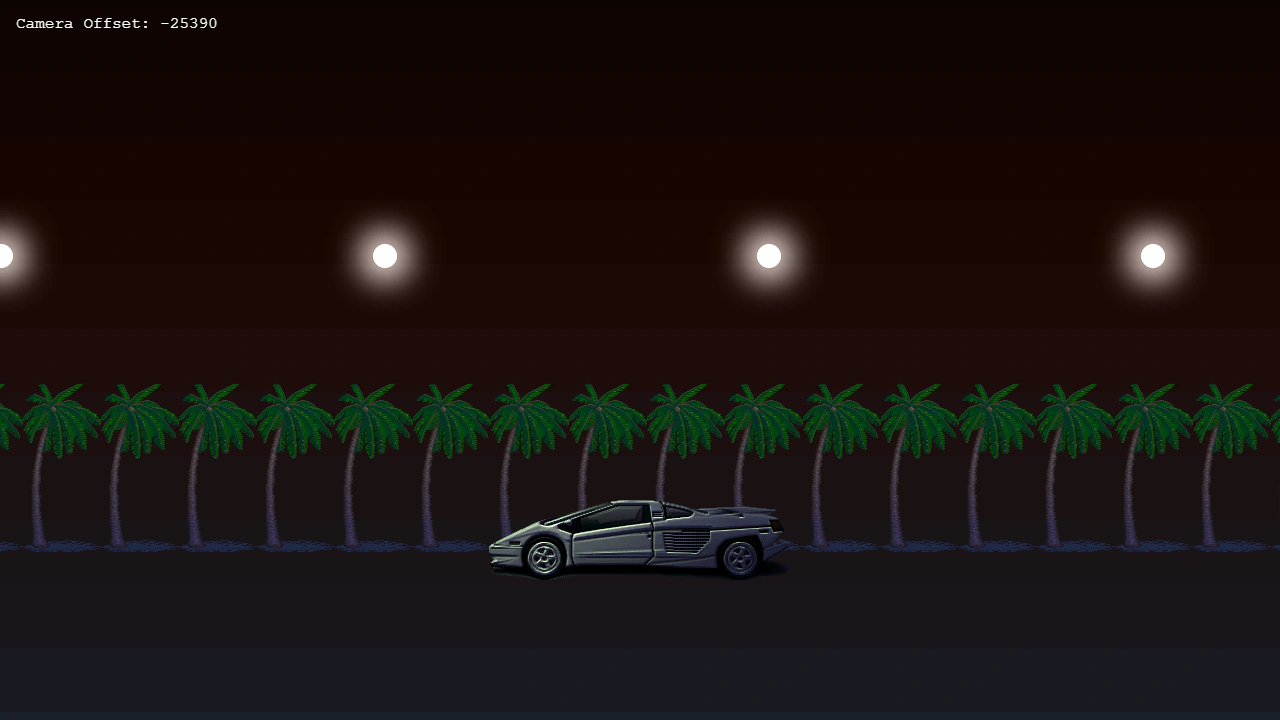
1280 × 720
class Example extends Phaser.Scene
{
    preload ()
    {
        this.load.setBaseURL('https://cdn.phaserfiles.com/v410');
        this.load.image('cavern2', 'assets/skies/cavern2.png');
        this.load.image('parsec', [ 'assets/sprites/parsec.png', 'assets/normal-maps/parsec_n.png' ]);
        this.load.image('palm-tree-left', 'assets/sprites/palm-tree-left.png');
        this.load.image('orb', 'assets/particles/orb.png');
    }

    create ()
    {
        const halfWidth = this.scale.width / 2;
        const halfHeight = this.scale.height / 2;

        // Create scrolling background.

        this.add.image(halfWidth, halfHeight, 'cavern2')
        .setScrollFactor(0)
        .setScale(1280 / 800);

        this.palms = this.add.tileSprite(halfWidth, this.scale.height * 0.65, this.scale.width, 168, 'palm-tree-left')
        .setScrollFactor(0)
        .setTint(0x888888, 0x888888, 0x444488, 0x444488);

        // Add a Stamp with lighting.
        // This will not move with the camera, but will still receive lighting.
        this.add.stamp(halfWidth, this.scale.height * 0.75, 'parsec')
        .setLighting(true);

        // Add a caption displaying camera offset.
        this.text = this.add.text(16, 16, 'Camera Offset: 0', { fontSize: '16px', fill: '#ffffff' })
        .setScrollFactor(0);

        this.textUpdateTimer = this.time.addEvent({
            delay: 100,
            repeat: -1,
            callback: () => {
                this.text.setText('Camera Offset: ' + Math.round(this.cameras.main.scrollX));
            }
        });

        // Add scene lighting.
        this.lights.enable();
        this.lights.setAmbientColor(0x222244);
        this.streetLights = [];
        this.streetLightFlares = [];
        const streetLightCount = 6;
        this.streetLightLeftMargin = -512;
        this.streetLightRightMargin = this.scale.width + 512;
        const streetLightSpacing = (this.streetLightRightMargin - this.streetLightLeftMargin) / streetLightCount;
        for (let i = 0; i < streetLightCount; i++)
        {
            const x = this.streetLightLeftMargin + i * streetLightSpacing;
            const y = 256;
            const light = this.lights.addLight(x, y, 512, 0xddffaa, 2);
            light.setZNormal(i % 2 === 0 ? 0.25 : -0.5);
            this.streetLights.push(light);
            const flare = this.add.image(x, y, 'orb');
            flare.setBlendMode(Phaser.BlendModes.ADD);
            flare.setScale(0.5);
            this.streetLightFlares.push(flare);
        }
    }

    update (time, delta)
    {
        const cam = this.cameras.main;
        cam.scrollX -= delta;

        this.palms.tilePositionX = cam.scrollX * 0.5;

        for (let i = 0; i < this.streetLights.length; i++)
        {
            const light = this.streetLights[i];
            const flare = this.streetLightFlares[i];
            if (light.x > this.streetLightRightMargin + cam.scrollX)
            {
                light.x -= (this.streetLightRightMargin - this.streetLightLeftMargin);
            }
            flare.x = light.x;
        }
    }
}

const config = {
    scale: { mode: Phaser.Scale.FIT },
    type: Phaser.WEBGL,
    parent: 'game-container',
    scene: Example,
    width: 1280,
    height: 720
};

const game = new Phaser.Game(config);
More in Stamp3 examples
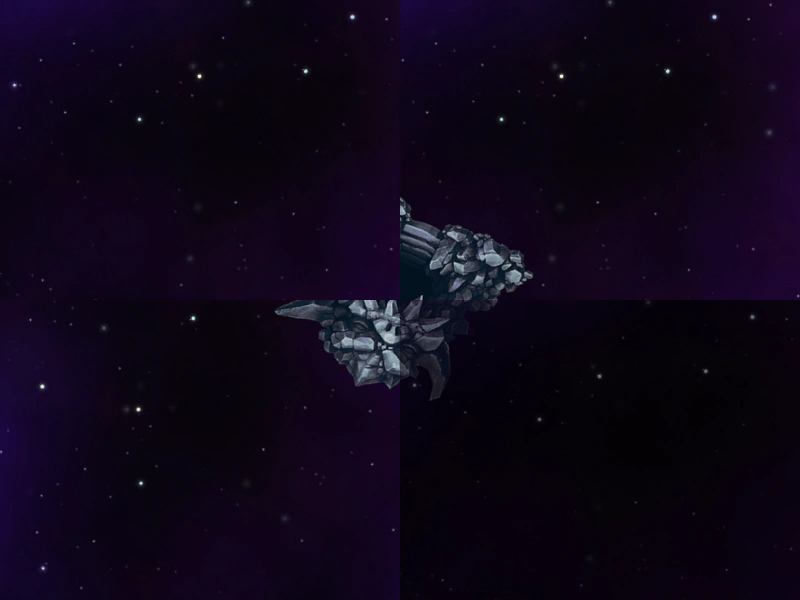 Stamp Across Multiple CamerasDemonstrates how a Stamp Game Object is rendered across multiple cameras simultaneously, including how to hide it from specific viewports using camera.ignore.
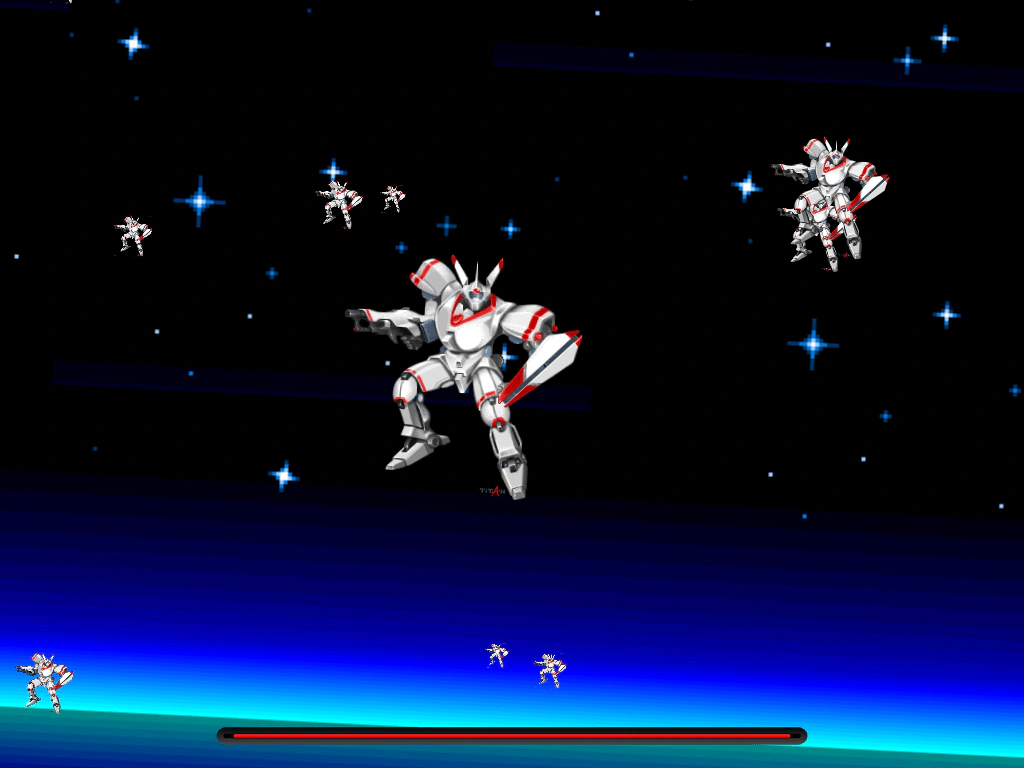 Stamp HUDLearn how to use Stamp Game Objects to create UI elements that remain fixed on the screen, ignoring camera movement, rotation, and zoom levels.