Stamp HUD
Learn how to use Stamp Game Objects to create UI elements that remain fixed on the screen, ignoring camera movement, rotation, and zoom levels.
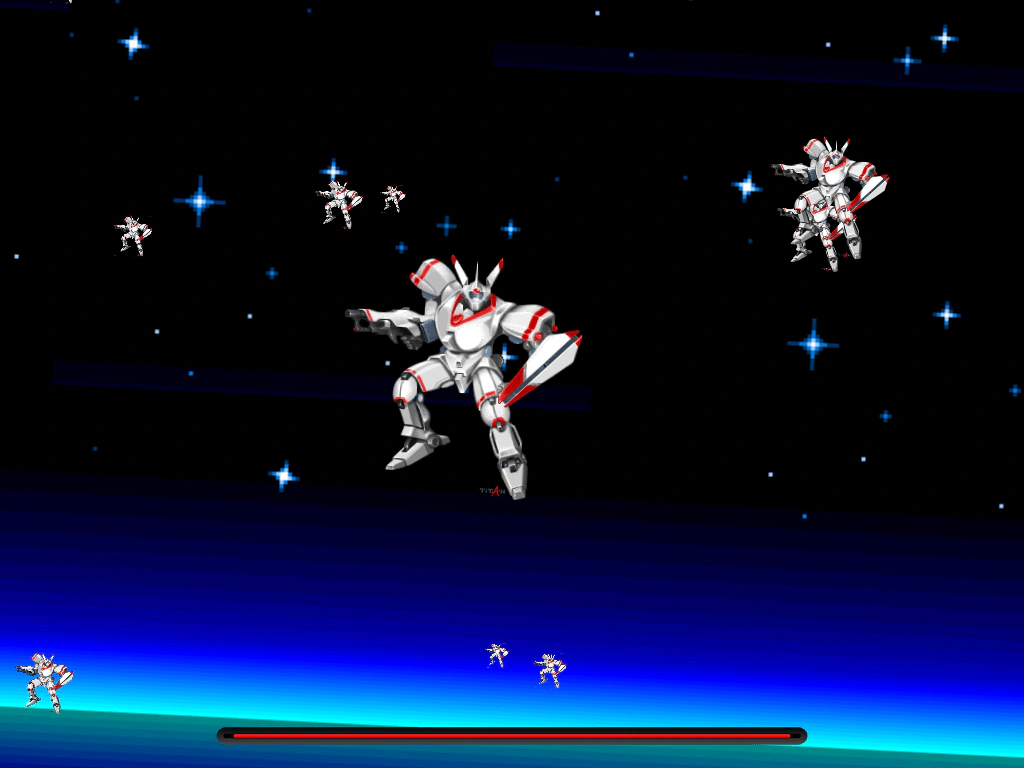
1024 × 768
class Example extends Phaser.Scene
{
    preload ()
    {
        this.load.setBaseURL('https://cdn.phaserfiles.com/v410');
        this.load.image('space3', 'assets/skies/space3.png');
        this.load.atlas('hud', 'assets/ui/dark-ui.png', 'assets/ui/dark-ui.json');
        this.load.atlas('atlas', 'assets/atlas/megaset-1.png', 'assets/atlas/megaset-1.json');
    }

    create ()
    {
        const halfWidth = this.scale.width / 2;
        const halfHeight = this.scale.height / 2;

        // Create a background image that won't move with the camera,
        // but will still rotate with perspective.
        this.add.image(halfWidth, halfHeight, 'space3').setScale(2).setScrollFactor(0.05);

        const total = 10;
        for (let i = 0; i < total; i++)
        {
            const depth = 1 / (total - i);
            this.add.image(Phaser.Math.Between(0, this.scale.width), Phaser.Math.Between(0, this.scale.height), 'atlas', 'titan-mech')
            .setScale(depth)
            .setScrollFactor(depth);
        }

        // Add a HUD using Stamps which don't react to Camera transforms at all.
        const barHeight = this.scale.height - 32;
        this.add.stamp(halfWidth, barHeight, 'hud', 'track-empty');
        this.bar = this.add.stamp(halfWidth, barHeight, 'hud', 'track-red');
    }

    update (time, delta)
    {
        this.bar.scaleX = Math.sin(time / 200);

        this.cameras.main
        .setScroll(Math.cos(time / 1000) * 400, Math.sin(time / 1000) * 200)
        .setRotation(Math.sin(time / 500) * 0.1)
        .setZoom(1 + Math.sin(time / 2000) * 0.1);
    }
}

const config = {
    scale: { mode: Phaser.Scale.FIT },
    type: Phaser.AUTO,
    parent: 'game-container',
    scene: Example
};

const game = new Phaser.Game(config);
More in Stamp3 examples
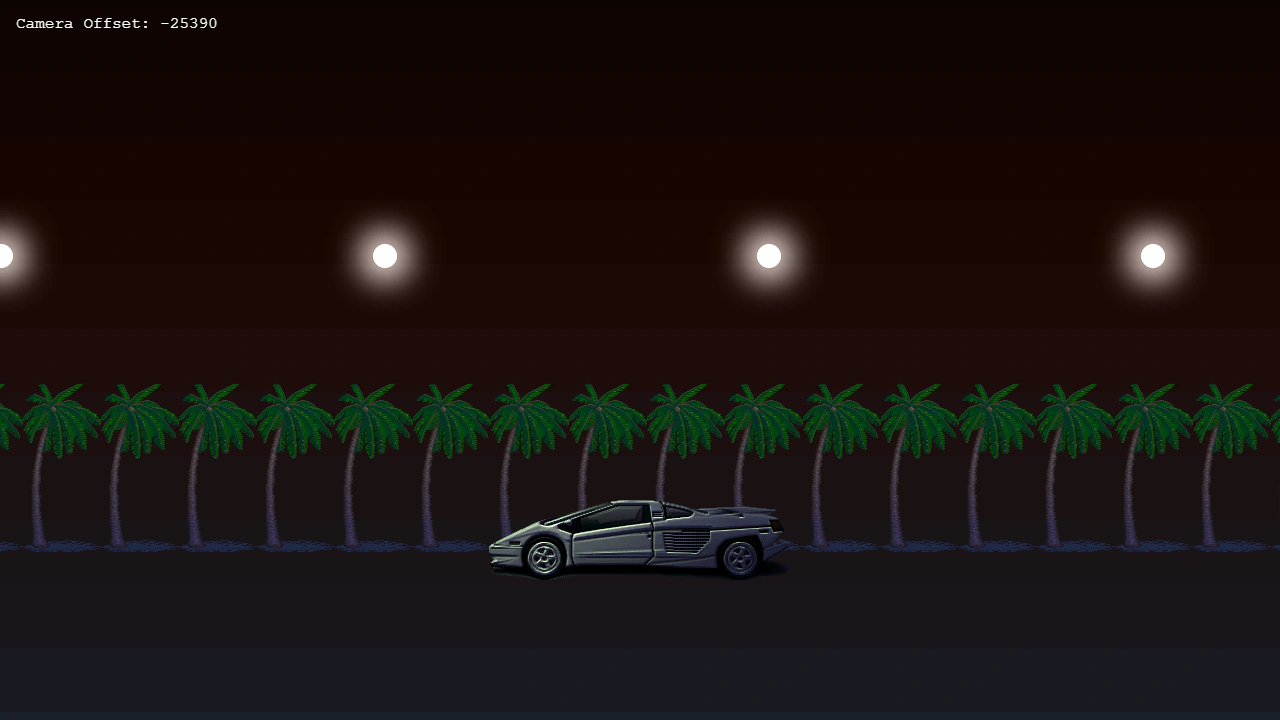 Stamp With LightingDemonstrates using the Stamp Game Object with the 2D lighting system and normal maps. It shows how a Stamp can receive dynamic lighting from multiple light sources as they move across the screen.
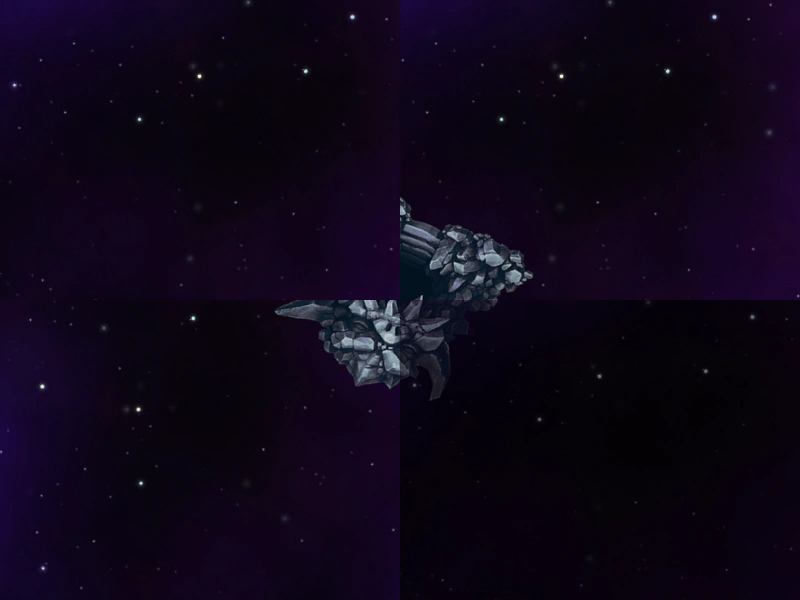 Stamp Across Multiple CamerasDemonstrates how a Stamp Game Object is rendered across multiple cameras simultaneously, including how to hide it from specific viewports using camera.ignore.