Layer with Bitmap Mask
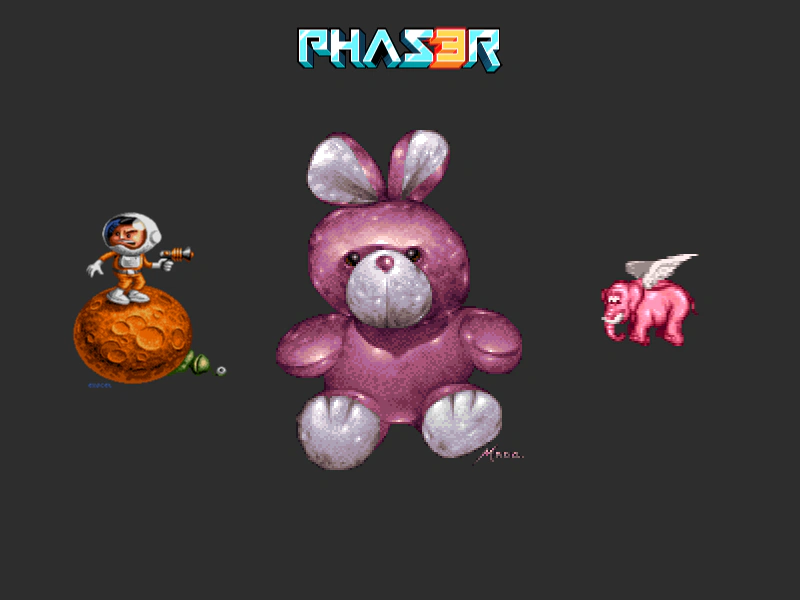
Demonstrates how to apply a bitmap mask to an entire Layer, ensuring all children within the layer are masked by a single external image.
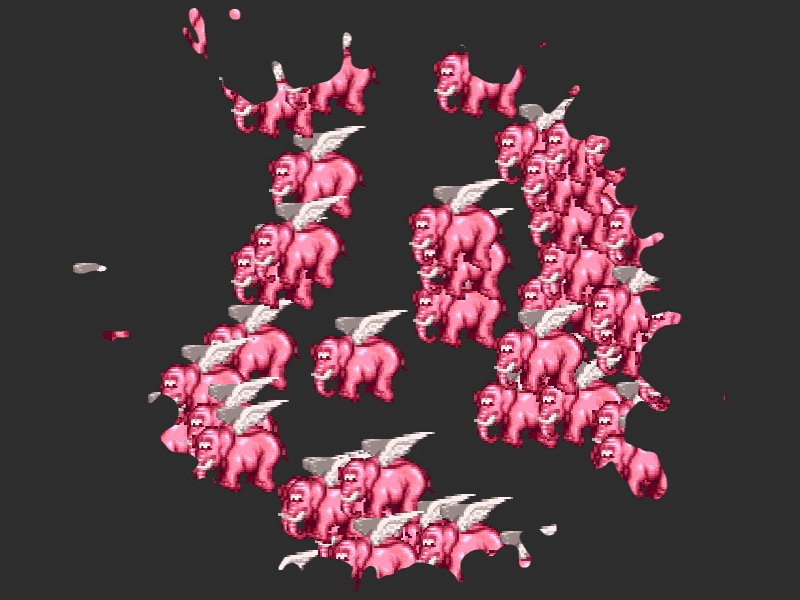
800 × 600
class Example extends Phaser.Scene
{
    constructor ()
    {
        super();
    }

    preload ()
    {
        this.load.setBaseURL('https://cdn.phaserfiles.com/v410');
        this.load.image('elephant', 'assets/sprites/elephant.png');
        this.load.image('splat', 'assets/pics/splat1.png');
    }

    create ()
    {
        const elephantLayer = this.add.layer();

        const splat = this.make.image({ x: 400, y: 300, key: 'splat' }, false);

        elephantLayer.enableFilters().filters.external.addMask(splat);

        for (let i = 0; i < 64; i++)
        {
            let x = Phaser.Math.Between(600, 800);
            let y = Phaser.Math.Between(0, 600);

            let sprite = elephantLayer.add(this.make.sprite({ x, y, key: 'elephant' }));

            let dx = x - 600;

            this.tweens.add({
                targets: sprite,
                x: dx,
                ease: 'Sine.inOut',
                duration: 4000,
                delay: (i * 50),
                yoyo: true,
                repeat: -1
            });
        }
    }
}

const config = {
    scale: { mode: Phaser.Scale.FIT },
    type: Phaser.AUTO,
    width: 800,
    height: 600,
    backgroundColor: '#2d2d2d',
    parent: 'game-container',
    scene: Example
};

const game = new Phaser.Game(config);
More in Layer8 examples
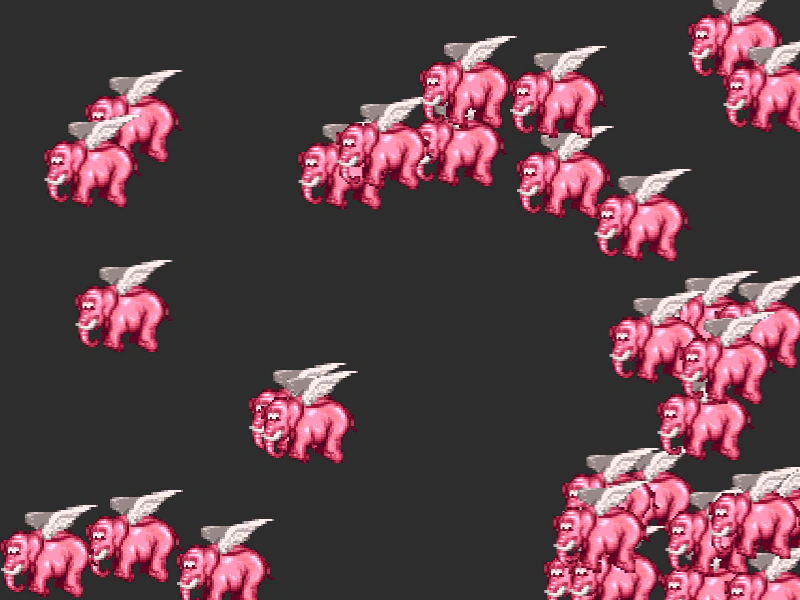 Layer With Geometry MaskDemonstrates applying a geometry mask to a Layer object, allowing you to clip all of the layer's children simultaneously using a single mask shape.
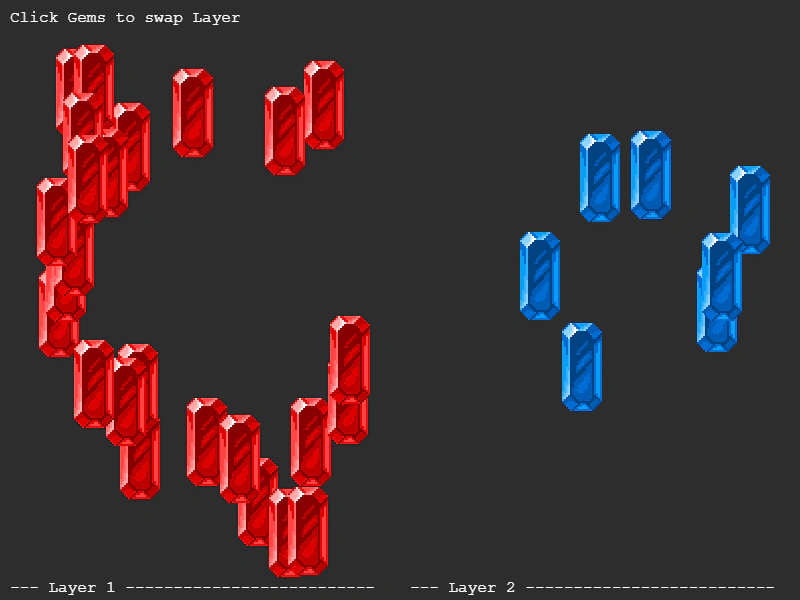 Move Between LayersDemonstrates how to transfer Game Objects between different Layers dynamically. Moving an object to a new Layer updates its rendering context, allowing it to inherit different filters and display list properties.
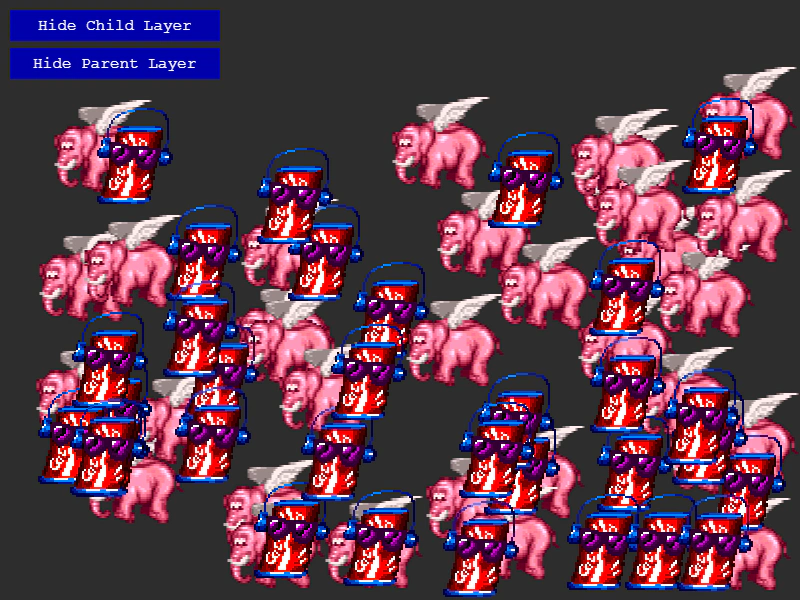 Nested LayersDemonstrates how to nest one Layer within another to create a hierarchy, showing how visibility states propagate from parent layers to their children.
 Add Sprite to LayerLearn how to add multiple existing Sprites to a Layer object and toggle the visibility of the entire group.