Screen Masking with Containers
Demonstrates how to use a Container, including shapes and dynamic particle emitters, as a mask for an image using external filters.
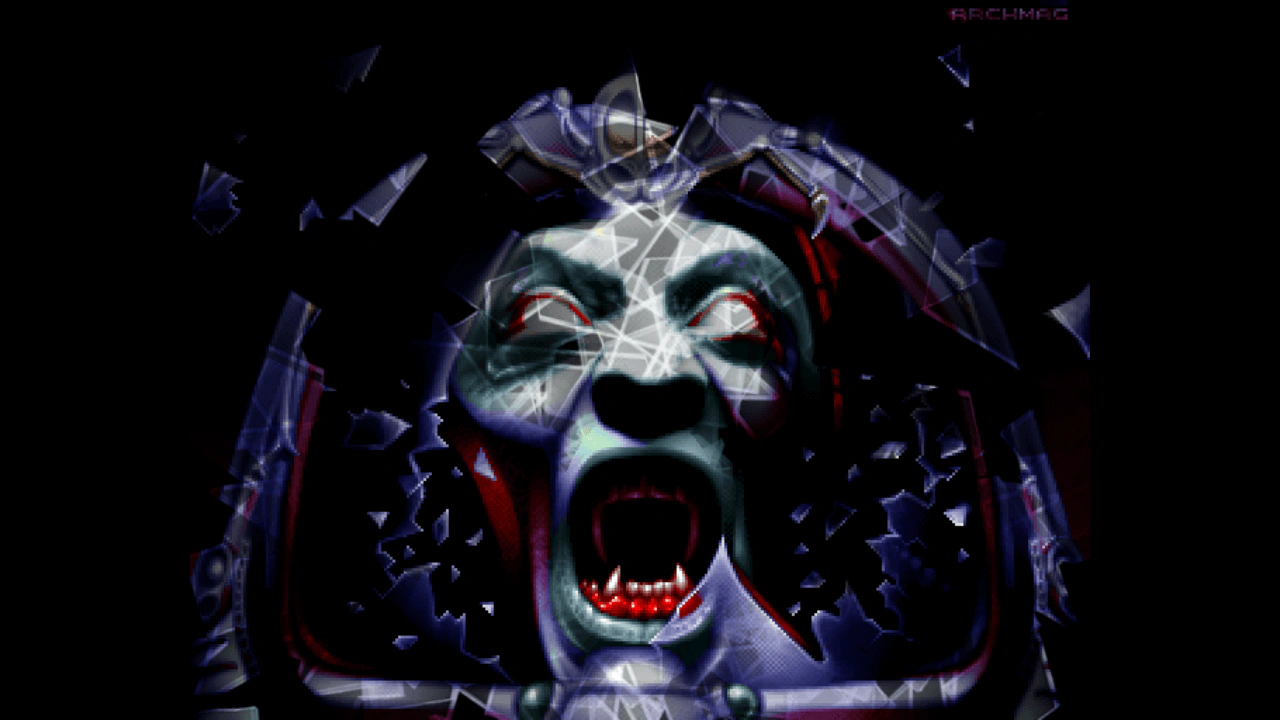
1280 × 720
class Example extends Phaser.Scene
{
    preload ()
    {
        this.load.setBaseURL('https://cdn.phaserfiles.com/v410');
        this.load.image('face', 'assets/pics/archmage-in-your-face.png');
        this.load.image('glass', 'assets/particles/glass.png');
    }

    create ()
    {
        // Add a face.
        this.bg = this.add.image(640, 360, 'face')
        .setScale(720 / 512);

        // Add an ellipse over the mouth.
        const ellipse = this.add.ellipse(640, 520, 180, 240, 0xff0000);

        // Add a particle emitter emitting shards.
        // This is aligned to the center of the ellipse.
        const emitter = this.add.particles(640, 520, 'glass', {
            rotate: { min: 0, max: 360 },
            speed: { min: 100, max: 150 },
            lifespan: 5000,
            quantity: 1
        });

        // Combine ellipse and particles in a container.
        const container = this.add.container(0, 0)
        .setVisible(false);
        container.add(ellipse);
        container.add(emitter);

        // Use container as a mask of the face.
        this.bg.enableFilters();
        this.bg.filters.external.addMask(container);
    }
}

const config = {
    scale: { mode: Phaser.Scale.FIT },
    type: Phaser.AUTO,
    width: 1280,
    height: 720,
    backgroundColor: '#000000',
    parent: 'game-container',
    scene: Example
};

let game = new Phaser.Game(config);