Gradient Map Filter
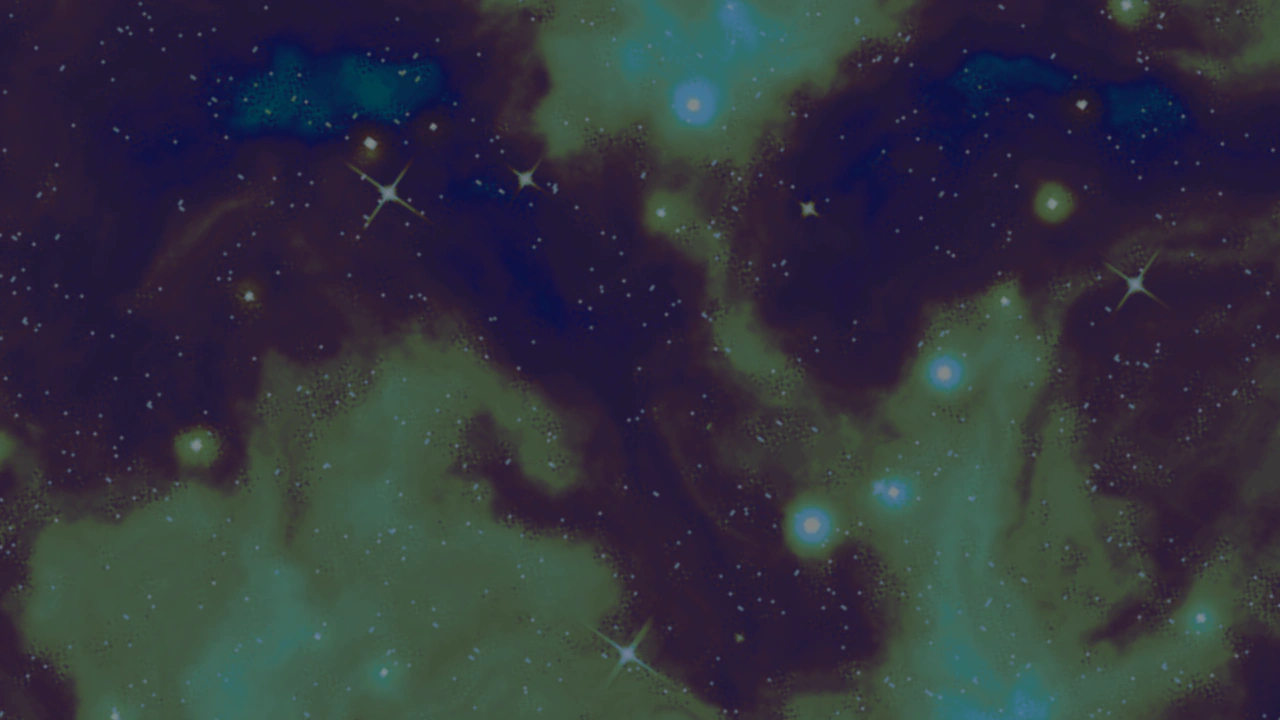
Apply a multi-stop color gradient map to an image and dynamically control its intensity using the filter's alpha property.
1280 × 720
class Example extends Phaser.Scene
{
    pic;
    gradientMap;

    preload ()
    {
        this.load.setBaseURL('https://cdn.phaserfiles.com/v410');
        this.load.image('pic', 'assets/skies/deep-space.jpg');
    }

    create ()
    {
        this.pic = this.add.image(640, 360, 'pic').setScale(3);
        this.gradientMap = this.pic.enableFilters().filters.internal.addGradientMap({
            ramp: [
                {
                    colorStart: 0x0080a0,
                    colorEnd: 0x402040,
                    colorSpace: 1,
                    size: 0.06
                },
                {
                    colorStart: 0x402040,
                    colorEnd: 0x808020,
                    colorSpace: 1,
                    size: 0.06
                },
                {
                    colorStart: 0x808020,
                    colorEnd: 0x80a040,
                    colorSpace: 1,
                    size: 0.06
                },
                {
                    colorStart: 0x80a040,
                    colorEnd: 0x80a0a0,
                    colorSpace: 1,
                    size: 0.06
                },
                {
                    colorStart: 0x80a0a0,
                    colorEnd: 0x000000,
                    colorSpace: 1
                },
            ]
        });
    }

    update (time, delta)
    {
        this.pic.rotation = time / 7654;
        this.gradientMap.alpha = 0.5 + 0.5 * Math.cos(time / 1000);
    }
}

const config = {
    scale: { mode: Phaser.Scale.FIT },
    type: Phaser.WEBGL,
    width: 1280,
    height: 720,
    backgroundColor: '#2d3440',
    parent: 'game-container',
    scene: Example
};

const game = new Phaser.Game(config);