Glow Filter
Demonstrates how to apply a glow filter effect to a Sprite, configure its distance and quality settings, and animate the outer strength using a tween.
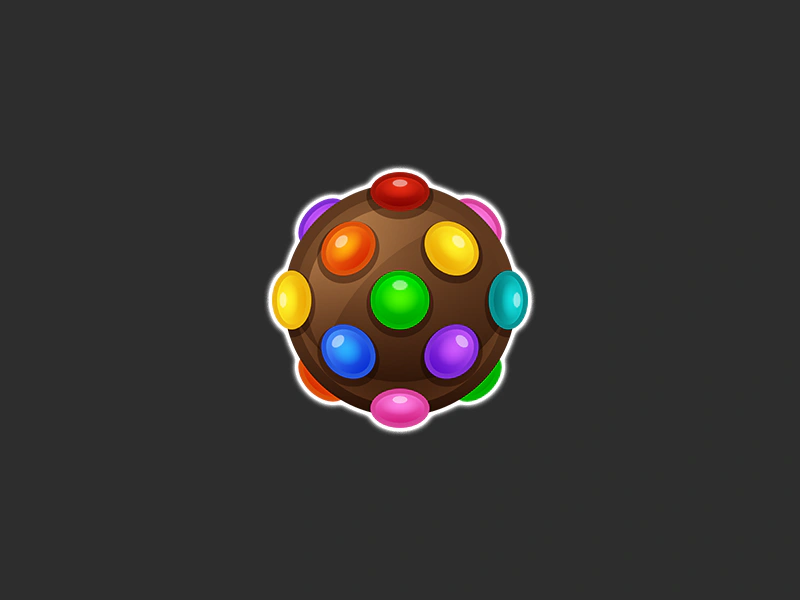
800 × 600
class Example extends Phaser.Scene
{
    preload ()
    {
        this.load.setBaseURL('https://cdn.phaserfiles.com/v410');
        this.load.image('bomb', 'assets/sprites/bombcolor.png');
    }

    create ()
    {
        const bomb = this.add.sprite(400, 300, 'bomb');

        let fx;
        bomb.enableFilters();
        fx = bomb.filters.internal.addGlow();

        // Allow the filter to automatically expand its padding.
        fx.setPaddingOverride(null);

        //  For Glow filters, the quality and distance can be set in the Game Configuration

        this.tweens.add({
            targets: fx,
            outerStrength: 10,
            yoyo: true,
            loop: -1,
            ease: 'sine.inout'
        });
    }
}

const config = {
    scale: { mode: Phaser.Scale.FIT },
    type: Phaser.AUTO,
    width: 800,
    height: 600,
    backgroundColor: '#2d2d2d',
    parent: 'game-container',
    scene: Example,
    fx: {
        glow: {
            distance: 32,
            quality: 10
        }
    }
};

const game = new Phaser.Game(config);
More in Glow7 examples
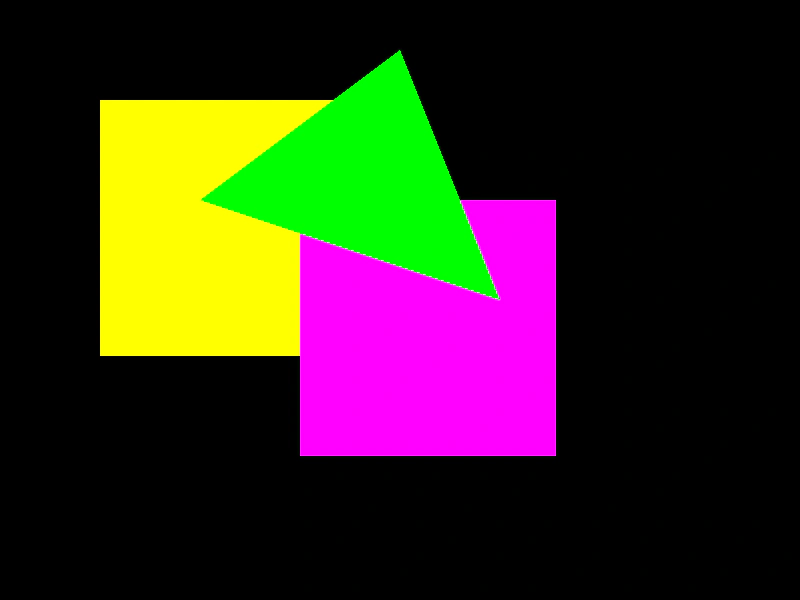 Glow GraphicsDemonstrates how to apply and animate a glow filter on a Graphics object containing multiple shapes.
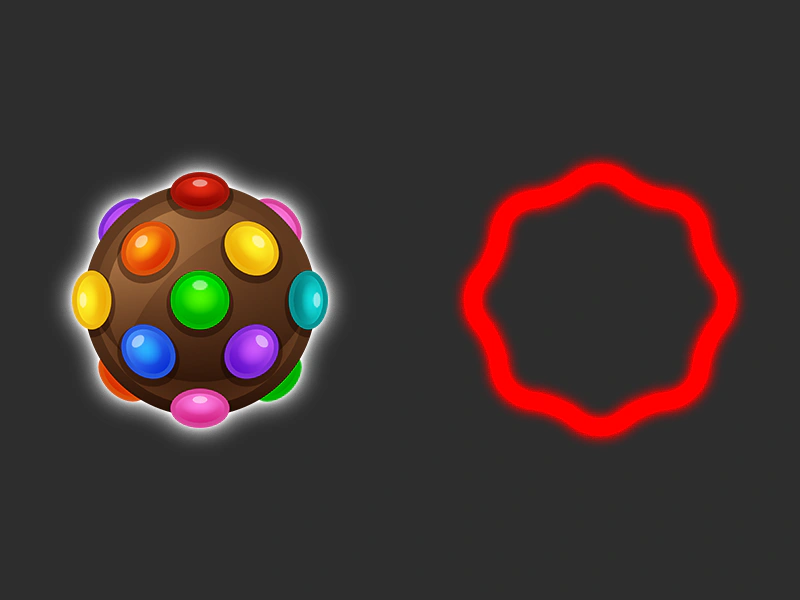 Glow Post FilterApplies a glow post-processing filter to individual sprites, demonstrating how to configure and animate the glow strength.
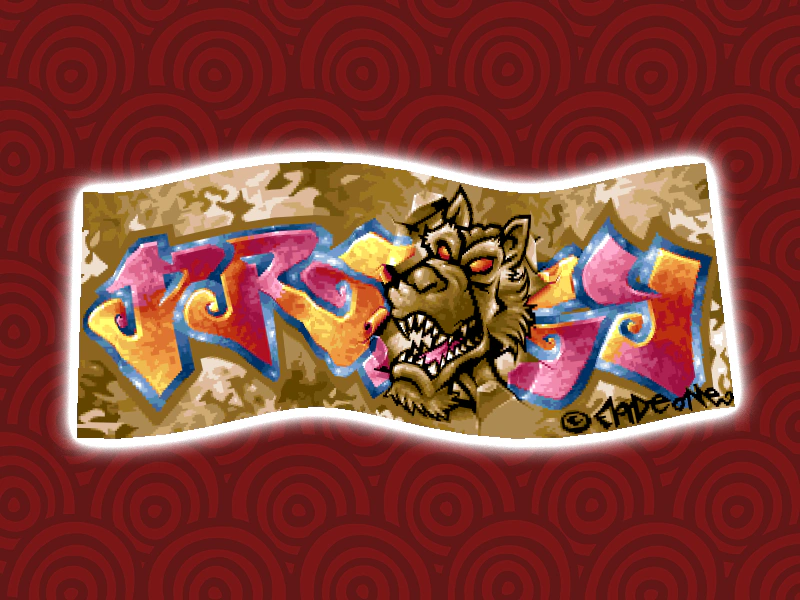 Glow Rope FilterLearn how to apply and animate a glow filter on a Rope game object, featuring dynamic vertex manipulation and tweened shader properties.
 Glow TextDemonstrates how to apply and animate an external glow filter on a Text object to create a pulsing light effect.