Inverted Graphics Mask
Demonstrates how to use a Graphics object as a bitmap mask. In this example, a rectangle is used to punch an inverted hole through a semi-transparent overlay to reveal the image underneath.
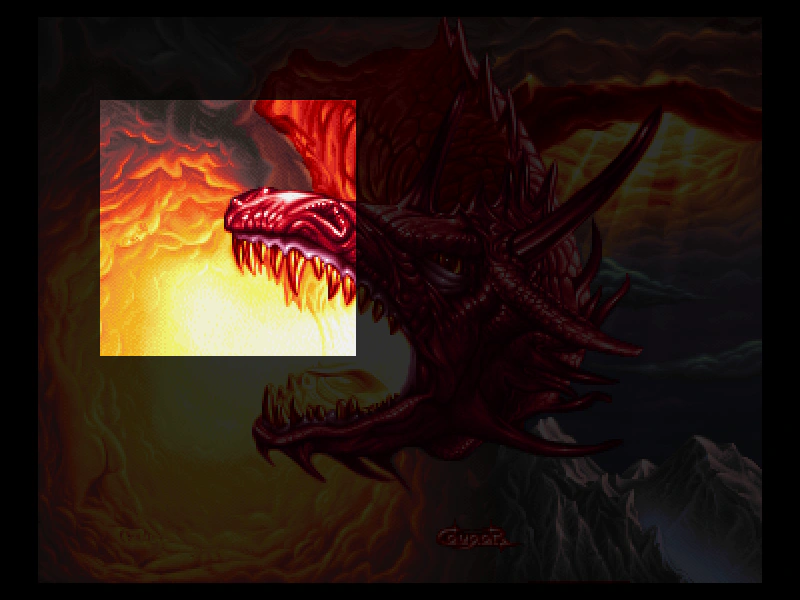
800 × 600
class Example extends Phaser.Scene
{
    constructor ()
    {
        super();
    }

    preload ()
    {
        this.load.setBaseURL('https://cdn.phaserfiles.com/v410');
        this.load.image('pic', 'assets/pics/cougar-dragonsun.png');
    }

    create ()
    {
        this.add.image(400, 300, 'pic');

        const overlay = this.add.graphics();

        overlay.fillStyle(0x000000, 0.8).fillRect(0, 0, 800, 600);

        const maskGraphics = this.make.graphics();

        maskGraphics.fillStyle(0xffffff);
        maskGraphics.fillRect(100, 100, 256, 256);

        const mask = overlay.enableFilters().filters.external.addMask(maskGraphics);

        mask.invert = true;
    }
}

const config = {
    scale: { mode: Phaser.Scale.FIT },
    type: Phaser.WEBGL,
    parent: 'game-container',
    width: 800,
    height: 600,
    scene: Example
};

const game = new Phaser.Game(config);
More in Masks5 examples
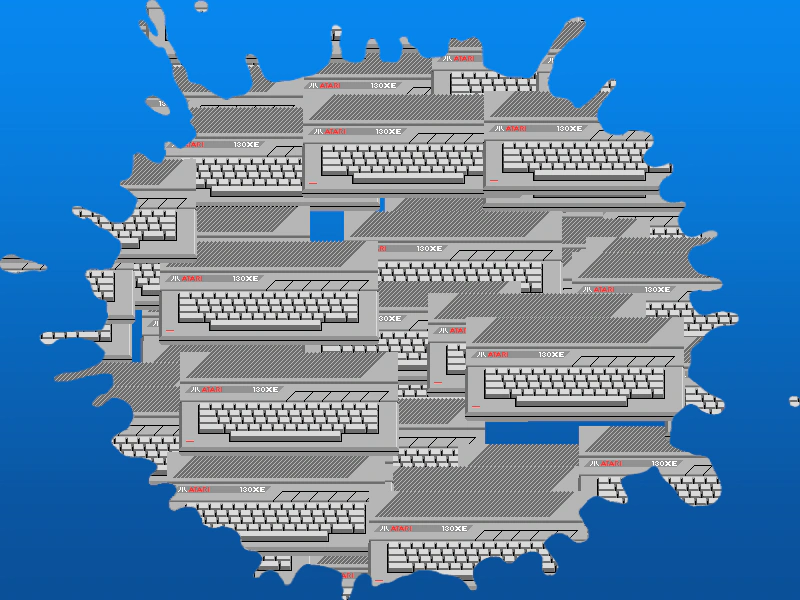 Shared Bitmap MaskDemonstrates how to apply a single bitmap mask to multiple images simultaneously using the external filter system.
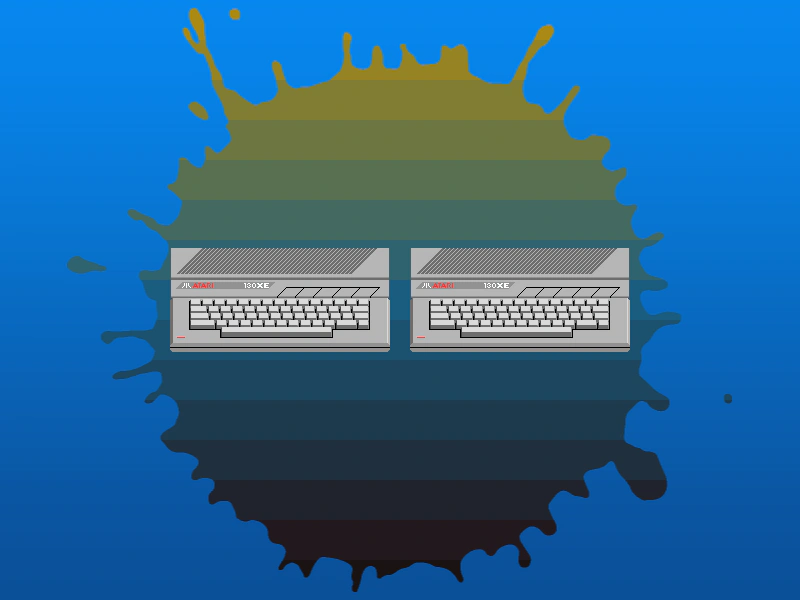 Container Bitmap MaskDemonstrates how to apply a bitmap mask to a Container, effectively masking all of its children simultaneously using the filters API.
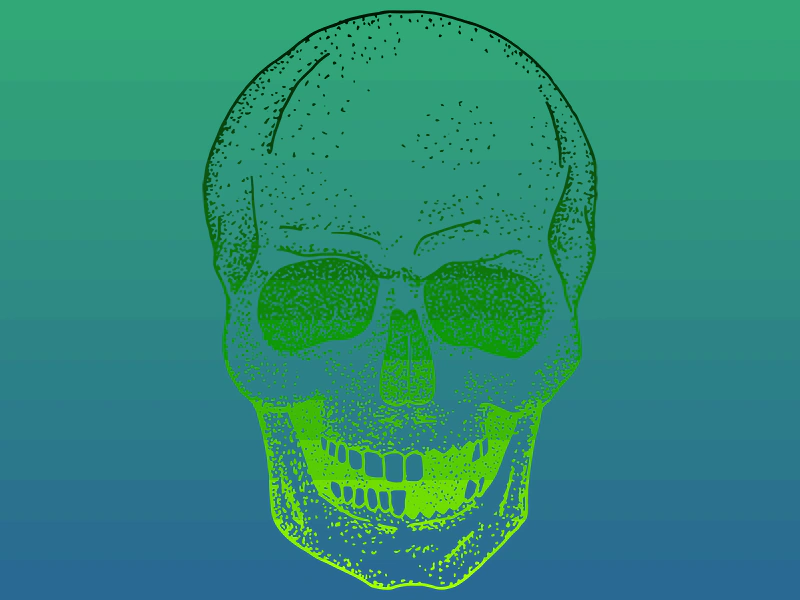 Dynamic Texture as a Bitmap MaskDemonstrates how to use a Dynamic Texture as a bitmap mask applied to an image via the external filter system.
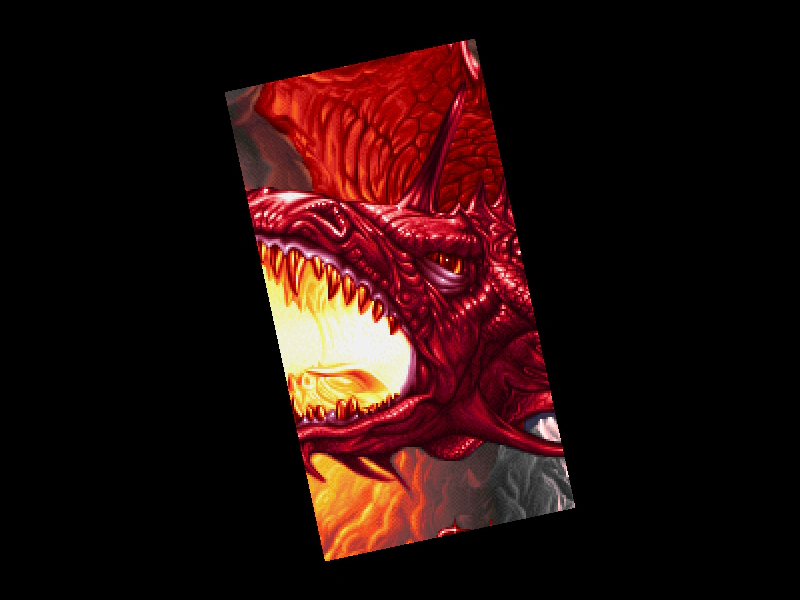 Geometry Mask From ShapeDemonstrates how to apply a hidden Shape object as a geometry mask for an image and animate the mask's rotation using a tween.