Remove From Display List
Demonstrates how to remove Game Objects from the Scene's display list at runtime using a timer and random selection.
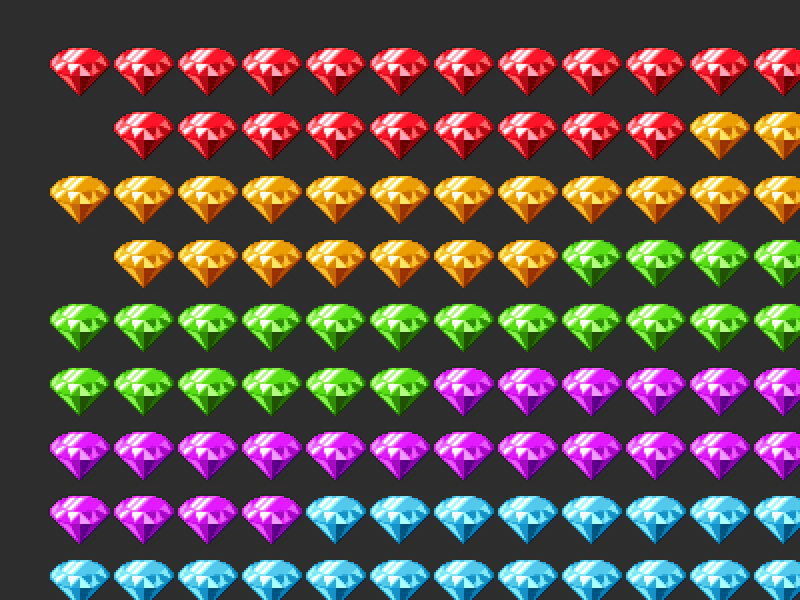
800 × 600
class Example extends Phaser.Scene
{
    constructor ()
    {
        super();
    }

    preload ()
    {
        this.load.setBaseURL('https://cdn.phaserfiles.com/v410');
        this.load.spritesheet('diamonds', 'assets/sprites/diamonds32x5.png', { frameWidth: 64 });
    }

    create ()
    {
        //  Create 108 sprites in a grid so we can see them vanish easily
        const group = this.make.group({
            key: 'diamonds',
            frame: [ 0, 1, 2, 3, 4 ],
            frameQuantity: 22,
            max: 108
        });

        Phaser.Actions.GridAlign(group.getChildren(), {
            width: 12,
            height: 9,
            cellWidth: 64,
            cellHeight: 64,
            x: 48,
            y: 32
        });

        //  Remove one child from the display list every half a second
        const timedEvent = this.time.addEvent({
            delay: 500,
            callback: this.onEvent,
            callbackScope: this,
            loop: true
        });
    }

    onEvent ()
    {
        const child = this.children.getRandom();
        if (child)
        {
            this.children.remove(child);
        }
    }
}

const config = {
    scale: { mode: Phaser.Scale.FIT },
    type: Phaser.WEBGL,
    width: 800,
    height: 600,
    backgroundColor: '#2d2d2d',
    parent: 'game-container',
    pixelArt: true,
    scene: Example
};

const game = new Phaser.Game(config);
More in Depth Sorting8 examples
 Sort Game Objects by DepthDemonstrates how to use the depthSort method to organize an array of Game Objects based on their current rendering order in the Scene.
 Sprite Depth SortingLearn how to use the depth property to implement Y-sorting, allowing Game Objects to appear in front of or behind one another based on their vertical screen position.
 Z-Index and Depth SortingChange the rendering order of Game Objects using the setDepth method to bring specific items to the front of the display list.
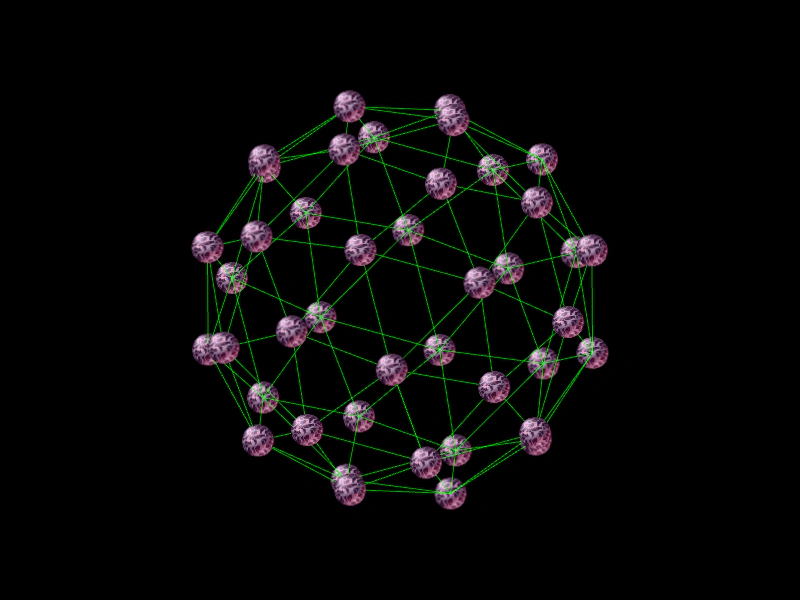 Ball Mesh Depth SortDemonstrates how to use the depth property of Game Objects to handle visual layering for 3D meshes. This example parses OBJ files, performs 3D rotations on vertices, and maps the Z-coordinate of each vertex to a sprite's depth for correct sorting.