Bring To Top
Demonstrates how to move a Game Object to the front of the display list, ensuring it renders on top of all other objects in the Scene.
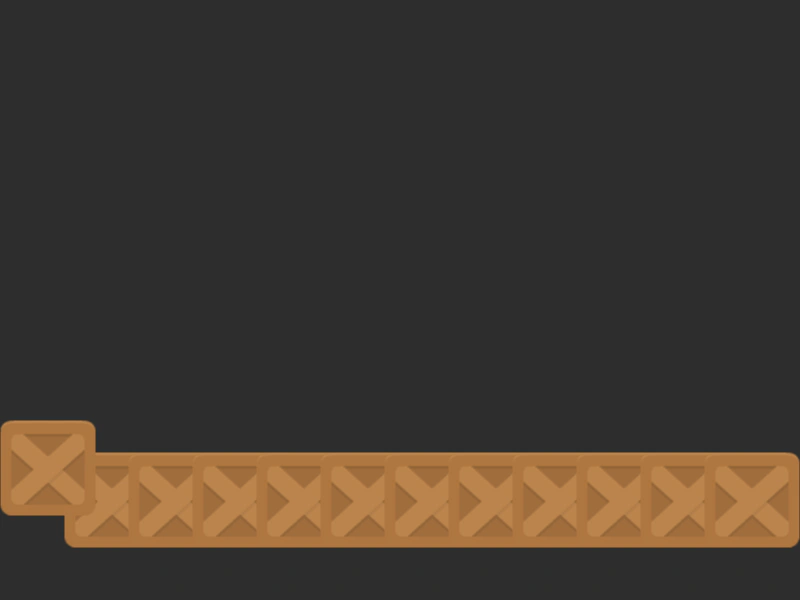
800 × 600
class Example extends Phaser.Scene
{
    constructor ()
    {
        super();
    }

    preload ()
    {
        this.load.setBaseURL('https://cdn.phaserfiles.com/v410');
        this.load.image('block', 'assets/sprites/block.png');
    }

    create ()
    {
        //  Create a stack of blocks
        const group = this.make.group({ key: 'block', frameQuantity: 12 });
        Phaser.Actions.SetXY(group.getChildren(), 48, 500, 64, 0);

        this.input.on('pointerdown', function (pointer) {
            const child = this.children.getAt(0);
            child.y -= 32;

            this.children.bringToTop(child);

        }, this);
    }
}

const config = {
    scale: { mode: Phaser.Scale.FIT },
    type: Phaser.WEBGL,
    width: 800,
    height: 600,
    backgroundColor: '#2d2d2d',
    parent: 'game-container',
    scene: Example
};

const game = new Phaser.Game(config);
More in Depth Sorting8 examples
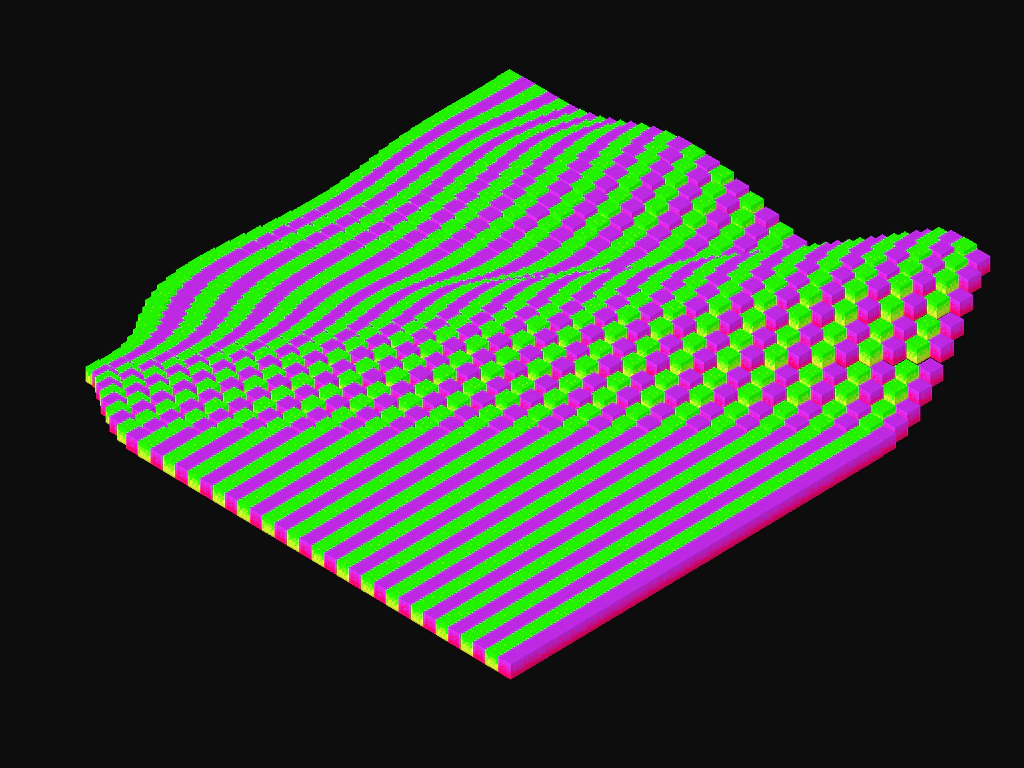 Isometric BlocksDemonstrates how to calculate isometric grid coordinates and use depth sorting to maintain visual layering while animating tiles with grid-based delays.
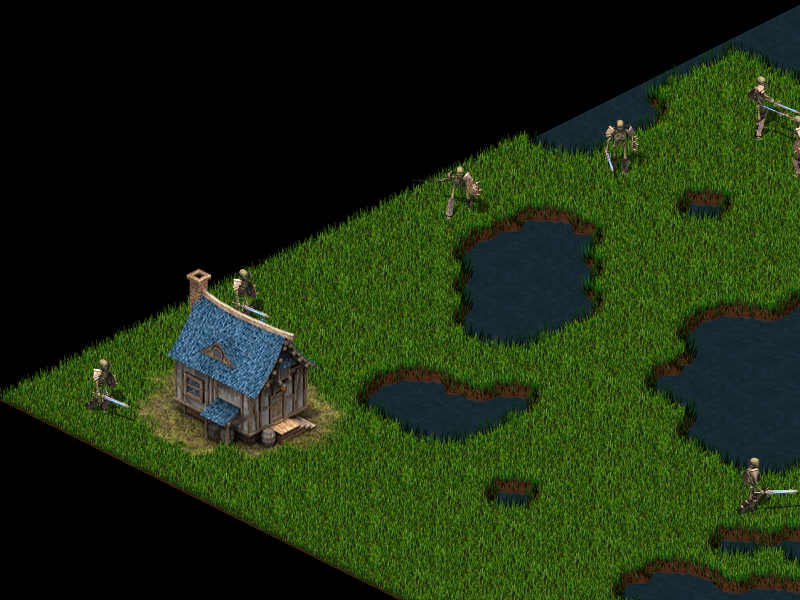 Isometric Map Depth SortingDemonstrates rendering an isometric map with manual tile positioning and dynamic depth sorting for moving characters and static buildings based on their Y-axis.
 Remove From Display ListDemonstrates how to remove Game Objects from the Scene's display list at runtime using a timer and random selection.
 Sort Game Objects by DepthDemonstrates how to use the depthSort method to organize an array of Game Objects based on their current rendering order in the Scene.