Debug Chained Tweens
Learn how to access and display real-time properties of a chained tween, including progress, duration, and the current active tween state.
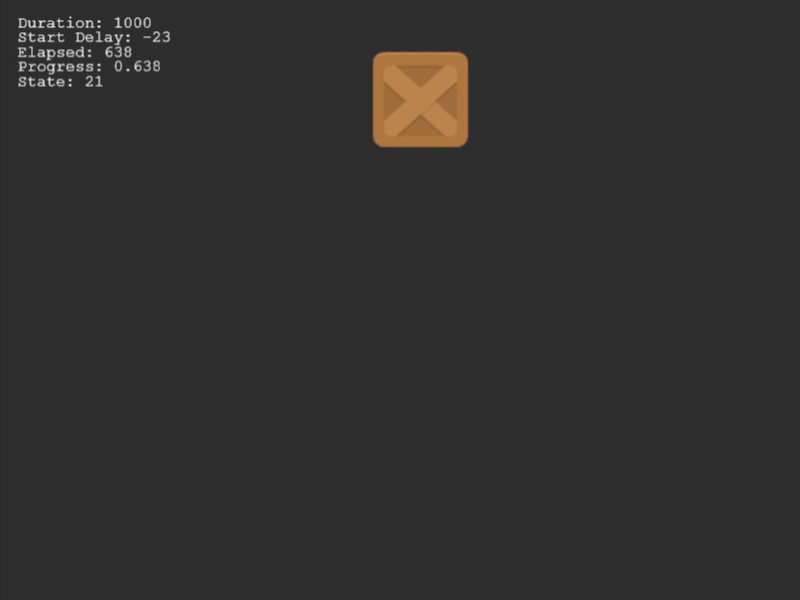
800 × 600
class Example extends Phaser.Scene
{
    constructor()
    {
        super();
    }

    preload ()
    {
        this.load.setBaseURL('https://cdn.phaserfiles.com/v410');
        this.load.image('block', 'assets/sprites/block.png');
    }

    create ()
    {
        const image = this.add.image(100, 100, 'block');

        this.text = this.add.text(16, 16).setFontSize(16).setColor('#ffffff');

        this.tween = this.tweens.chain({
            targets: image,
            persist: true,
            tweens: [
                {
                    x: 600,
                    ease: 'Linear',
                    duration: 1000,
                },
                {
                    y: 500,
                    ease: 'Linear',
                    duration: 500
                },
                {
                    x: 100,
                    ease: 'Linear',
                    duration: 1000
                },
                {
                    y: 100,
                    ease: 'Linear',
                    duration: 500
                },
            ]
        });
    }

    update ()
    {
        const t = this.tween;

        this.text.setText([
            `Duration: ${t.currentTween.duration}`,
            `Start Delay: ${t.currentTween.startDelay}`,
            `Elapsed: ${t.currentTween.elapsed}`,
            `Progress: ${t.currentTween.progress}`,
            `State: ${t.state}`
        ]);
    }
}

const config = {
    scale: { mode: Phaser.Scale.FIT },
    type: Phaser.AUTO,
    width: 800,
    height: 600,
    backgroundColor: '#2d2d2d',
    parent: 'game-container',
    scene: Example
};

const game = new Phaser.Game(config);
More in Chains5 examples
 Multi Target ChainDemonstrates how to sequence multiple tweens together in a chain where each individual tween targets a different Game Object.
 Tween Chain SequenceDemonstrates creating complex animation sequences using tween chains, including looping, gracefully ending a loop with completeAfterLoop, and updating textures mid-sequence.
 Basic Tween ChainLearn how to sequence multiple animations on a single target by creating a Tween Chain that executes tweens in order.
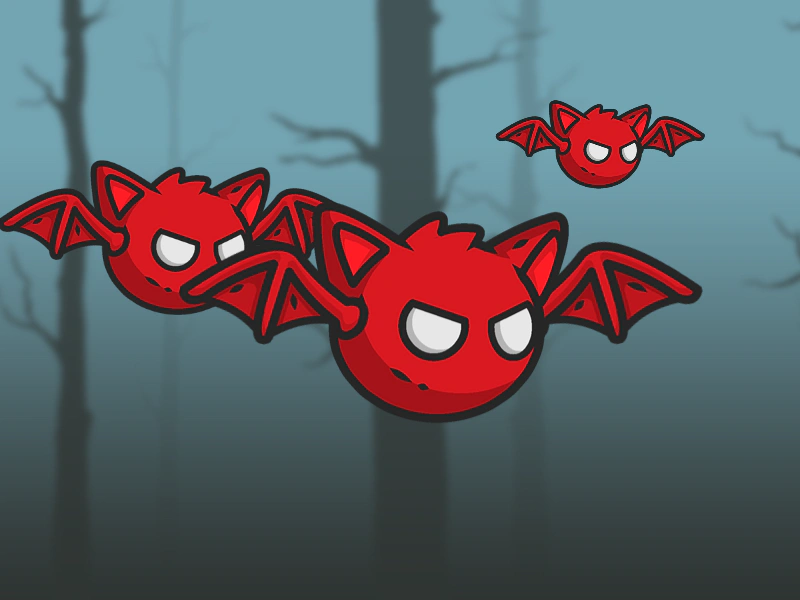 Bat Tween ChainDemonstrates using tween chains to sequence multiple animations on a Container, including managing independent wing flaps and a multi-stage death animation triggered by interaction.