Animated GPU Tiles
Demonstrates creating tilemap layers that utilize GPU-accelerated rendering to handle tile animations defined in the Tiled editor JSON data.

800 × 600
class Example extends Phaser.Scene
{
    controls;

    preload ()
    {
        this.load.setBaseURL('https://cdn.phaserfiles.com/v410');
        this.load.image('tiles', 'assets/tilemaps/MedievalRTS/medieval_tilesheet.png');
        this.load.tilemapTiledJSON('map', 'assets/tilemaps/MedievalRTS/sample.json');
    }

    create ()
    {
        const map = this.make.tilemap({ key: 'map' });

        map.layers[1].data[0][0].flipX = true;

        const tileset = map.addTilesetImage('medieval_tilesheet', 'tiles', 64, 64);

        const layer = map.createLayer('Land', tileset, 0, 0, true);
        const layer2 = map.createLayer('Spinners', tileset, 0, 0, true);

        const cursors = this.input.keyboard.createCursorKeys();

        const controlConfig = {
            camera: this.cameras.main,
            left: cursors.left,
            right: cursors.right,
            up: cursors.up,
            down: cursors.down,
            acceleration: 0.04,
            drag: 0.0005,
            maxSpeed: 0.7
        };

        this.controls = new Phaser.Cameras.Controls.SmoothedKeyControl(controlConfig);

        this.cameras.main.setBounds(0, 0, layer.width, layer.height);
    }

    update (time, delta)
    {
        this.controls.update(delta);
    }
}

const config = {
    scale: { mode: Phaser.Scale.FIT },
    type: Phaser.AUTO,
    width: 800,
    height: 600,
    backgroundColor: '#2d2d88',
    parent: 'game-container',
    pixelArt: true,
    scene: Example
};

const game = new Phaser.Game(config);
More in Tilemap Gpu Layer3 examples
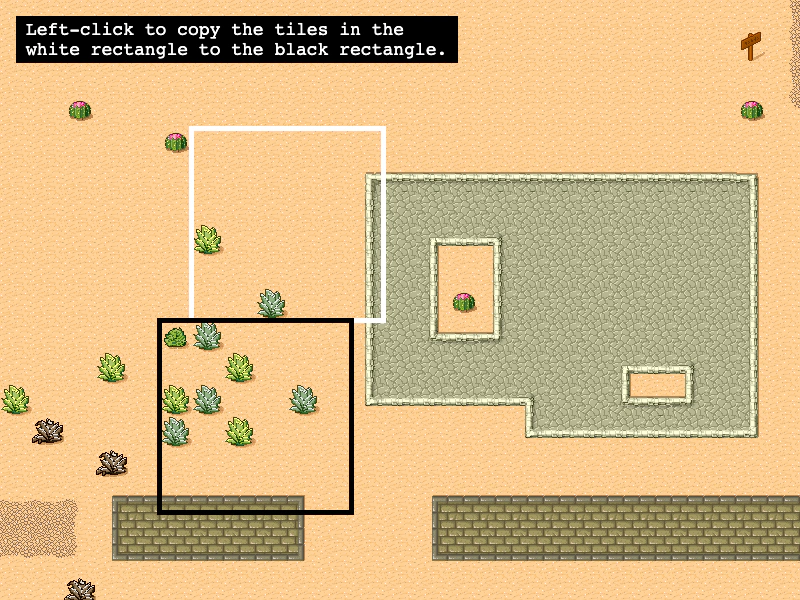 Copy Tilemap GPU Layer TilesDemonstrates how to copy a rectangular area of tiles within a GPU-accelerated Tilemap Layer and manually refresh the layer's data texture to update the rendering.
 CPU vs GPU Tilemap RenderingDemonstrates how to toggle between standard CPU tilemap rendering and GPU-accelerated tilemap layers.