Manually Create Isometric Tilemap
Demonstrates how to build an isometric tilemap programmatically by creating MapData, initializing a blank layer, and populating it with tiles from a 2D array.
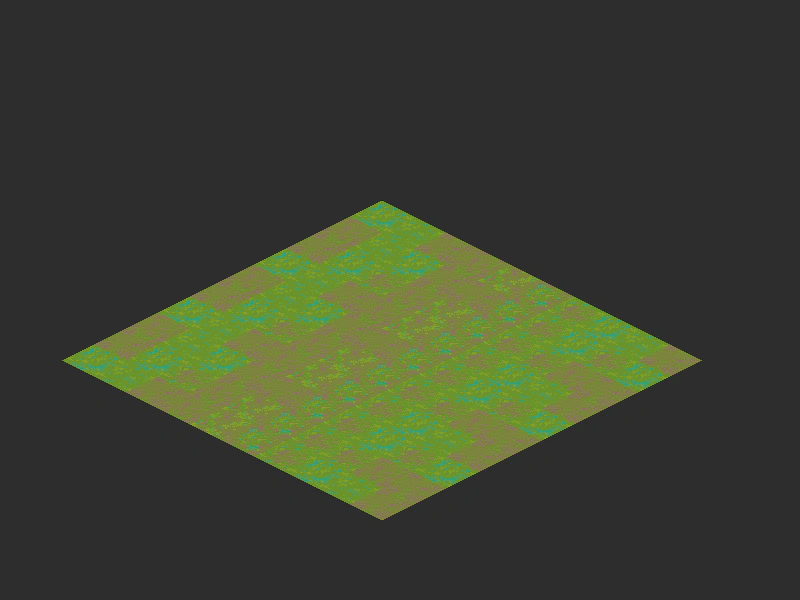
800 × 600
class Example extends Phaser.Scene
{
    constructor ()
    {
        super();
    }

    preload ()
    {
        this.load.setBaseURL('https://cdn.phaserfiles.com/v410');
        this.load.image('tiles', 'assets/tilemaps/iso/iso-64x64-outside.png');
    }

    create ()
    {
        const mapData = new Phaser.Tilemaps.MapData({
            width: 10,
            height: 10,
            tileWidth: 64,
            tileHeight: 32,
            orientation: Phaser.Tilemaps.Orientation.ISOMETRIC,
            format: Phaser.Tilemaps.Formats.ARRAY_2D
        });

        const map = new Phaser.Tilemaps.Tilemap(this, mapData);

        const tileset = map.addTilesetImage('iso-64x64-outside', 'tiles');

        const layer = map.createBlankLayer('layer', tileset, 350, 200);

        const data = [
            [ 10, 11, 12, 13, 14, 15, 16, 10, 11, 12 ],
            [ 13, 11, 10, 12, 12, 15, 16, 10, 16, 10 ],
            [ 12, 10, 16, 13, 14, 15, 16, 16, 13, 12 ],
            [ 10, 11, 12, 13, 14, 15, 16, 10, 11, 12 ],
            [ 13, 11, 10, 12, 12, 15, 16, 10, 16, 10 ],
            [ 12, 10, 16, 13, 14, 15, 16, 16, 13, 12 ],
            [ 10, 11, 12, 13, 14, 15, 16, 10, 11, 12 ],
            [ 13, 11, 10, 12, 12, 15, 16, 10, 16, 10 ],
            [ 12, 10, 16, 13, 14, 15, 16, 16, 13, 12 ],
            [ 10, 11, 12, 13, 14, 15, 16, 10, 11, 12 ]
        ];

        let y = 0;

        data.forEach(row => {

            row.forEach((tile, x) => {

                layer.putTileAt(tile, x, y);

            });

            y++;

        });
    }
}

const config = {
    scale: { mode: Phaser.Scale.FIT },
    type: Phaser.AUTO,
    width: 800,
    height: 600,
    backgroundColor: '#2d2d2d',
    parent: 'game-container',
    pixelArt: true,
    scene: Example
};

const game = new Phaser.Game(config);
More in Isometric3 examples
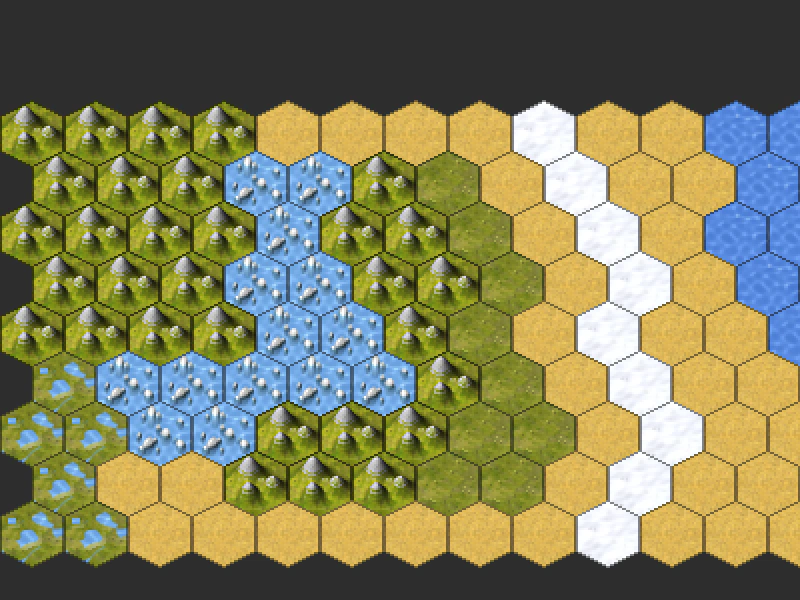 Hexagonal TilemapDemonstrates how to load and render a hexagonal tilemap exported from Tiled, including basic camera navigation using smoothed keyboard controls.
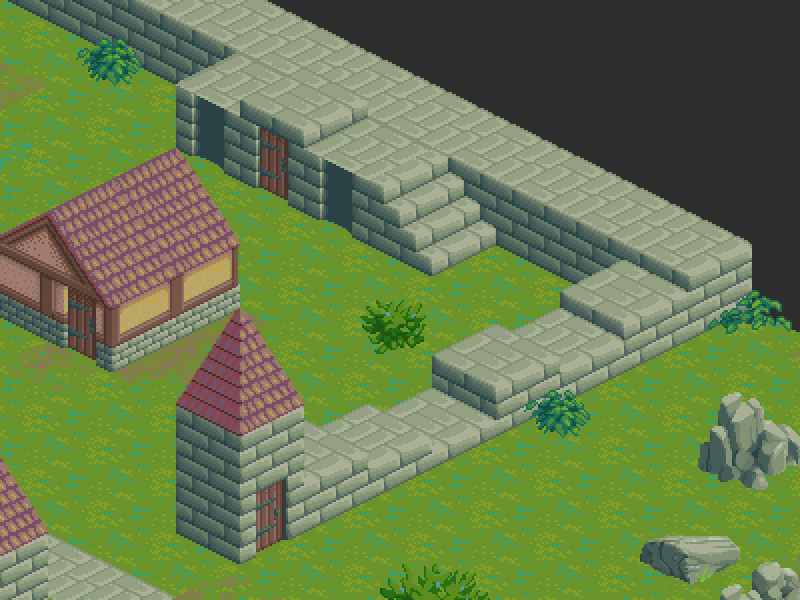 Isometric TilemapDemonstrates loading and rendering a multi-layered isometric tilemap created with Tiled, including smoothed camera controls.