Game Snapshot
Demonstrates how to capture a snapshot of the entire game canvas using the renderer's snapshot method and display the resulting image in the DOM.
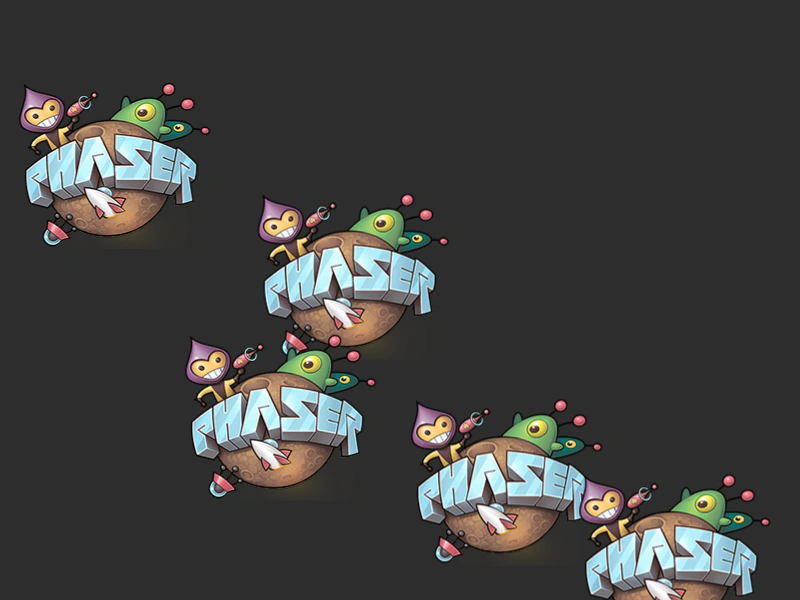
800 × 600
class Example extends Phaser.Scene
{
    isKeyDown = false;
    isMouseDown = false;
    graphicsPath = [];
    graphics;
    snapHistory = [];
    time = 0;
    div = document.createElement('div');

    preload ()
    {
        this.load.setBaseURL('https://cdn.phaserfiles.com/v410');
        this.load.image('myImage', 'assets/sprites/phaser1.png');
        this.load.glsl('shader0', 'assets/shaders/shader0.frag');
    }

    create ()
    {
        this.div.innerHTML = 'PRESS SPACE TO TAKE SNAPSHOT<br>';
        document.body.appendChild(this.div);

        for (let i = 0; i < 5; ++i)
        {
            const image = this.add.image(Math.random() * 800, Math.random() * 600, 'myImage');
        }

        this.graphics = this.add.graphics({x: 0, y: 0});

        game.canvas.onmousedown = e =>
        {
            this.isMouseDown = true;
            this.graphics.clear();
            this.graphicsPath.length = 0;
        };
        game.canvas.onmouseup = e =>
        {
            this.isMouseDown = false;
        };
        game.canvas.onmousemove = e =>
        {
            const mouseX = e.clientX - game.canvas.offsetLeft;
            const mouseY = e.clientY - game.canvas.offsetTop;
            if (this.isMouseDown)
            { this.graphicsPath.push({x: mouseX, y: mouseY}); }
        };
        window.onkeydown = e =>
        {
            if (e.keyCode === 32 && !this.isKeyDown)
            {
                game.renderer.snapshot(image =>
                {
                    image.style.width = '160px';
                    image.style.height = '120px';
                    image.style.paddingLeft = '2px';
                    this.snapHistory.push(image);
                    console.log('snap!');
                    document.body.appendChild(image);
                });
                this.isKeyDown = true;
            }
        };
        window.onkeyup = e =>
        {
            if (e.keyCode === 32)
            {
                this.isKeyDown = false;
            }
        };
    }

    update ()
    {
        const length = this.graphicsPath.length;

        this.graphics.clear();
        this.graphics.lineStyle(10.0, 0xFFFF00, 1.0);
        this.graphics.beginPath();
        for (let i = 0; i < length; ++i)
        {
            const node = this.graphicsPath[i];

            if (i !== 0)
            {
                this.graphics.lineTo(node.x, node.y);
            }
            else
            {
                this.graphics.moveTo(node.x, node.y);
            }
        }
        this.graphics.strokePath();
        this.graphics.closePath();

        this.time += 0.01;
    }
}

const config = {
    scale: { mode: Phaser.Scale.FIT },
    type: Phaser.WEBGL,
    width: 800,
    height: 600,
    backgroundColor: '#2d2d2d',
    parent: 'game-container',
    scene: Example
};

const game = new Phaser.Game(config);
More in Snapshot4 examples
 Snapshot AreaCapture a specific rectangular portion of the game canvas using snapshotArea and convert it into a new game texture or DOM image.
 Snapshot PixelCapture the color of a single pixel from the game canvas at a specific coordinate using the renderer's snapshotPixel method.
 Snapshot to Base64Learn how to capture a snapshot of the current game frame and convert it into a Base64 data URL by drawing the result to a Canvas Texture.