Renderer FPS Debugging
Demonstrates how to retrieve and display the current frame rate from the renderer while animating multiple sprites across the screen.
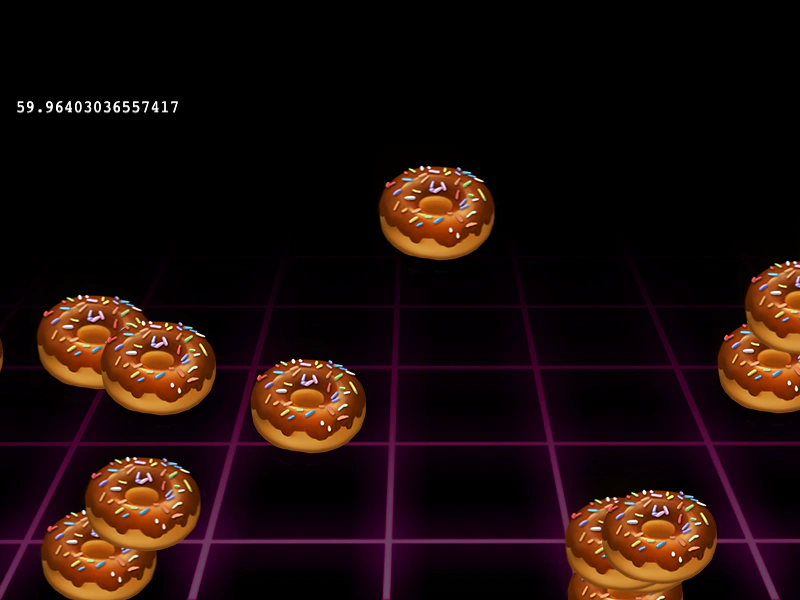
800 × 600
class Example extends Phaser.Scene
{
    constructor ()
    {
        super();

        this.donuts = [];
        this.fps;
    }

    preload ()
    {
        this.load.setBaseURL('https://cdn.phaserfiles.com/v410');
        this.load.image('bg', 'assets/skies/grid.png');
        this.load.image('donut', 'assets/sprites/donut.png');
    }

    create ()
    {
        this.add.image(400, 600, 'bg').setOrigin(0.5, 1);

        this.cameras.main.setBounds(0, 0, 800, 600);

        for (let i = 0; i < 16; i++)
        {
            const x = Phaser.Math.Between(0, 800);
            const y = Phaser.Math.Between(200, 600);

            this.donuts.push(this.add.image(x, y, 'donut'));
        }

        this.fps = this.add.text(16, 100, 'fps');
    }

    update ()
    {
        Phaser.Actions.IncX(this.donuts, -2, -0.5);

        Phaser.Actions.WrapInRectangle(this.donuts, this.cameras.main.getBounds(), 128);

        this.fps.setText(this.game.renderer.getFps());
    }
}

const config = {
    scale: { mode: Phaser.Scale.FIT },
    type: Phaser.AUTO,
    width: 800,
    height: 600,
    backgroundColor: '#000000',
    parent: 'game-container',
    scene: Example
};

const game = new Phaser.Game(config);
More in Tests4 examples
 Sprite Stress Test and Frame CaptureDemonstrates rendering thousands of individual sprites and using the renderer to capture and download a snapshot of the current frame.
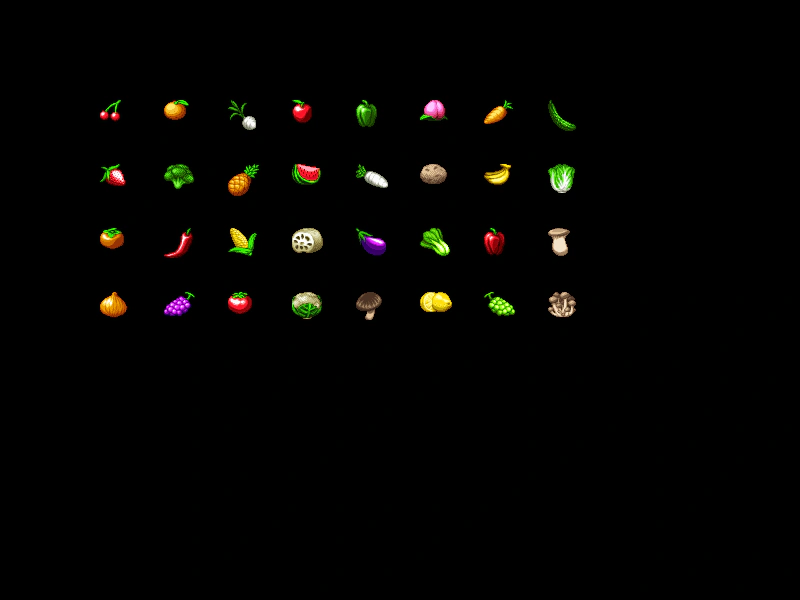 32 Texture Batch TestDemonstrates loading and displaying 32 unique textures simultaneously, organized in a grid layout to test renderer batching.
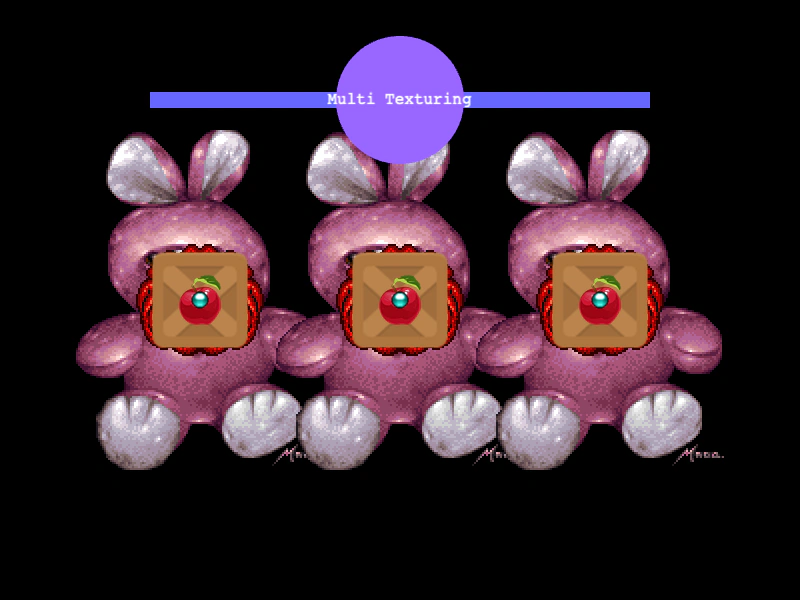 Renderer Batching TestDemonstrates how the renderer handles multiple textures, shapes, and text objects interspersed to test drawing and batching performance.