Pool with Custom Class
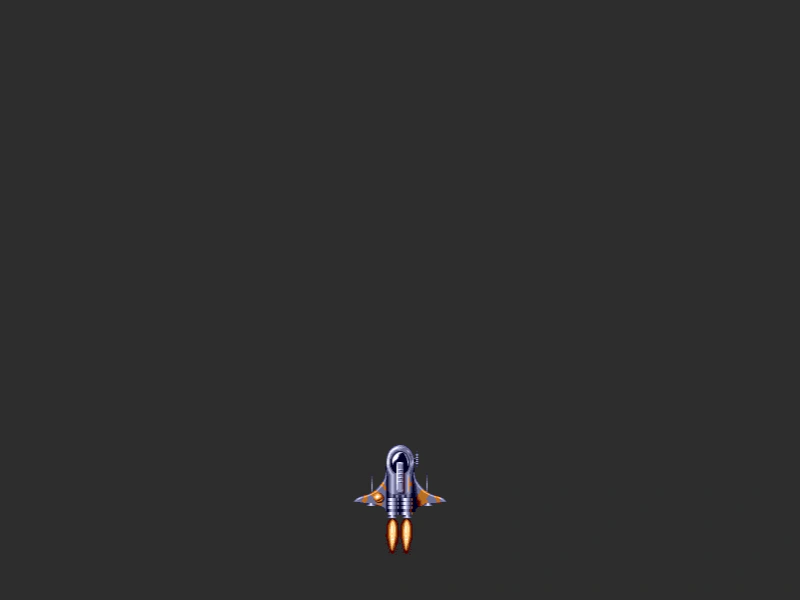
Demonstrates how to create an object pool using a custom class in a Phaser Group. It shows how to define a class type, set a maximum pool size, and use the runChildUpdate property to automatically execute the update logic of pooled objects.
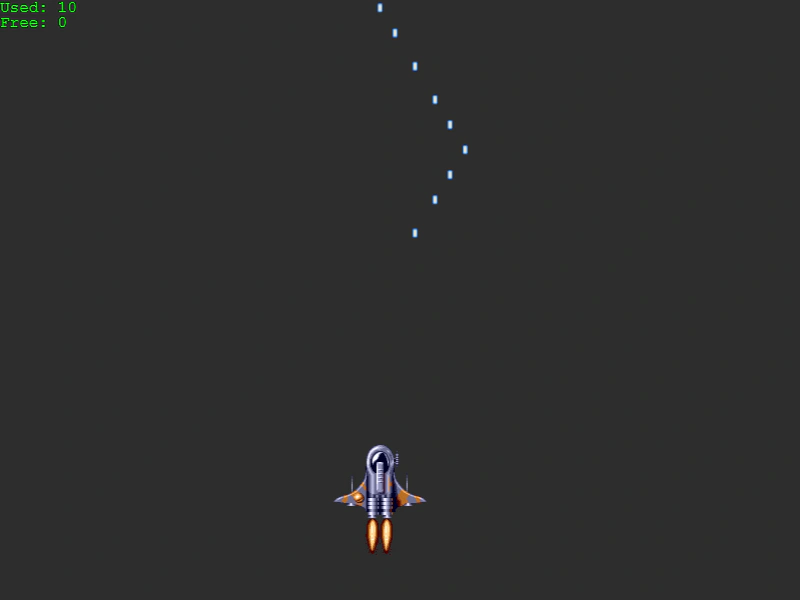
800 × 600
class Example extends Phaser.Scene
{
    lastFired = 0;
    cursors;
    stats;
    speed;
    info;
    ship;
    bullets;

    preload ()
    {
        this.load.setBaseURL('https://cdn.phaserfiles.com/v410');
        this.load.image('ship', 'assets/sprites/ship.png');
        this.load.image('bullet', 'assets/sprites/bullet.png');
    }

    create ()
    {
        //  A sample custom class with its own 'update' and 'fire' methods
        class Bullet extends Phaser.GameObjects.Image
        {
            constructor (scene)
            {
                super(scene, 0, 0, 'bullet');

                this.speed = Phaser.Math.GetSpeed(500, 1);
            }

            fire (x, y)
            {
                this.setPosition(x, y - 50);

                this.setActive(true);
                this.setVisible(true);
            }

            update (time, delta)
            {
                this.y -= this.speed * delta;

                if (this.y < -50)
                {
                    this.setActive(false);
                    this.setVisible(false);
                }
            }
        }

        this.info = this.add.text(0, 0, 'Click to add objects', { fill: '#00ff00' });

        //  Set the custom class type that this Group will create.
        //  Limited to just 10 objects in the pool, not allowed to grow beyond it.
        //  runChildUpdate tells the Group to call 'update' on any active child. The default is false.

        this.bullets = this.add.group({
            classType: Bullet,
            maxSize: 10,
            runChildUpdate: true
        });

        this.ship = this.add.sprite(400, 500, 'ship').setDepth(1);

        this.cursors = this.input.keyboard.createCursorKeys();

        this.speed = Phaser.Math.GetSpeed(300, 1);
    }

    update (time, delta)
    {
        if (this.cursors.left.isDown)
        {
            this.ship.x -= this.speed * delta;
        }
        else if (this.cursors.right.isDown)
        {
            this.ship.x += this.speed * delta;
        }

        if (this.cursors.up.isDown && time > this.lastFired)
        {
            const bullet = this.bullets.get();

            if (bullet)
            {
                bullet.fire(this.ship.x, this.ship.y);

                this.lastFired = time + 50;
            }
        }

        this.info.setText([
            `Used: ${this.bullets.getTotalUsed()}`,
            `Free: ${this.bullets.getTotalFree()}`
        ]);
    }
}

const config = {
    scale: { mode: Phaser.Scale.FIT },
    type: Phaser.AUTO,
    width: 800,
    height: 600,
    backgroundColor: '#2d2d2d',
    parent: 'game-container',
    scene: Example
};

const game = new Phaser.Game(config);
More in Pools6 examples
 Seeded Object PoolDemonstrates how to create a pre-populated object pool using a Group with a fixed maximum size and a custom class to recycle game objects efficiently.
 Bullet PoolEfficiently manage a limited number of firing bullets using a Group as an object pool with a custom class and automatic child updates.
 Create Object PoolDemonstrates how to create a simple object pool using a Phaser Group with a maxSize property to limit and recycle game objects.
 Group Max SizeDemonstrates how to limit the number of active objects in a Group pool using the maxSize property. Once the limit is reached, no further objects are created until existing ones are recycled.