Path Follower Start Offset
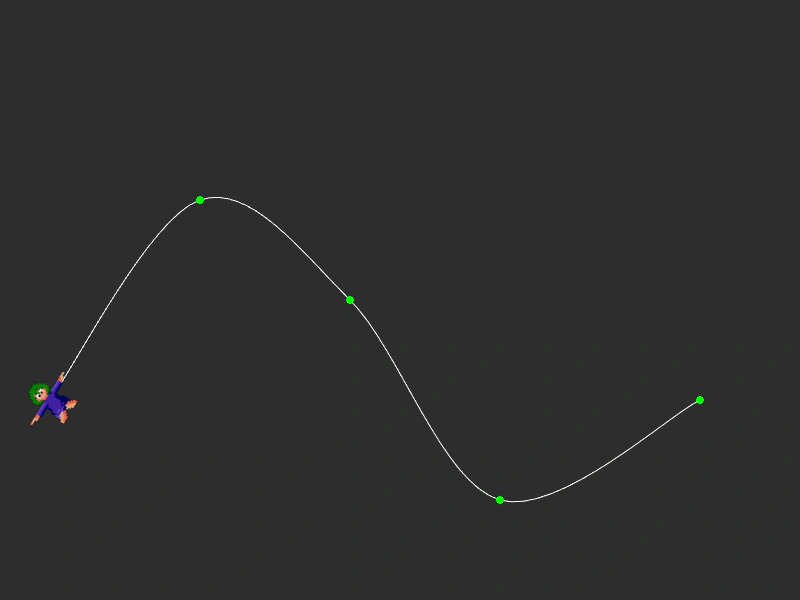
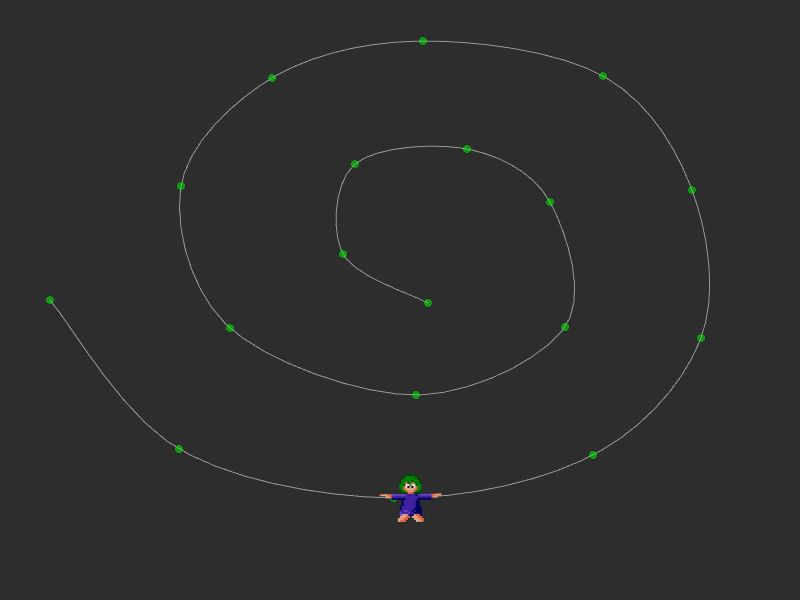
Demonstrates how to start a path follower at a specific progress point along a curve using the startAt property.
800 × 600
class Example extends Phaser.Scene
{
    preload ()
    {
        this.load.setBaseURL('https://cdn.phaserfiles.com/v410');
        this.load.image('lemming', 'assets/sprites/lemming.png');
    }

    create ()
    {
        const points = [];

        points.push(new Phaser.Math.Vector2(50, 400));
        points.push(new Phaser.Math.Vector2(200, 200));
        points.push(new Phaser.Math.Vector2(350, 300));
        points.push(new Phaser.Math.Vector2(500, 500));
        points.push(new Phaser.Math.Vector2(700, 400));

        const curve = new Phaser.Curves.Spline(points);

        const graphics = this.add.graphics();

        graphics.lineStyle(1, 0xffffff, 1);

        curve.draw(graphics, 64);

        graphics.fillStyle(0x00ff00, 1);

        for (let i = 0; i < points.length; i++)
        {
            graphics.fillCircle(points[i].x, points[i].y, 4);
        }

        const lemming = this.add.follower(curve, 50, 400, 'lemming');

        lemming.startFollow({
            duration: 6000,
            yoyo: true,
            repeat: -1,
            rotateToPath: true,
            startAt: 0.5
        });

        this.input.on('pointerdown', () =>
        {

            if (lemming.isFollowing())
            {
                lemming.pauseFollow();
            }
            else
            {
                lemming.resumeFollow();
            }

        });

    }
}

const config = {
    scale: { mode: Phaser.Scale.FIT },
    type: Phaser.AUTO,
    width: 800,
    height: 600,
    backgroundColor: '#2d2d2d',
    parent: 'game-container',
    scene: Example
};

const game = new Phaser.Game(config);
More in Followers14 examples
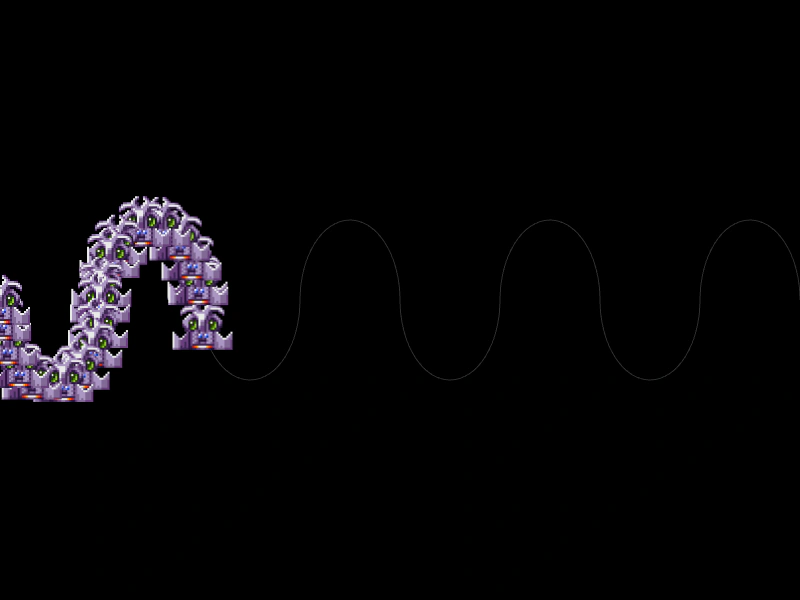 Path from JSONCreate a path using loaded JSON data and animate multiple sprites along it using the Follower component.
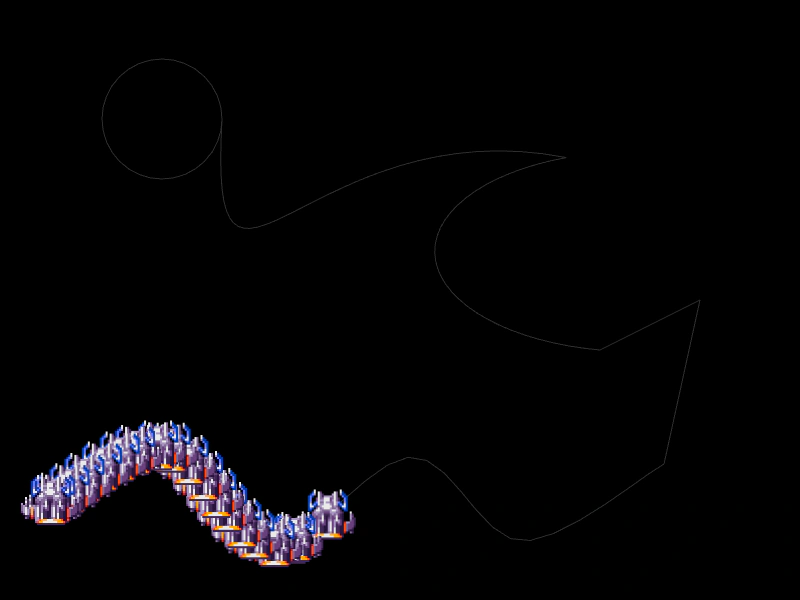 Path from JSON All TypesDemonstrates how to create a complex path by loading a JSON definition containing various curve types and assigning multiple sprites as path followers.
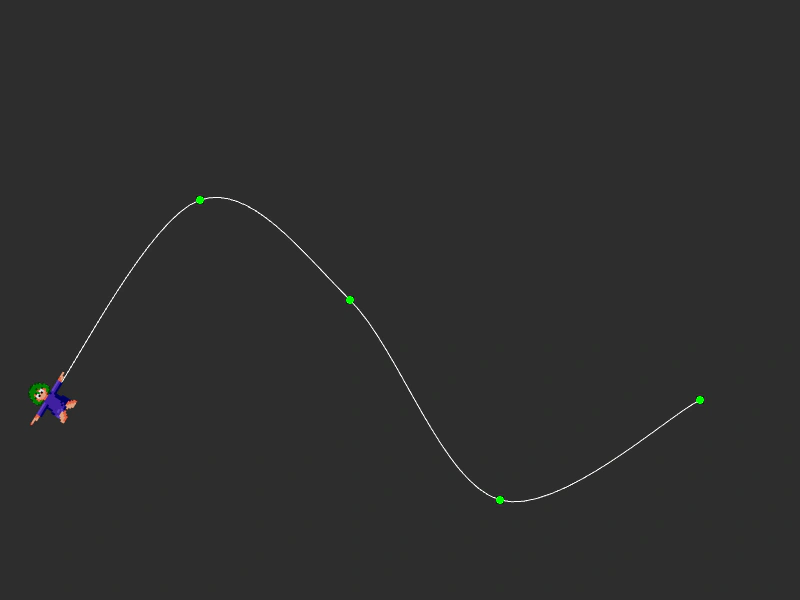 Pause and Resume Path FollowingDemonstrates how to toggle a follower's movement along a path using the pauseFollow and resumeFollow methods.
 Rotate to PathDemonstrates how to make a follower Game Object automatically rotate to align with the direction of a spline path as it moves.