Load Unity Texture Atlas Animation
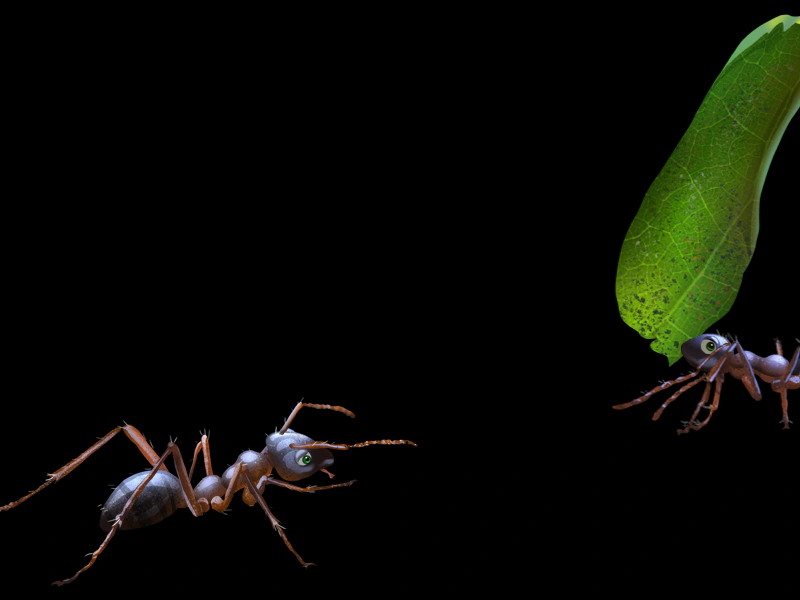
Demonstrates how to load texture atlases exported from Unity using .meta files and create animations from the resulting frames.
800 × 600
class Example extends Phaser.Scene
{
    preload ()
    {
        this.load.setBaseURL('https://cdn.phaserfiles.com/v410');
        this.load.unityAtlas('ant', 'assets/atlas/ant.png', 'assets/atlas/ant.meta');
        this.load.unityAtlas('ant2', 'assets/atlas/ant2.png', 'assets/atlas/ant2.meta');
    }

    create ()
    {
        this.anims.create({
            key: 'nod',
            frames: this.anims.generateFrameNames('ant', { prefix: 'ant1Sprite_', end: 12 }),
            repeat: -1,
            repeatDelay: 2,
            frameRate: 15
        });

        this.anims.create({
            key: 'walk',
            frames: this.anims.generateFrameNames('ant2', { prefix: 'ant2Sprite_', end: 3 }),
            repeat: -1,
            frameRate: 14
        });

        const walker = this.add.sprite(1000, 250, 'ant2', 'ant2Sprite_0').play('walk');

        this.add.sprite(200, 400, 'ant', 'ant1Sprite_0').play('nod');

        this.tweens.add({
            targets: walker,
            x: -200,
            duration: 6000,
            ease: 'Linear'
        });
    }
}

const config = {
    scale: { mode: Phaser.Scale.FIT },
    type: Phaser.WEBGL,
    width: 800,
    height: 600,
    parent: 'game-container',
    scene: Example
};

const game = new Phaser.Game(config);