Load WebP Multi-Texture Atlas
Demonstrates how to load a single texture atlas that is split across multiple WebP image files and display its frames.
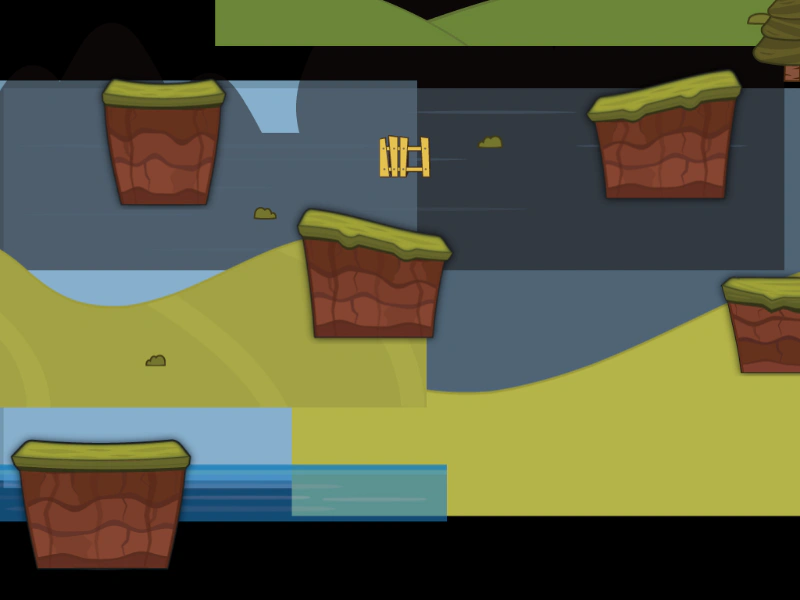
1024 × 768
class Example extends Phaser.Scene
{
    preload ()
    {
        this.load.setBaseURL('https://cdn.phaserfiles.com/v410');
        this.load.multiatlas('game', 'assets/atlas/multi-webp.json', 'assets/atlas/');
    }

    create ()
    {
        const atlasTexture = this.textures.get('game');

        const frames = atlasTexture.getFrameNames();

        for (let i = 0; i < frames.length; i++)
        {
            const x = Phaser.Math.Between(0, 1024);
            const y = Phaser.Math.Between(0, 768);

            this.add.image(x, y, 'game', frames[i]);
        }
    }
}

const config = {
    scale: { mode: Phaser.Scale.FIT },
    type: Phaser.AUTO,
    width: 1024,
    height: 768,
    parent: 'game-container',
    scene: Example
};

const game = new Phaser.Game(config);
More in Texture Atlas Multi3 examples
 Multi-Texture Atlas with Normal MapsDemonstrates loading a multi-file texture atlas that includes normal map data for dynamic lighting effects across multiple atlas frames.
 Load Multi-Texture AtlasDemonstrates how to load a multi-texture atlas where a single JSON file references multiple image files, and how to display various frames from it.