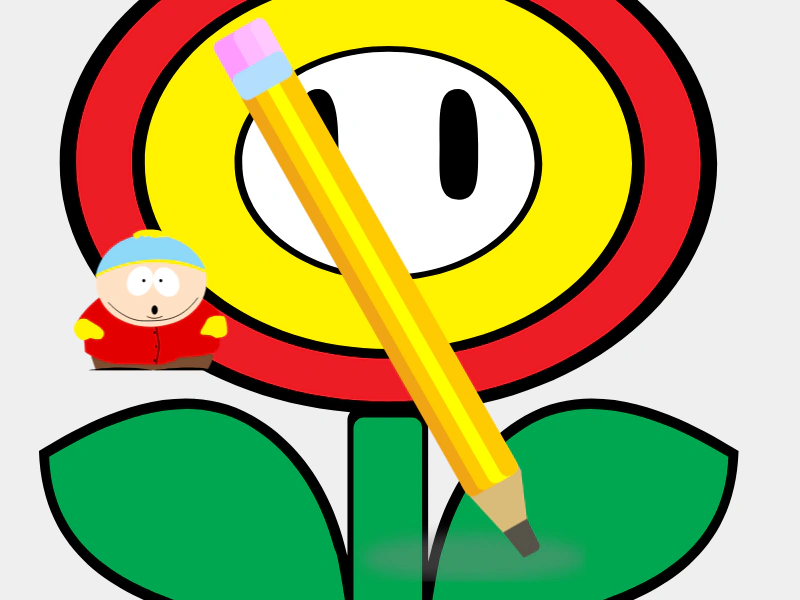
Load SVG with Fixed Size
Demonstrates how to load an SVG file with custom dimensions specified during the load process, allowing it to be rendered at a specific scale without losing quality.

800 × 600
class Example extends Phaser.Scene
{
    preload ()
    {
        this.load.setBaseURL('https://cdn.phaserfiles.com/v410');
        //  The original svg size is 104x97
        this.load.svg('cartman', 'assets/svg/cartman.svg');

        //  This svg will be loaded in using the new size given
        this.load.svg('cartman2', 'assets/svg/cartman.svg', { width: 416, height: 388 });
    }

    create ()
    {
        this.add.image(200, 300, 'cartman').setScale(2.6);

        this.add.image(600, 300, 'cartman2');
    }
}

const config = {
    scale: { mode: Phaser.Scale.FIT },
    type: Phaser.AUTO,
    width: 800,
    height: 600,
    backgroundColor: '#efefef',
    parent: 'game-container',
    scene: Example
};

const game = new Phaser.Game(config);