Multiple Scene Pointer Events
Demonstrates how pointer events are handled across multiple active scenes simultaneously, showing that interactive objects in different scenes can each trigger their own independent input events.
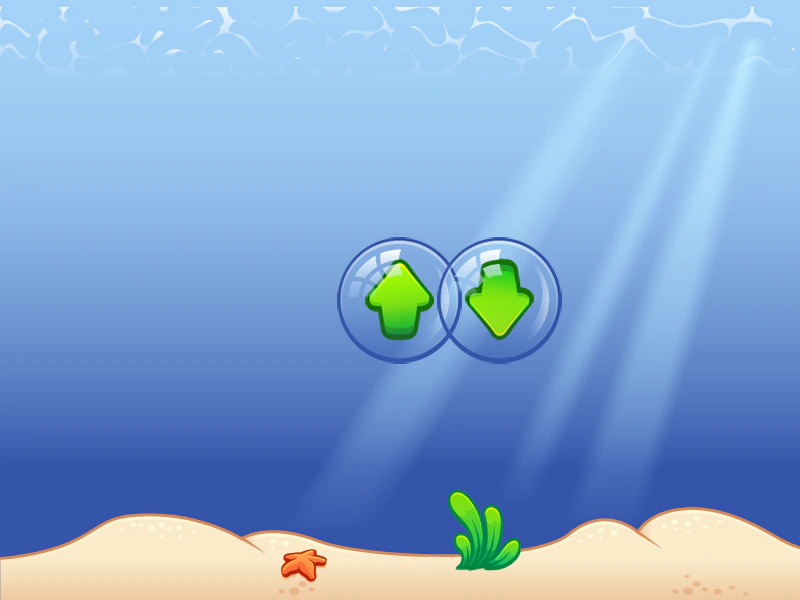
800 × 600
class SceneA extends Phaser.Scene
{
    constructor ()
    {
        super({ key: 'sceneA', active: true });
    }

    preload ()
    {
        this.load.setBaseURL('https://cdn.phaserfiles.com/v410');
        this.load.image('bg', 'assets/ui/undersea-bg.png');
    }

    create ()
    {
        const bg = this.add.image(400, 300, 'bg').setInteractive();

        bg.on('pointerdown', () =>
        {
            console.log('Scene A');
        });
    }
}

class SceneB extends Phaser.Scene
{
    constructor ()
    {
        super({ key: 'sceneB', active: true });
    }

    preload ()
    {
        this.load.setBaseURL('https://cdn.phaserfiles.com/v410');
        this.load.image('up', 'assets/ui/up-bubble.png');
    }

    create ()
    {
        const button = this.add.image(400, 300, 'up').setInteractive();

        button.on('pointerdown', () =>
        {
            console.log('Scene B');
        });
    }
}

class SceneC extends Phaser.Scene
{
    constructor ()
    {
        super({ key: 'sceneC', active: true });
    }

    preload ()
    {
        this.load.setBaseURL('https://cdn.phaserfiles.com/v410');
        this.load.image('down', 'assets/ui/down-bubble.png');
    }

    create ()
    {
        const button = this.add.image(500, 300, 'down').setInteractive();

        button.on('pointerdown', () =>
        {
            console.log('Scene C');
        });
    }
}

const config = {
    scale: { mode: Phaser.Scale.FIT },
    type: Phaser.AUTO,
    width: 800,
    height: 600,
    backgroundColor: '#000000',
    parent: 'game-container',
    scene: [ SceneA, SceneB, SceneC ]
};

const game = new Phaser.Game(config);
More in Pointer12 examples
 Pointer ButtonsLearn how to detect specific mouse buttons (left, right, or both) and disable the browser context menu for custom input handling.
 Pointer Buttons DebugDetect left, right, and simultaneous mouse button presses using pointer events and the native button state.
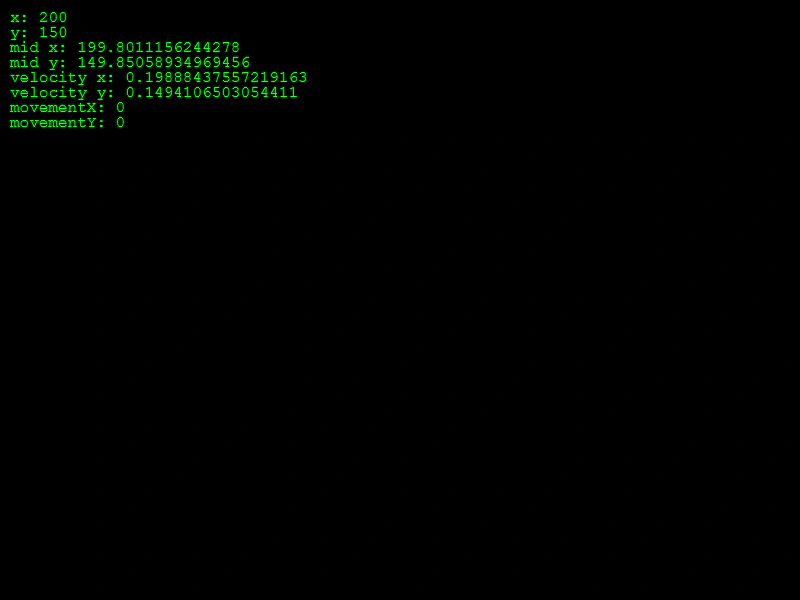 Pointer DebugDisplay real-time properties of the active pointer, including position, midpoint, velocity, and movement deltas.
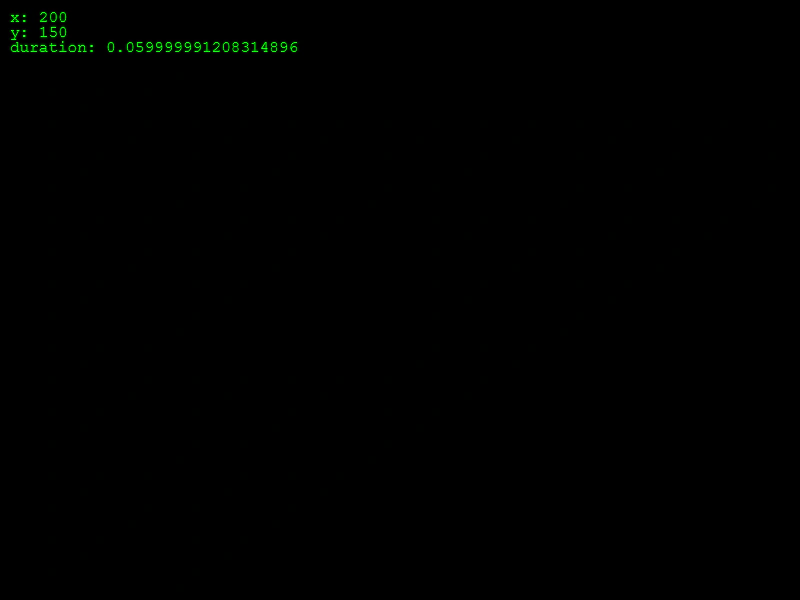 Pointer Down EventHandle global pointer down events to spawn sprites at the clicked location while tracking the active pointer's coordinates and duration.