Custom Cursor
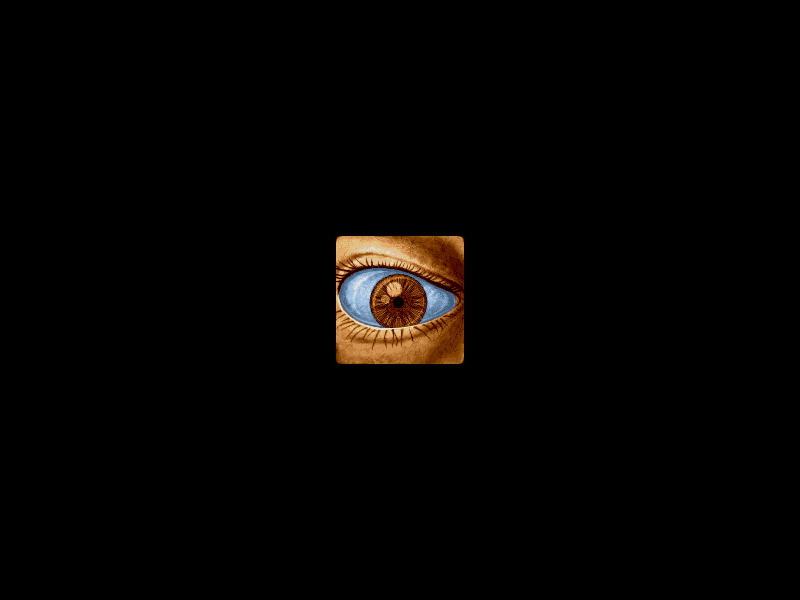
Demonstrates how to set custom hardware cursors using CSS cursor strings for both the global game canvas and specific interactive objects.
800 × 600
class Example extends Phaser.Scene
{
    preload ()
    {
        this.load.setBaseURL('https://cdn.phaserfiles.com/v410');
        this.load.image('eye', 'assets/pics/lance-overdose-loader-eye.png');
    }

    create ()
    {
        this.input.setDefaultCursor('url(assets/input/cursors/blue.cur), pointer');

        const sprite = this.add.sprite(400, 300, 'eye').setInteractive({ cursor: 'url(assets/input/cursors/pen.cur), pointer' });

        sprite.on('pointerover', function (event)
        {

            this.setTint(0xff0000);

        });

        sprite.on('pointerout', function (event)
        {

            this.clearTint();

        });
    }
}

const config = {
    scale: { mode: Phaser.Scale.FIT },
    type: Phaser.AUTO,
    parent: 'game-container',
    width: 800,
    height: 600,
    scene: Example
};

const game = new Phaser.Game(config);