Nine Slice Progress Bar
Demonstrates how to create an animated progress bar using Nine Slice game objects by tweening the width property while preserving texture corners.
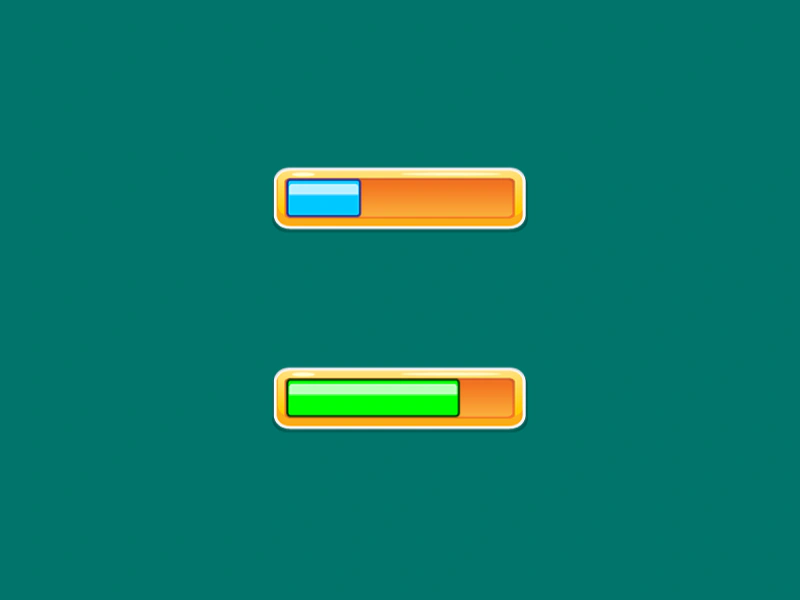
800 × 600
class Example extends Phaser.Scene
{
    constructor ()
    {
        super();
    }

    preload ()
    {
        this.load.setBaseURL('https://cdn.phaserfiles.com/v410');
        this.load.atlas('ui', 'assets/ui/nine-slice.png', 'assets/ui/nine-slice.json');
    }

    create ()
    {
        const bar1 = this.add.nineslice(400, 200, 'ui', 'ButtonOrange');
        const fill1 = this.add.nineslice(286, 198, 'ui', 'ButtonOrangeFill1', 13, 39, 6, 6);

        fill1.setOrigin(0, 0.5);

        const bar2 = this.add.nineslice(400, 400, 'ui', 'ButtonOrange');
        const fill2 = this.add.nineslice(286, 398, 'ui', 'ButtonOrangeFill2', 13, 39, 6, 6);

        fill2.setOrigin(0, 0.5);

        this.tweens.add({
            targets: fill1,
            width: 228,
            duration: 3000,
            ease: 'sine.inout',
            yoyo: true,
            repeat: -1,
        });

        this.tweens.add({
            targets: fill2,
            width: 228,
            duration: 2000,
            ease: 'bounce.out',
            yoyo: true,
            repeat: -1,
            hold: 1000
        });
    }
}

const config = {
    scale: { mode: Phaser.Scale.FIT },
    type: Phaser.AUTO,
    width: 800,
    height: 600,
    backgroundColor: '#00746b',
    parent: 'game-container',
    scene: Example
};

const game = new Phaser.Game(config);
More in Nine Slice8 examples
 Nine Slice Stress TestA performance demonstration rendering 256 Nine Slice Game Objects simultaneously, featuring randomized dimensions and real-time width and height tweening.
 Nine Slice vs ScalingA visual comparison showing how a Nine Slice object preserves its border and corner proportions when resized, compared to the distortion of a standard scaled Image.
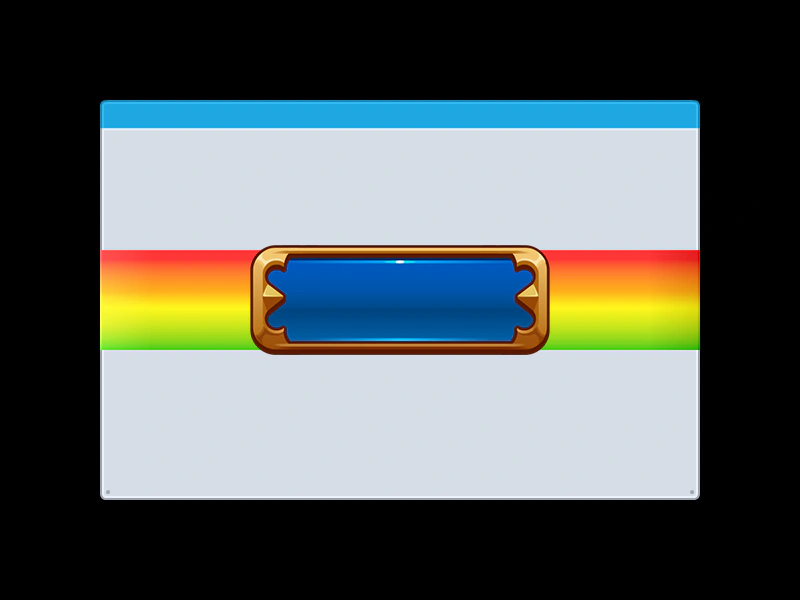 Nine Slice with Texture AtlasDemonstrates how to create Nine Slice Game Objects using frames loaded from a Texture Packer atlas.
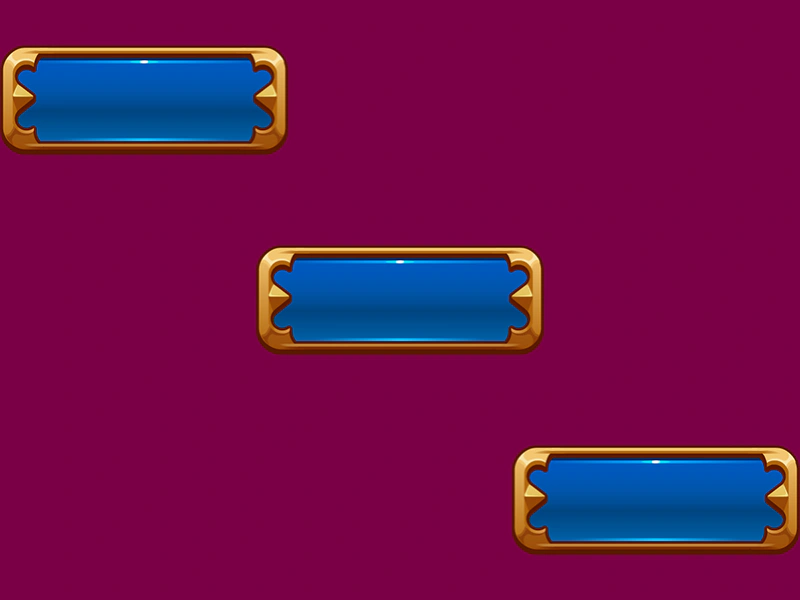 3 Slice ButtonDemonstrates using Nine Slice Game Objects to create UI buttons that can be dynamically resized horizontally while preserving their edge graphics.