Three.js Filters
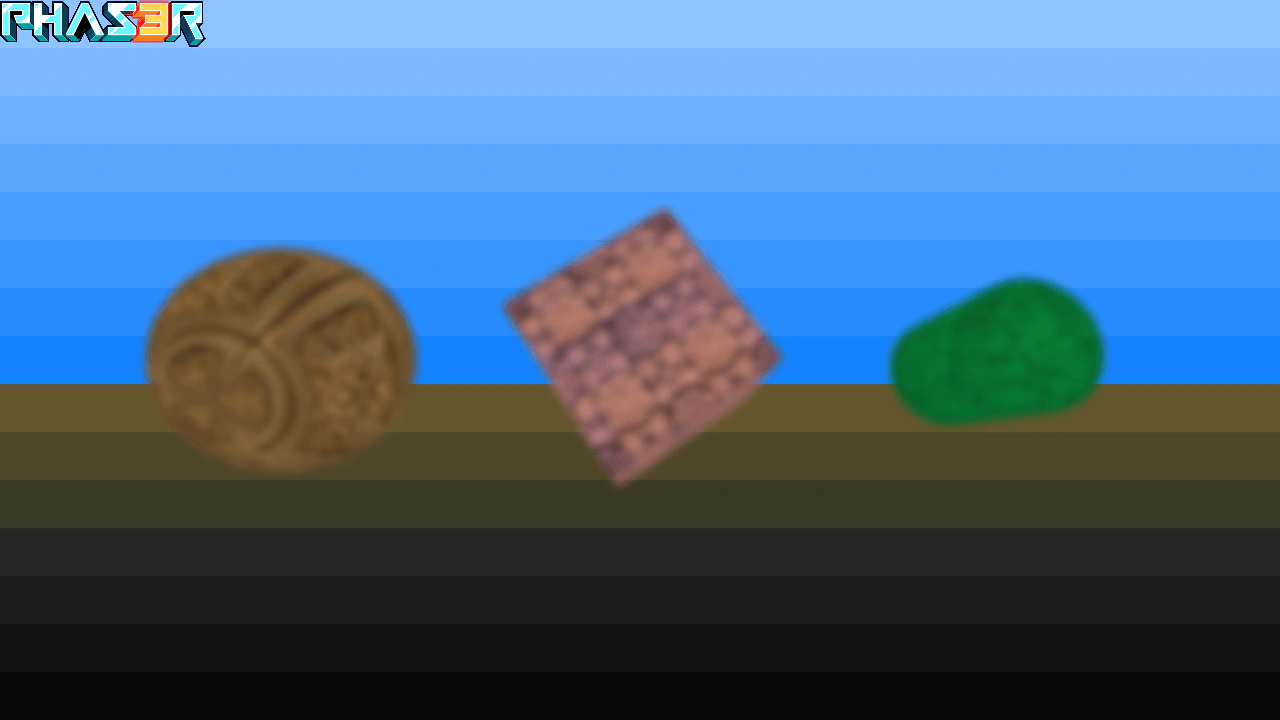
Demonstrates applying Phaser post-processing filters, such as blur, to a 3D Three.js scene integrated via an Extern Game Object.
1280 × 720
class Example extends Phaser.Scene
{
    constructor ()
    {
        super();
    }

    preload ()
    {
        this.load.setBaseURL('https://cdn.phaserfiles.com/v410');
        this.load.script('threejs', 'js/three145.js');
        this.load.image('logo', 'assets/sprites/phaser3-logo-small.png');
        this.load.image('bg', 'assets/skies/chrome.png');
    }

    create ()
    {
        this.add.image(640, 360, 'bg').setDisplaySize(1280, 720);

        this.init3D();

        this.add.image(0, 0, 'logo').setOrigin(0, 0);
    }

    //  This is all mostly ThreeJS code
    init3D ()
    {
        const camera = new THREE.PerspectiveCamera(70, 1280 / 720, 1, 10000);

        camera.position.z = 300;

        const scene = new THREE.Scene();

        const texture1 = new THREE.TextureLoader().load('assets/normal-maps/brick.jpg');
        const texture2 = new THREE.TextureLoader().load('assets/textures/gold.png');
        const texture3 = new THREE.TextureLoader().load('assets/textures/grass.png');

        const material1 = new THREE.MeshBasicMaterial({ map: texture1 });
        const material2 = new THREE.MeshBasicMaterial({ map: texture2 });
        const material3 = new THREE.MeshBasicMaterial({ map: texture3 });

        const geometry1 = new THREE.BoxGeometry(100, 100, 100);
        const mesh1 = new THREE.Mesh(geometry1, material1);

        const geometry2 = new THREE.SphereGeometry(64, 32, 16);
        const mesh2 = new THREE.Mesh(geometry2, material2);

        const geometry3 = new THREE.CylinderGeometry(35, 35, 80, 32);
        const mesh3 = new THREE.Mesh(geometry3, material3);

        mesh2.position.x = -200;
        mesh3.position.x = 200;

        scene.add(mesh1);
        scene.add(mesh2);
        scene.add(mesh3);

        //  Tell three to use the Phaser canvas
        //  Also: Notice we're using the WebGL1 Renderer here
        const renderer = new THREE.WebGL1Renderer({
            canvas: this.sys.game.canvas,
            context: this.sys.game.context,
            antialias: true,
        });

        //  Create the Phaser Extern, tells Phaser to hand-off rendering to ThreeJS
        const view = this.add.extern();

        renderer.setPixelRatio(1);
        renderer.setSize(1280, 720);

        //  You can skip this if threeJS is providing the _background_
        //  and all Phaser objects are on-top of it
        renderer.autoClear = false;

        //  The Extern render function
        view.render = (webGLRenderer, drawingContext, calcMatrix) => {

            //  This is essential to get ThreeJS to reset the GL state
            renderer.resetState();

            // Ensure the DrawingContext framebuffer is bound.
            webGLRenderer.glWrapper.updateBindingsFramebuffer({
                bindings: {
                    framebuffer: drawingContext.framebuffer
                }
            }, true);

            mesh1.rotation.x += 0.005;
            mesh1.rotation.y += 0.01;

            mesh2.rotation.x -= 0.005;
            mesh2.rotation.y += 0.02;

            mesh3.rotation.x += 0.03;
            mesh3.rotation.y += 0.02;

            renderer.render(scene, camera);

            //  Call it again, after rendering, if you get graphical corruption
            // renderer.resetState();

        };

        // Add extern to a framebuffer for Phaser filter effects.
        view.enableFilters();
        const blur = view.filters.external.addBlur();

        // Tween the blur strength.
        this.tweens.add({
            targets: blur,
            strength: 0,
            ease: 'Sine.easeInOut',
            duration: 3000,
            yoyo: true,
            repeat: -1
        });
    }
}

const config = {
    scale: { mode: Phaser.Scale.FIT },
    type: Phaser.WEBGL,
    width: 1280,
    height: 720,
    backgroundColor: '#000000',
    parent: 'game-container',
    scene: Example
};

const game = new Phaser.Game(config);