Tinted Retro Text
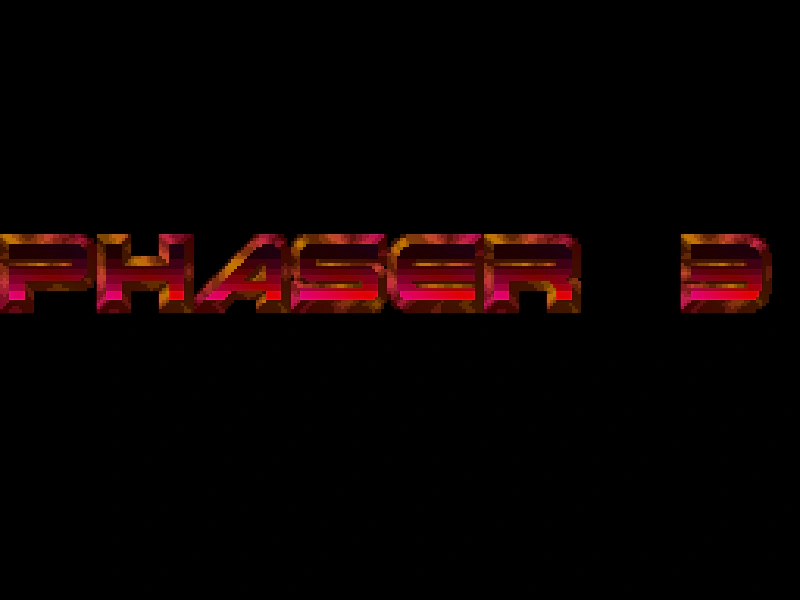
Demonstrates how to create a Bitmap Font from an image sheet using RetroFont.Parse and apply dynamic, per-character color tinting through a display callback.
1024 × 768
let i = 0;
let hsv = [];

class Example extends Phaser.Scene
{
    constructor ()
    {
        super();
    }

    preload ()
    {
        this.load.setBaseURL('https://cdn.phaserfiles.com/v410');
        this.load.image('knighthawks', 'assets/fonts/retro/knight3.png');
    }

    create ()
    {
        hsv = Phaser.Display.Color.HSVColorWheel();

        const config = {
            image: 'knighthawks',
            width: 31,
            height: 25,
            chars: Phaser.GameObjects.RetroFont.TEXT_SET6,
            charsPerRow: 10,
            spacing: { x: 1, y: 1 }
        };

        this.cache.bitmapFont.add('knighthawks', Phaser.GameObjects.RetroFont.Parse(this, config));

        const text = this.add.dynamicBitmapText(0, 300, 'knighthawks', 'PHASER 3').setScale(4);

        text.setDisplayCallback(this.textCallback);
    }

    textCallback (data)
    {
        data.tint.topLeft = hsv[Math.floor(i)].color;
        data.tint.topRight = hsv[359 - Math.floor(i)].color;
        data.tint.bottomLeft = hsv[359 - Math.floor(i)].color;
        data.tint.bottomRight = hsv[Math.floor(i)].color;

        i += 0.1;

        if (i >= hsv.length)
        {
            i = 0;
        }

        return data;
    }

}

const config = {
    scale: { mode: Phaser.Scale.FIT },
    type: Phaser.WEBGL,
    parent: 'game-container',
    pixelArt: true,
    scene: Example
};

const game = new Phaser.Game(config);
More in Retro Font7 examples
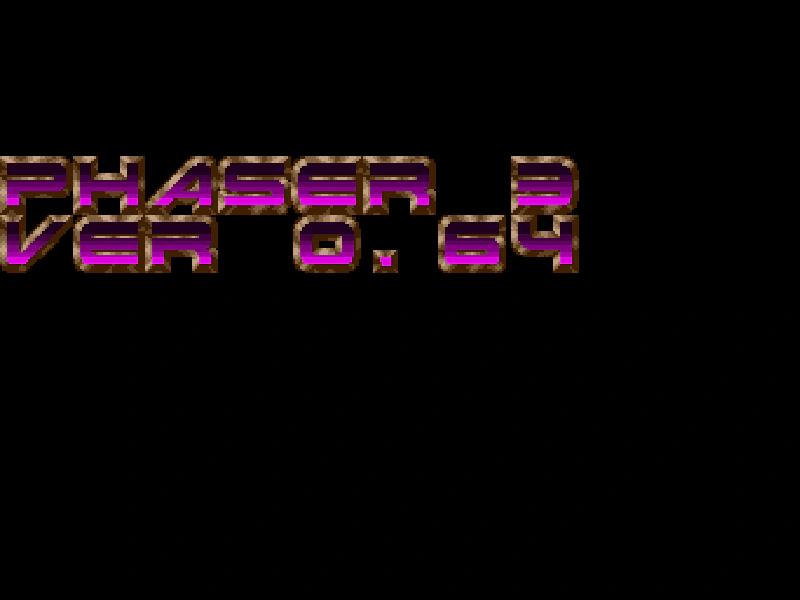 Retro Font from ImageCreate a dynamic bitmap font by parsing a sprite sheet containing retro-style characters and updating the text content in real-time.
 Retro Font Scroll with Display CallbackDemonstrates using a display callback to manipulate individual character positions in a scrolling Dynamic Bitmap Text object, creating a custom sine wave animation effect.
 Retro Font with Dynamic TextDemonstrates how to create a Bitmap Text object from an image-based retro font and update its content dynamically in the update loop.
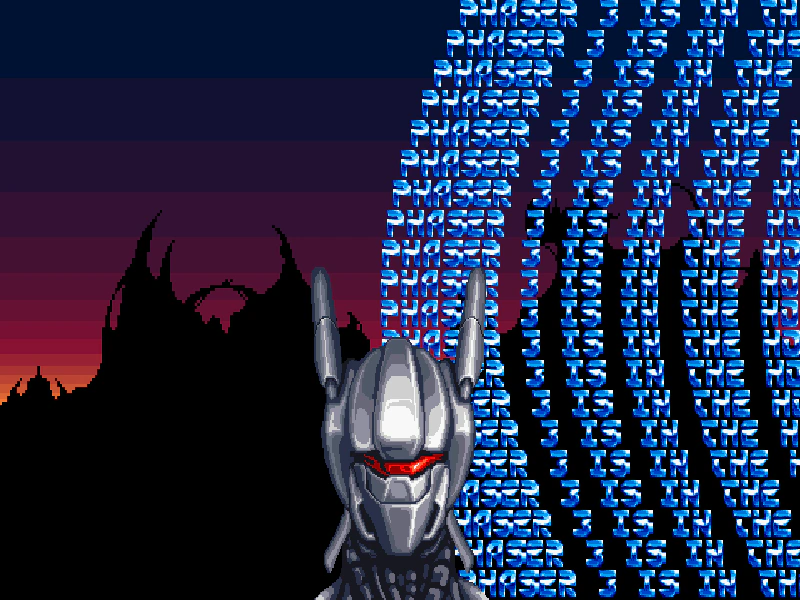 Retro Text Mega ScrollDemonstrates creating a bitmap font from an image sheet and animating multiple lines of scrolling text using the scrollX property for a classic retro effect.