Dynamic Bitmap Text Display Callback
Demonstrates how to use a display callback to manipulate individual character properties in a Dynamic Bitmap Text object, creating a custom movement effect based on character index.
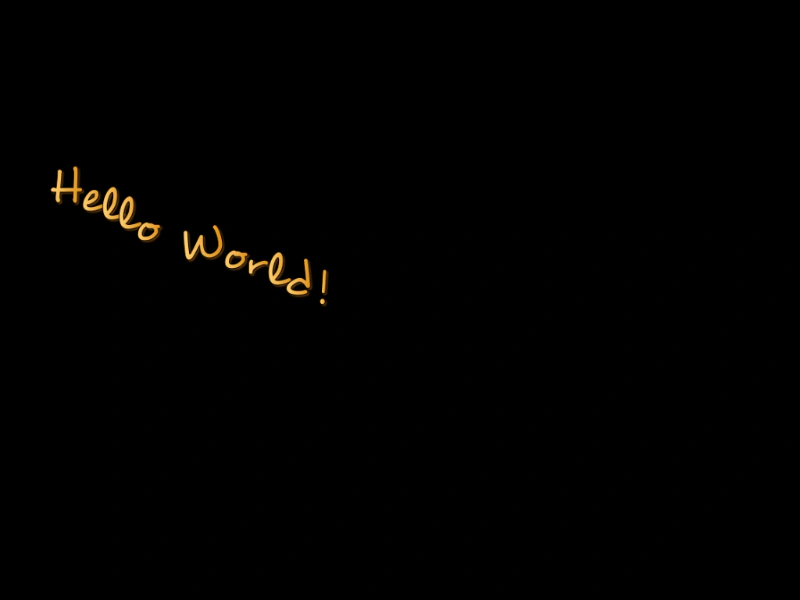
1024 × 768
const scale = { i: -64, x: 16, y: -16 };
//  data = { index: index, charCode: charCode, x: x, y: y, scaleX: scaleX, scaleY: scaleY }

class Example extends Phaser.Scene
{
    constructor ()
    {
        super();
    }

    preload ()
    {
        this.load.setBaseURL('https://cdn.phaserfiles.com/v410');
        this.load.bitmapFont('desyrel', 'assets/fonts/bitmap/desyrel.png', 'assets/fonts/bitmap/desyrel.xml');

    }

    create ()
    {
        const text = this.add.dynamicBitmapText(60, 200, 'desyrel', 'Hello World!', 64);

        text.setDisplayCallback(this.textCallback);

        this.tweens.add({
            targets: scale,
            duration: 1000,
            i: 64,
            x: -16,
            y: 16,
            ease: 'Linear',
            repeat: -1,
            yoyo: true
        });
    }

    textCallback (data)
    {
        data.y += scale.y * data.index;

        // if (data.index % 2)
        // {
        //     data.y += scale.x;
        // }
        // else
        // {
        //     data.y += scale.y;
        // }

        return data;
    }
}
const config = {
    scale: { mode: Phaser.Scale.FIT },
    type: Phaser.WEBGL,
    parent: 'game-container',
    scene: Example
};

const game = new Phaser.Game(config);
More in Dynamic8 examples
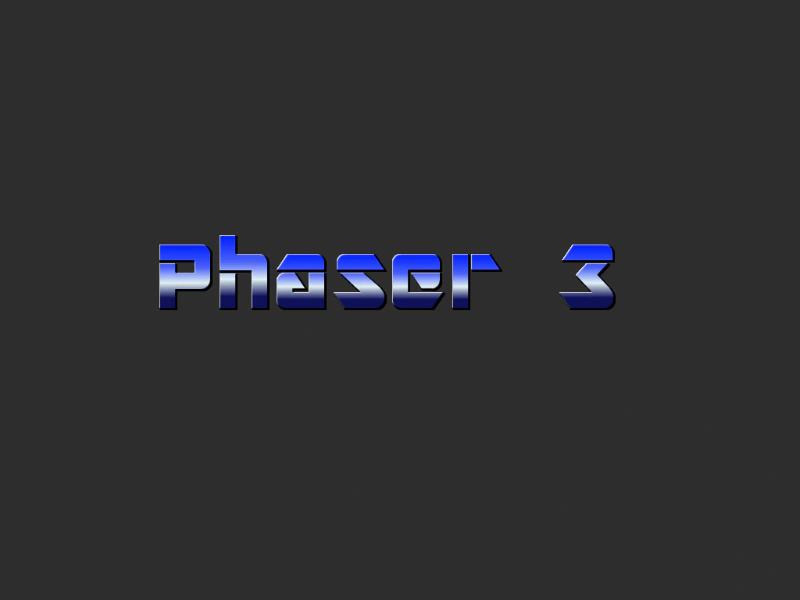 Dynamic Bitmap Text ParallaxShows how to apply different scroll factors to Dynamic Bitmap Text objects to create a parallax depth effect using the Canvas renderer.
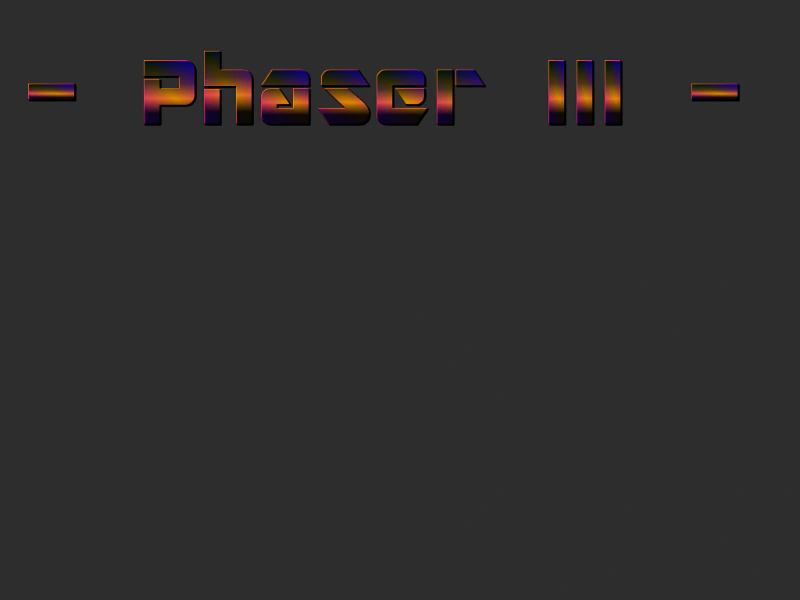 Dynamic Bitmap Text TintingDemonstrates how to use a display callback to apply dynamic, per-character tinting effects to a Dynamic Bitmap Text object using an HSV color wheel.
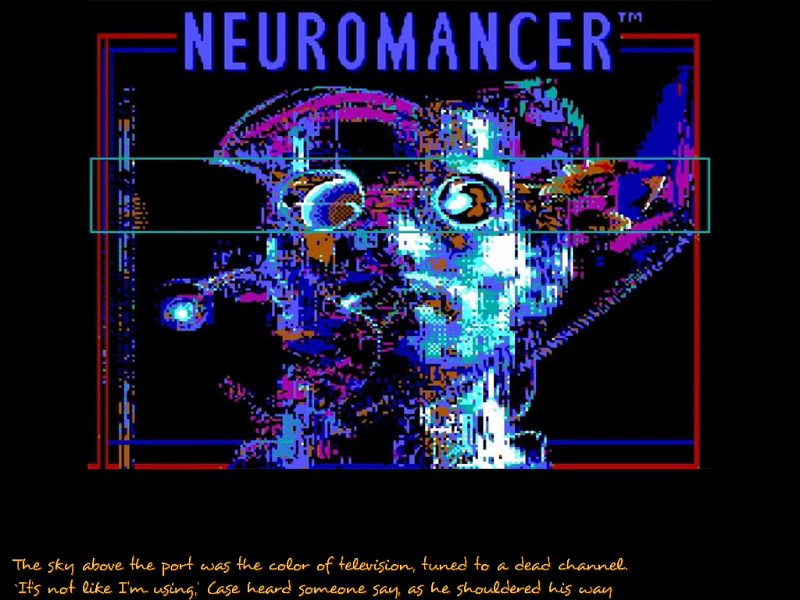 Vertical Bitmap Text ScrollerDemonstrates how to create a vertical scrolling text effect using DynamicBitmapText and the scrollY property to move a multi-line string within a fixed area.
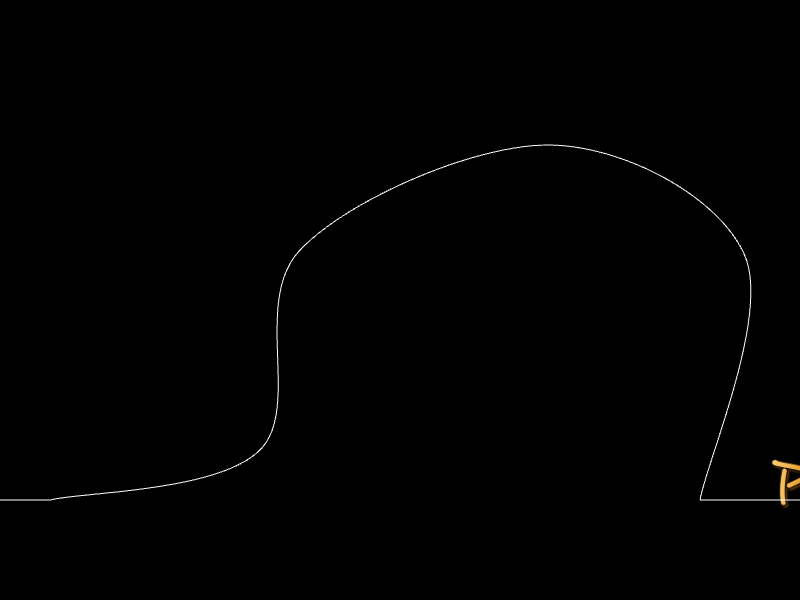 Bitmap Text Following a PathDemonstrates how to use a display callback with Dynamic Bitmap Text to position individual characters along a complex curved path.